What is PDF Share Forms?
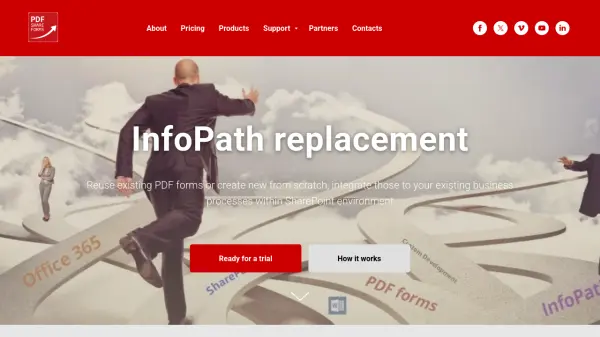
PDF Share Forms provides a comprehensive forms solution designed specifically for SharePoint environments, serving as a robust alternative to InfoPath and custom application development. The platform leverages PDF as an ISO standard format to deliver fixed-layout forms that maintain consistent appearance across mobile and desktop devices, making it ideal for organizations transitioning to paperless office workflows.
The solution enables users to reuse existing PDF forms or create new ones from scratch, then integrate them seamlessly into existing business processes within SharePoint. It supports various deployment options including on-premises SharePoint installations and cloud-based Office 365 environments, with features like form flow stage control, data pre-population from multiple sources, draft functionality for form filling, and integration with business processes without compromise.
Features
- Fixed Layout Forms: PDF forms maintain consistent appearance across mobile and desktop devices
- SharePoint Integration: Deploy and sync PDF forms directly to SharePoint environments
- Form Flow Control: Manage which fields are required or read-only at different stages of the form process
- Data Pre-population: Fill forms with data from various sources and databases
- Draft Functionality: Allow users to pause and resume form filling as needed
Use Cases
- Replacing InfoPath forms in SharePoint environments
- Creating paperless office workflows with electronic forms
- Integrating complex forms into existing business processes
- Managing form approvals and archival processes
- Developing forms with cascading dropdowns for large information lists