What is Logiforms?
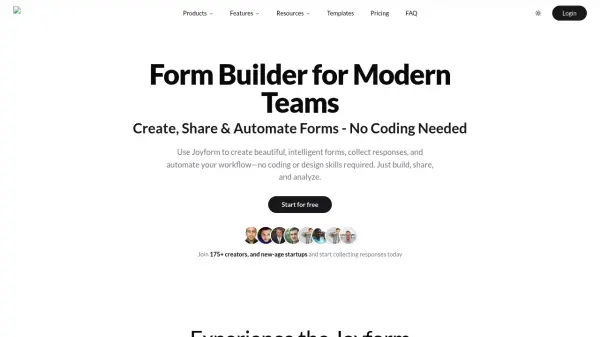
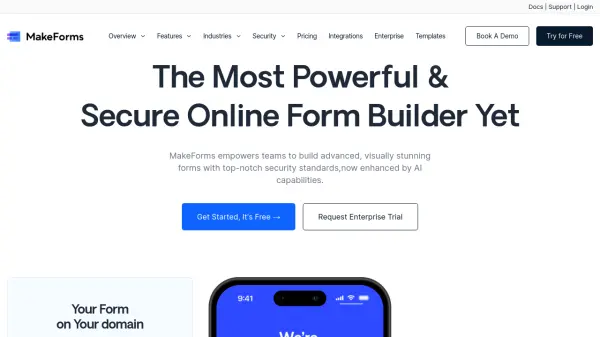
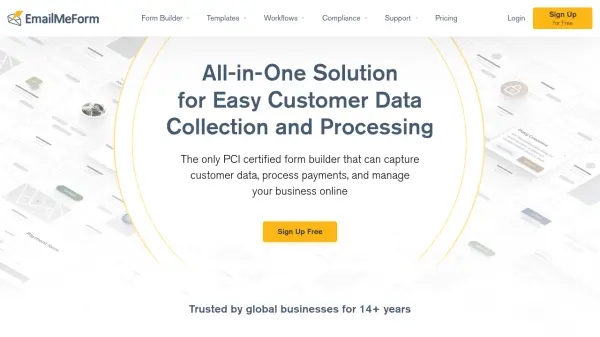
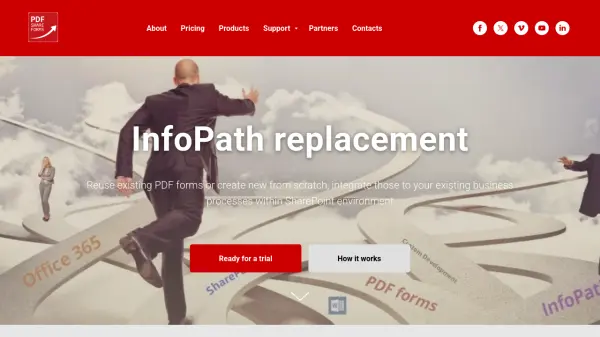
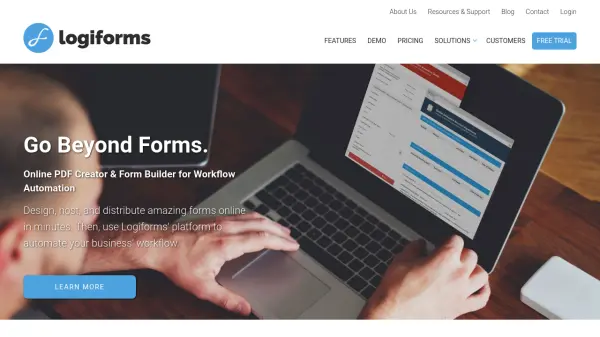
Logiforms empowers businesses to easily design, host, and distribute secure, responsive online forms while automating business workflows. Its intuitive drag-and-drop interface allows users to create multi-page, pixel-perfect forms with advanced logic and dynamic displays, all without any programming knowledge. The platform also boasts enterprise-class PDF generation tools, enabling instant creation and hosting of PDF documents populated with form data.
Organizations across various industries—from insurance and legal to human resources and education—leverage Logiforms to streamline processes such as order fulfillment, approval workflows, lead management, and claim submission. Secure and compliant, Logiforms supports integration across devices while offering robust features like automated emails, dynamic data lookups, mobile responsiveness, and comprehensive analytics.
Features
- Drag-and-Drop Form Builder: Easily design complex forms without programming.
- Responsive Mobile Support: Ensures forms perform perfectly on any device.
- Advanced PDF Generation: Create and host dynamic PDF documents instantly.
- Workflow Automation: Implement automated order fulfillment, approval processing, and notifications.
- Data Management Tools: Sort, search, and share access to form submission data.
- Multi-Page and Smart Logic Forms: Supports conditional logic and multi-step user experiences.
- Secure and Compliant: SOC2 Type II, GDPR, PCI, and HIPAA compliance.
- Dynamic Lookups: Retrieve and display data dynamically within forms.
- Save & Finish Later: Allows users to save progress and complete forms at their convenience.
- Integration with Business Processes: Custom workflows adaptable for various industries.
Use Cases
- Automating insurance claims and lead management processes
- Developing onboarding workflows for human resources
- Managing student applications in higher education
- Streamlining legal document submissions and approvals
- Facilitating real-time mobile invoicing and data capture for field teams
- Creating multi-step order forms for retail and e-commerce
- Automating medical service intake and compliance documentation
- Generating and distributing PDF-based contracts and agreements
FAQs
-
What industries does Logiforms support?
Logiforms is designed for a variety of industries, including insurance, legal, human resources, financial services, higher education, retail, and medical services. -
Can I automate email notifications using Logiforms?
Yes, Logiforms allows users to set up instant or scheduled email notifications based on form submissions. -
Is Logiforms compliant with data protection standards?
Logiforms is SOC2 Type II compliant and also supports GDPR, PCI, and HIPAA compliance. -
Do I need programming skills to create forms?
No programming skills are required—Logiforms provides a drag-and-drop interface for building forms. -
Does Logiforms provide PDF generation functionality?
Yes, advanced PDF tools are fully integrated, enabling instant creation, hosting, and dynamic population of PDF documents.