What is PDF Bob?
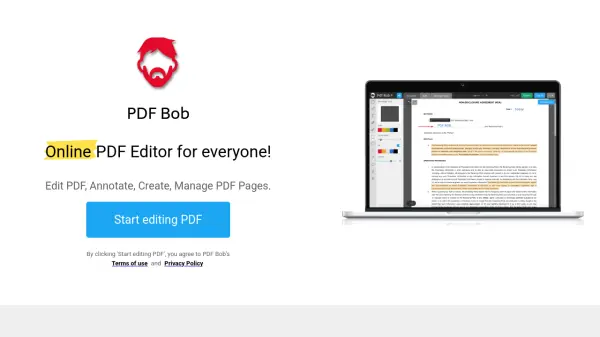
PDF Bob is a comprehensive online PDF editing platform designed for accessibility and ease of use. It enables users to perform various PDF modifications directly in their web browser, eliminating the need for software installation. The tool supports text editing, annotation with sticky notes and shapes, image insertion, page management, and document protection features.
Additionally, PDF Bob offers conversion capabilities between PDF and formats like Word, JPG, and PNG, along with file storage and sharing options. All core editing functions are available free of charge, with no advertisements or watermarks added to documents.
Features
- Text Tool: Type text comments or add new text objects to PDF documents
- Annotation Tools: Highlight, underline, strikethrough, and use sticky notes for annotations
- Shape Tools: Annotate with rectangles, circles, lines, and arrows
- Page Management: Rearrange, delete, or add blank pages to PDF files
- Conversion Capabilities: Convert PDF to Word, JPG, PNG, and other formats
- File Protection: Set passwords to protect PDF files and redact sensitive data
- Cloud Integration: Store files on servers or upload to Dropbox and Google Drive
- Pencil Tool: Draw freehand annotations and objects on PDF documents
Use Cases
- Editing and annotating PDF documents for review or collaboration
- Converting PDF files to editable formats like Word for further modifications
- Merging multiple PDF files into a single document for organization
- Protecting sensitive information in PDFs by redacting text or adding passwords
- Managing PDF pages by rearranging, adding, or deleting them as needed
- Adding images or drawings to PDFs for enhanced visual content
- Compressing PDF files to reduce file size for easier sharing