What is LEOPDF?
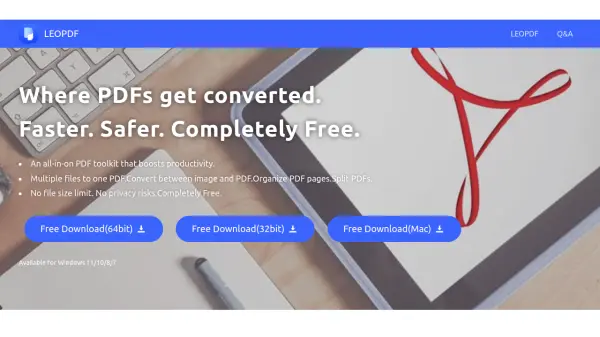
LEOPDF is a powerful offline PDF conversion and management software designed to streamline your document workflows directly on your Windows computer. Unlike online converters, LEOPDF operates entirely offline, eliminating the need for file uploads and delivering risk-free, fast, and secure file conversions regardless of internet speed or connectivity.
This all-in-one toolkit offers functionalities such as merging multiple files into a single PDF, converting between image formats and PDF, organizing or splitting PDF pages, and compressing large PDF files without quality loss. With no file size limits and a strong emphasis on user privacy, LEOPDF makes document handling efficient and secure for individuals and professionals alike.
Features
- Offline Conversion: All processes are performed locally on your computer, ensuring privacy and unrestricted speed.
- PDF Merging: Combine multiple file formats into a single PDF document.
- Image-to-PDF Conversion: Convert image files (JPG, PNG, BMP, TIFF) to PDF format.
- PDF-to-Image Conversion: Extract images from PDFs or convert PDF pages to image formats.
- PDF Splitter: Easily split PDF files into multiple documents.
- PDF Organizer: Rearrange, rotate, or delete PDF pages quickly.
- Unlimited File Size: No restriction on file size during conversion and processing.
- Completely Free: All features are available at no cost, without ads or registrations.
- Windows Compatibility: Compatible with Windows 11/10/8/7 operating systems.
- Privacy Protection: Files remain on your local computer; nothing is uploaded to remote servers.
Use Cases
- Merging documents from various formats into a single PDF for presentations or reports.
- Converting scanned images or photos to PDF for archiving or sharing.
- Splitting large PDF documents for easier distribution or storage.
- Compressing high-volume PDF files to reduce storage space while maintaining quality.
- Organizing PDF pages to remove redundant or blank pages and adjust page order.
- Transforming PDF files into image formats for use in publications or graphics.
- Enabling professionals to convert and manage documents securely in legal, academic, or business settings.
- Offline PDF management when internet connectivity is limited or unavailable.
FAQs
-
Does LEOPDF upload my files to a server?
No, LEOPDF operates completely offline on your computer, ensuring that your files are never uploaded to any server, thereby preserving file privacy. -
Is there a file size limit for conversion?
No, LEOPDF does not impose any restrictions on file size during conversions. -
Is LEOPDF available for Mac?
Currently, LEOPDF is only available for Windows. A Mac version is under development. -
Will my file formatting be preserved after conversion?
LEOPDF maintains formatting during conversion for most file types. If you encounter formatting issues, you can reach out to their support team for assistance. -
Is registration or payment required to use LEOPDF?
No registration or payment is required. LEOPDF is completely free and does not use advertisements.