

What is LeaderTask?
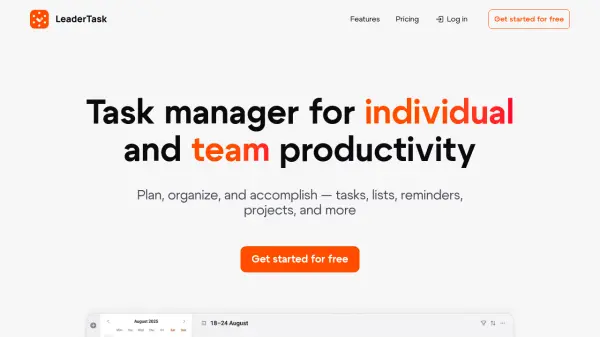
LeaderTask is a task management application designed to enhance productivity for both individuals and teams. It provides a centralized platform where users can organize work projects, personal tasks, and assignments. The tool features boards for visualizing workflows and goals, allowing users to drag cards between stages and manage projects visually. A calendar view helps users keep their schedule under control with options for day, week, month, year, and even 10-year planning.
The application supports task management with filters, sorting, reminders, notifications, attachments, and checklists. It includes integrations, recurring tasks, task tree structures, and roles with access controls. LeaderTask works across all devices and offers offline functionality, syncing data once back online. With over 12 years of experience in building IT solutions, it is secured by ISO/IEC 27001:2005 certification and maintains 99.9% high availability with free support.
Features
- Tasks: Organize work projects, personal tasks, and assignments in one place
- Boards: Visualize workflows and goals with drag-and-drop cards between stages
- Calendar: Manage schedules with day, week, month, year, and 10-year views
- Filters and Sorting: Efficiently manage tasks with customizable filters and sorting options
- Reminders and Notifications: Get alerts about upcoming tasks, meetings, and events
- Attachments and Checklists: Add documents, images, voice notes, and checklists to tasks
- Integrations: Connect with other tools like Telegram for task management
- Recurring Tasks: Set tasks to repeat daily, weekly, monthly, or yearly
- Task Tree: Organize tasks with subprojects and subtasks in a hierarchical structure
- Across All Devices: Use on web, Windows, Android, and iOS with synchronization
- Roles and Access Controls: Manage team permissions and collaboration settings
- Offline Mode: Work without internet, with data syncing when back online
Use Cases
- Personal task management for studies, relationships, and hobbies
- Team project planning and delegation in business environments
- Visual workflow management using Kanban boards for projects
- Schedule planning and time management with calendar integration
- Task organization with reminders to prevent forgetting important events
- Collaborative work on shared projects and boards with teammates
- Managing recurring tasks for daily, weekly, or monthly activities
- Organizing tasks across multiple devices with synchronization