What is Layup?
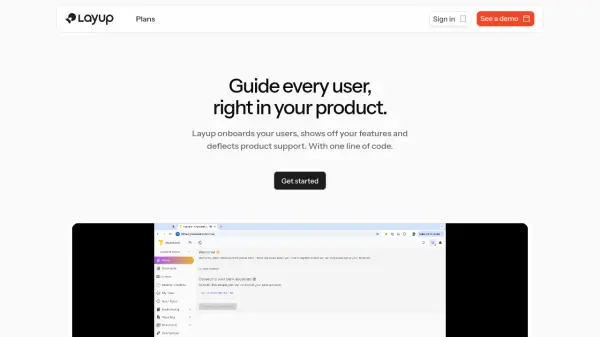
Layup provides an intelligent second cursor for guiding users directly within a product. The platform intelligently adapts to user access, switching between cursor and conversational guidance in real-time, offering always-on feature tours and built-in onboarding.
Layup is designed to be frictionless for developers, deploying in less than 5 minutes with no overhead and autonomous product indexing and relearning, it is fully customizable to specific brand. It is also secure by design, compliant with GDPR, SOC2, and HIPAA standards.
Features
- Cursor-Driven Guidance: Provides an interactive second cursor to guide users.
- Dynamic Guidance: Switches between cursor and conversational guidance in real-time.
- Feature Tours: Offers always-on feature tours to showcase new features.
- Built-in Onboarding: Engages users quickly with integrated onboarding.
- Autonomous Learning: Learns and relearns the product autonomously, without tagging.
- Customization: Fully customizable to match the brand.
- Fast Deployment: Deploys in under 5 minutes with a single line of code.
- Security Compliance: Compliant with GDPR, SOC2, and HIPAA standards.
Use Cases
- Onboarding new users
- Highlighting new features
- Deflecting product support tickets
- Scaling customer success motions
- Growing key accounts through targeted guidance
- Improving user engagement
FAQs
-
How hard is it to set up Layup?
Layup is designed for a rapid set up. Just paste one-line of code to deploy. -
Do I need to code?
Layup works with any stack. Just invite Layup as a user to your product to start training. -
How do I maintain Layup?
Layup autonomously learns, then relearns your product. No tagging required. -
Can you use my brand and colors?
Layup is Fully customizable to your brand. Down the the last corner, color, and icon. -
What if I already have a chatbot?
Layup is distinct type of tool that provides an interactive second cursor.