What is Document Locator?
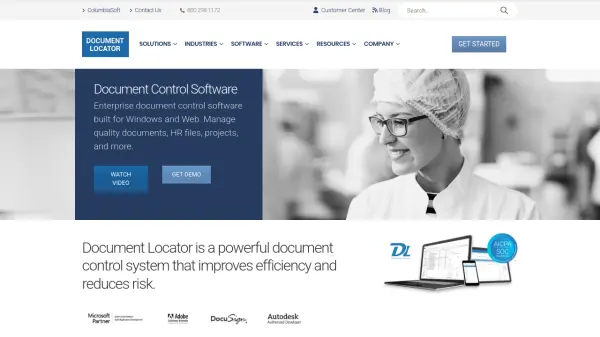
Document Locator is a powerful document control system designed to improve efficiency and reduce risk in business operations. This enterprise-grade software provides centralized document management with features like version control, document workflow automation, paperless scanning, and secure access. Built for Windows with web access capabilities, it helps organizations replace manual paper-driven procedures with electronic filing, routing, reviews, and approvals.
The system streamlines quality and compliance by automating document control procedures to meet standards including ISO, FDA, HIPAA, and others. It offers flexible deployment options with both cloud and on-premise solutions, along with comprehensive features for searching, security, reporting, and integration with popular business tools like Microsoft Office and DocuSign.
Features
- Version Control: Automate file versioning and track document changes
- Workflow Automation: Route documents for review and approval with customizable processes
- Full Text Search: Search the contents of files across the entire document repository
- Electronic Forms: Process paperless forms with automated routing and data capture
- Cloud Hosting: Secure, SOC 2 certified hosting with reliable access
- Web Access: Access files and documents online from any location
- Security: Flexible, role-based security controls for document protection
- Reporting: Generate business intelligence reports on document activity and status
Use Cases
- Managing quality documents and compliance procedures for ISO, FDA, and HIPAA standards
- Automating employee file management and HR policy distribution
- Streamlining project document management with automated folder creation and approval workflows
- Centralizing contract management and business process automation
- Implementing electronic forms processing for paperless operations
- Managing policy distribution and tracking required reading acknowledgments