What is Cursiverter?
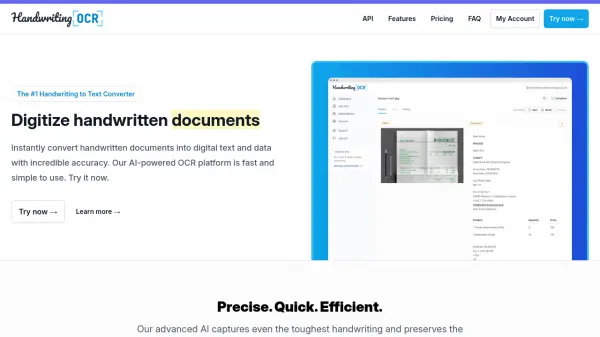
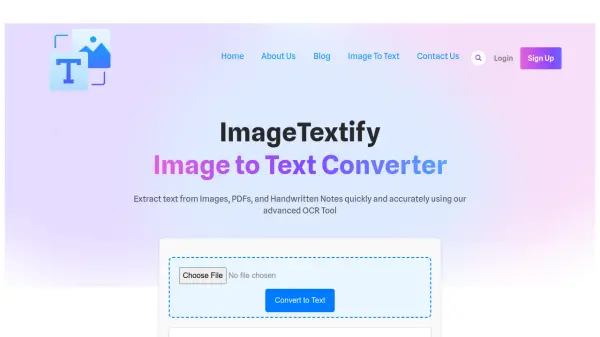
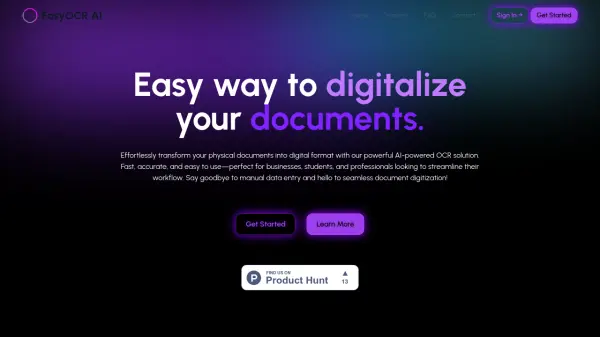
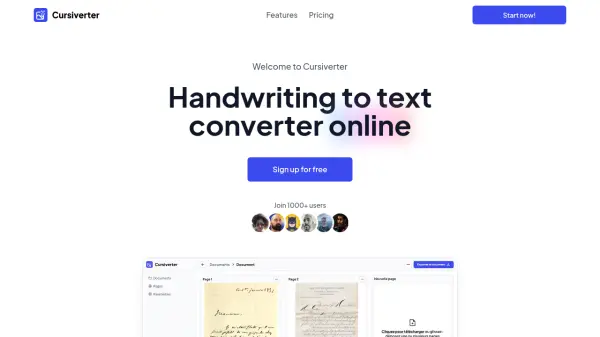
Cursiverter offers an efficient solution for converting handwritten documents into digital text using Artificial Intelligence and Optical Character Recognition (OCR). It is designed to handle various types of documents, including personal notes and historical papers, as well as typewritten and printed materials. The platform boasts over 90% accuracy and processes documents quickly, making digitization tasks less time-consuming.
This online converter supports multiple file formats such as JPG, PNG, WEBP, and PDF, ensuring flexibility for users. Cursiverter is also capable of processing large volumes of documents, handling thousands of pages within minutes. It features an intuitive interface accessible on various devices, including mobiles and tablets, and supports all Latin and Slavic languages for broad usability.
Features
- High Accuracy Conversion: Achieves over 90% accuracy in text transcription.
- Fast Processing: Converts documents within seconds.
- Multilingual Support: Compatible with all Latin and Slavic languages.
- Versatile File Format Support: Accepts JPG, PNG, WEBP, PDF, TIFF, BMP formats.
- Batch Processing: Capable of converting thousands of documents efficiently.
- Integrated Text Editor: Allows simultaneous viewing of the document and editing of the transcribed text with formatting options.
- Cross-Device Accessibility: Usable on desktops, mobiles, and tablets.
Use Cases
- Digitizing handwritten notes for students or professionals.
- Converting historical handwritten documents for researchers or archivists.
- Transforming scanned typewritten documents into editable formats.
- Processing large quantities of paper documents for businesses.
- Making handwritten content searchable and editable.
FAQs
-
How to convert hand written to text?
Scan or photograph your handwritten document, import it to the Cursiverter platform, let the AI technology analyze and convert the text, and then retrieve the digital text. -
How to convert a handwritten image to text with OCR?
Upload your image to the Cursiverter platform. The OCR system analyzes characters, and the AI interprets the text contextually to produce an editable digital document. -
Which file formats are accepted?
Cursiverter supports images in JPG, PNG, TIFF, and BMP formats, as well as PDF documents. Batch processing of multiple files is also possible. -
Which languages does Cursiverter support?
Cursiverter supports Latin languages (like French, English, Spanish, Portuguese, Italian) and Slavic languages (like Russian, Ukrainian, Bulgarian). -
Why might Cursiverter not recognize text correctly?
Incorrect recognition can be due to poor scan quality (low resolution, bad lighting, blurriness), layout issues (crooked pages, misaligned text), or using unsupported languages or special characters. Ensure good lighting, clear scans, straight pages, and supported languages for best results.