What is Copyacross?
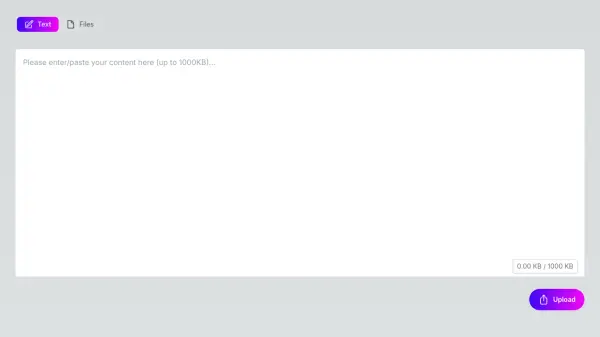
Copyacross enables users to seamlessly transfer text and files between devices such as PCs, Macs, Android phones, and iPhones. It supports uploading up to two files, each up to 50MB in size, with no login required, ensuring a hassle-free experience.
The tool provides customizable settings for expiration times, allowing users to set durations from 5 minutes to 12 hours. It also includes options to limit copy access, specifying how many times content can be accessed before it expires. Data security is maintained through SSL encryption, keeping transfers private and secure.
Features
- File Upload: Supports uploading up to 2 files, each up to 50MB in size
- Customizable Expiration: Set expiration times from 5 minutes to 12 hours for automatic content removal
- Access Control: Limit how many times content can be copied before it expires
- SSL Encryption: Ensures data privacy and security during transfers
- Multi-Device Support: Works across PCs, Macs, Android, and iPhone devices
- No Login Required: Transfer content without creating an account or logging in
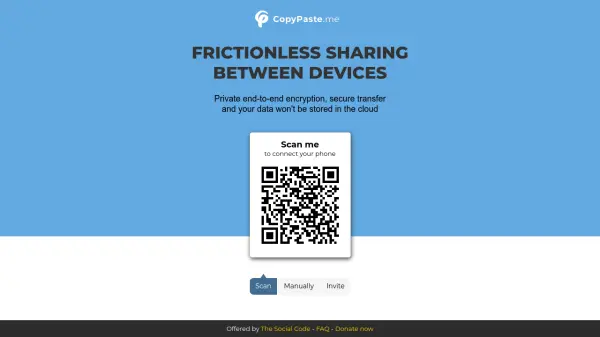
- QR Code Sharing: Share content securely using QR codes for easy access
- Link Sharing: Provide direct links to uploaded content for quick retrieval
Use Cases
- Transferring text notes between a computer and a mobile device
- Sharing files securely with colleagues without using email
- Sending sensitive information with controlled access and expiration
- Quickly moving URLs or links across different devices
- Backing up small files temporarily with automatic deletion