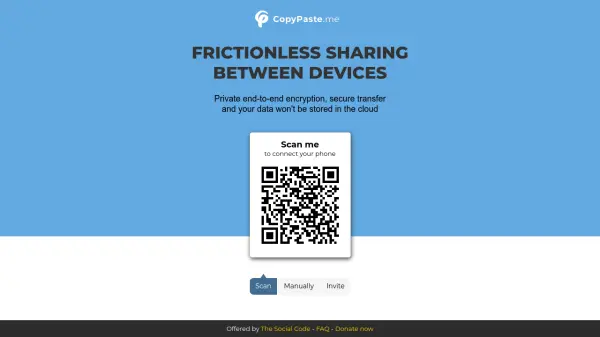
What is CopyPaste.me?
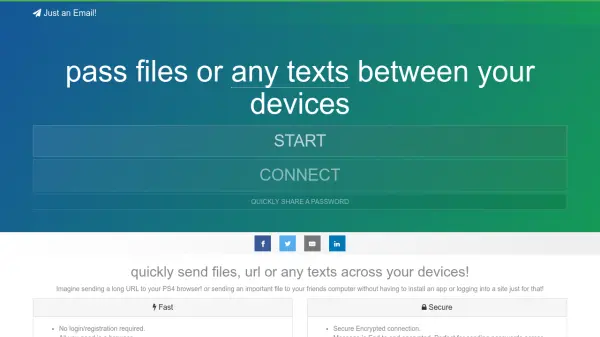
CopyPaste.me is a secure, browser-based service that enables frictionless sharing of passwords, text snippets, and files between any devices, such as phones, laptops, and tablets. It uses end-to-end encryption and does not store any data on its servers, ensuring your information remains private and under your control.
With CopyPaste.me, you can quickly connect devices by scanning a QR code or using a manual code. The tool is offered free of charge by The Social Code Foundation, relying on donations to cover operational costs. It is an ideal solution for securely transferring sensitive data without relying on cloud services, USB drives, or insecure messaging apps.
Features
- End-to-End Encryption: All data is encrypted before transmission and decrypted only on the recipient's device.
- No Cloud Storage: Data is not stored on any server, ensuring complete privacy.
- QR Code Connection: Quickly connect devices by scanning a QR code with your phone's camera.
- Manual Connection: Connect devices without a camera using a 4-digit code.
- Share Anything: Transfer passwords, text snippets, and files of any type.
- Auto-Clearing Clipboard: Data on the receiving device automatically clears after a set time for added security.
- Cross-Platform: Works on any device with a modern web browser.
- Free to Use: No subscription or payment required; supported by donations.
Use Cases
- Securely sharing passwords between devices
- Transferring text snippets like code, error messages, or notes
- Sending files between a phone and a laptop without USB cables or cloud services
- Sharing photos or documents with someone you've just met without exchanging contact details
- Transferring sensitive information between a personal and work computer
FAQs
-
Is CopyPaste.me really free?
Yes, the service is free to use for everyone. It is offered by The Social Code Foundation and relies on donations to cover operational costs. -
How does the QR code connection work?
A QR code is generated specifically for your session. You can scan it with your phone's camera to instantly connect and start sharing data. -
Can I share files larger than a certain size?
The homepage does not specify file size limits, but the service is designed for sharing passwords, text snippets, and files. For large files, you may need to consider other options. -
Is my data stored on the server?
No, your data is end-to-end encrypted and is not stored on any server. It is transmitted directly between devices. -
How can I support CopyPaste.me?
You can support the project by making a donation or becoming a patron via the links on the website.