What is Tnxfr?
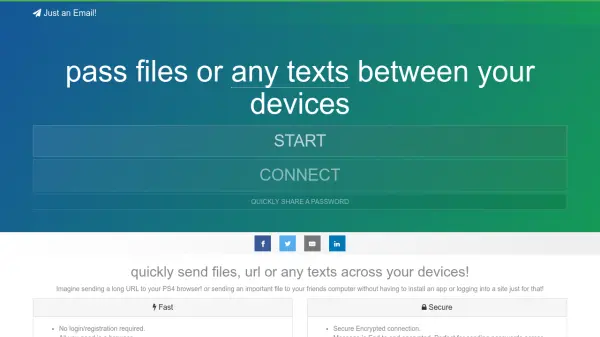
Tnxfr enables users to seamlessly transfer files, URLs, and text across devices using only a web browser. It eliminates the need for app installations or account logins, making it ideal for quick sharing tasks like sending a long URL to a gaming console or passing files to another computer. The tool supports file transfers up to 80 MB and includes a terminal option for advanced users.
Security is a core feature, with end-to-end encryption for all messages and files, ensuring privacy for sensitive data like passwords. All content is automatically erased once the browser window is closed, providing temporary, secure sharing. A Lite version is available for compatibility with older browsers, and the tool is open-source on GitHub for transparency and community contributions.
Features
- File Sharing: Transfer files up to 80 MB between devices
- Text and URL Transfer: Send any text or URLs quickly across devices
- End-to-End Encryption: Secure encrypted connection for messages and files
- No Login Required: Use without registration or app installation
- Automatic Deletion: Everything is erased when the browser window is closed
- Terminal Support: Share files from your terminal
- Lite Version: Compatible with very old browsers
Use Cases
- Sending a long URL to a PS4 browser
- Transferring important files to a friend's computer without installing apps
- Quickly sharing passwords between devices securely
- Sending arbitrary text or links across different devices
- Using terminal commands to share files