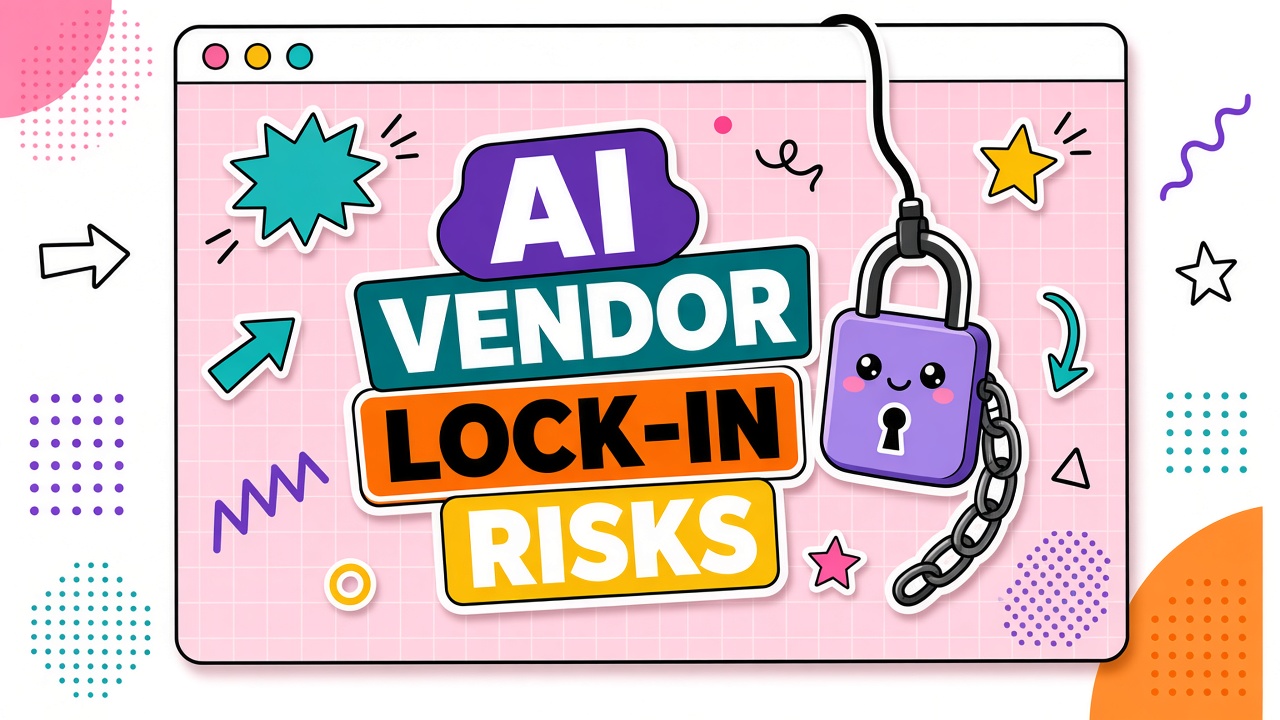
AI tool vendor lock-in rarely arrives as a contract clause labeled "you cannot leave." It accumulates through proprietary data formats, embedded prompt libraries, custom integrations, and team habits built around one platform. By the time you want to switch, migration cost feels higher than tolerating a mediocre tool.
This guide maps lock-in types, export limitations, and exit strategies so you can evaluate dependency risk before commitment. Teams building on APIs should review our AI API and AI automation categories with portability requirements written into the evaluation criteria.
Types of AI Vendor Lock-In
Lock-in has four common forms: data, prompt, integration, and organizational. Each type has different exit difficulty. Understanding the matrix helps you negotiate terms and design workflows that preserve optionality.
| Lock-in type | How it forms | Exit difficulty |
|---|---|---|
| Data | Proprietary export formats, incomplete backups, hosted embeddings | High |
| Prompt and workflow | Template libraries, agent configs, fine-tuned models tied to platform | Medium to high |
| Integration | Custom connectors, webhook chains, embedded widgets in core apps | Medium |
| Organizational | Team training, documented SOPs, muscle memory on one UI | Low to medium |
Data Export Limitations and Formats
Your data should leave in open formats you control. Before signing, request a sample export during evaluation. Confirm you receive conversation logs, uploaded documents, vector indexes (or source documents to rebuild them), and configuration metadata in machine-readable formats like JSON, CSV, or plain text.
Questions to ask about data portability:
- Can we export all customer data within 30 days of termination?
- Are embeddings exportable, or must we re-index from source documents?
- Does export include audit logs and usage history?
- Is there an API for bulk export, or only a manual download?
- What data is deleted immediately upon account closure?
Prompt and Workflow Portability
Prompt libraries are intellectual property you built inside someone else's sandbox. Maintain a canonical copy of every production prompt, system instruction, and agent configuration in your own version-controlled repository. Do not let the vendor's UI be the only source of truth.
Portability practices:
- Store prompts in Git with comments explaining intent and expected output format.
- Document model parameters (temperature, max tokens, model name) alongside each prompt.
- Avoid platform-specific syntax that does not translate to other providers.
- Test prompts against a second model provider quarterly to confirm they are not platform-dependent.
Integration and API Dependency
Deep integrations multiply switching cost. When an AI tool is embedded in your CRM, ticketing system, or internal dashboard, replacing it requires engineering time beyond swapping subscriptions. Design an abstraction layer when possible: your application calls your wrapper, the wrapper calls the vendor API.
Integration lock-in signals:
- Custom SDK features not available through standard REST APIs
- Webhook payloads in proprietary schemas without documentation
- Single-sign-on tied to vendor-specific identity extensions
- Embedded UI components that cannot be replaced without frontend rewrites
Exit Planning Before You Sign
Write an exit plan at procurement, not at renewal crisis. The plan should name data export steps, prompt migration path, integration replacement timeline, and a parallel vendor candidate. Attach export and transition assistance terms to the contract.
| Contract clause | What to require |
|---|---|
| Data export window | 30-day post-termination access to full export |
| Format guarantee | Machine-readable export in documented open formats |
| Transition support | Optional paid migration assistance at agreed rates |
| No export fees | Export included in subscription, not a termination penalty |
Frequently Asked Questions
Do open standards reduce AI vendor lock-in?
Yes, when vendors support portable formats (MCP for tool connections, standard embedding dimensions, OpenAPI-documented endpoints). Open standards do not eliminate lock-in if your prompts and fine-tuned models remain platform-specific. Prefer vendors who document interchange formats explicitly.
Should we request source code escrow for critical AI vendors?
Escrow is rare for SaaS AI tools but worth discussing for custom deployments or on-premise installations. For standard cloud SaaS, focus on data export guarantees and transition assistance rather than code escrow.
How long does migrating away from an AI tool typically take?
Simple chatbot replacements may take two to four weeks. Deep integrations with custom agents and re-indexed knowledge bases can take three to six months. Your exit plan should estimate timeline based on integration depth, not subscription cancellation speed.
Can we reduce lock-in while still using one primary vendor?
Yes. Keep prompts in Git, export data monthly, maintain a qualified backup vendor, and use abstraction layers for API calls. Organizational habits will still favor the primary tool, but technical and data lock-in stay manageable.
The Bottom Line
AI vendor lock-in is a design choice as much as a vendor strategy. Export your data in open formats, version-control your prompts, abstract your integrations, and write exit terms into the contract before you sign. The cheapest time to plan your exit is before you depend on the front door.