CopyPasteFree favicon

CopyPasteFree
Universal copy and paste across multiple devices for free

What is CopyPasteFree?

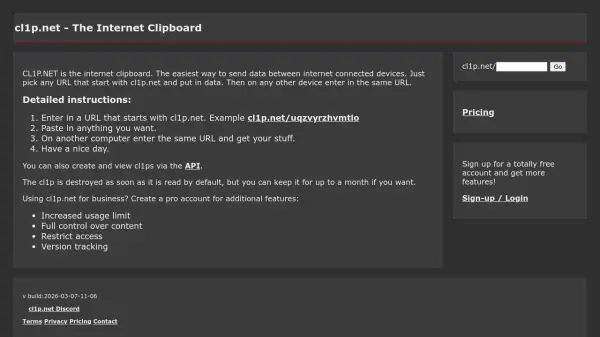
CopyPasteFree is a cross-platform tool designed to facilitate universal copy and paste functionality across multiple devices. It allows users to transfer text, passwords, and files between Android, iPad, iPhone, Mac, and Windows systems without any cost. The service operates through secure session tokens, ensuring that all information remains protected during transfers.

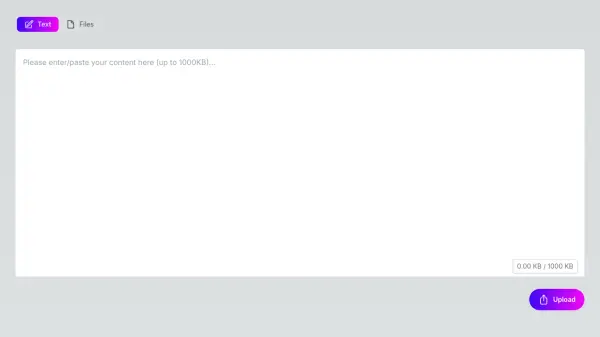
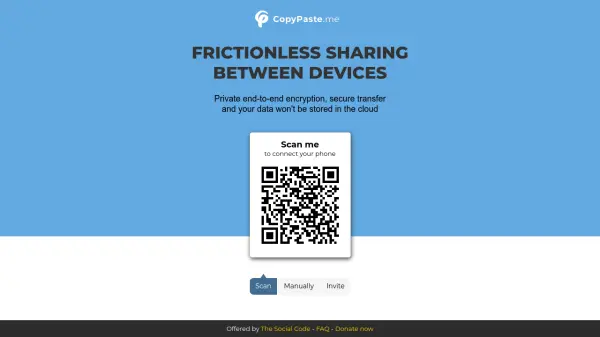
Users can initiate a session by generating a token on one device and joining it on others via typing the code or scanning. The interface includes options to copy, paste, and drag-and-drop files, with a focus on maintaining security and privacy. The tool is made in Canada and adheres to terms of use and privacy policies, using cookies for traffic measurement.

Features

  • Cross-Platform Compatibility: Works on Android, iPad, iPhone, Mac, and Windows devices
  • Secure Transfers: Uses session tokens to protect text, passwords, and files
  • Free Service: No cost for universal copy and paste functionality
  • Drag-and-Drop Support: Allows easy file transfers between devices

Use Cases

  • Transferring text snippets between a smartphone and a computer
  • Sharing passwords securely across different operating systems
  • Moving files quickly from a Mac to a Windows PC without email or cloud storage
  • Synchronizing copied content between an iPad and an Android tablet

Related Tools:

Blogs:

  • Top 6 AI note-taking tools for 2026: in-person, online, and hybrid use cases

    Top 6 AI note-taking tools for 2026: in-person, online, and hybrid use cases

    Most AI note-taking lists are really lists of meeting bots, which join your video call and transcribe it. That's useful, but it's half the picture. Decisions happen in hallway conversations, client dinners, on-site visits, and hybrid rooms where nobody is on a video link. This guide covers different parts of the note-taking workflow: hardware capture for in-person settings, platform-native tools for online calls, and AI layers for organizing and synthesizing what you've captured. It compares six tools by capture context, workflow fit, pricing, and limitations.

  • AI thumbnail maker tools

    AI thumbnail maker tools

    Automatically generate visually appealing and optimized thumbnails for various digital content, streamlining the design process and enhancing visual engagement

  • Best ai tools for Twitter Growth

    Best ai tools for Twitter Growth

    The best AI tools for Twitter's growth are designed to enhance user engagement, increase followers, and optimize content strategy on the platform. These tools utilize artificial intelligence algorithms to analyze Twitter trends, identify relevant hashtags, suggest optimal posting times, and even curate personalized content.

  • Best AI tools for recruiters

    Best AI tools for recruiters

    These tools use advanced algorithms and machine learning to automate tasks such as resume screening, candidate matching, and predictive analytics. By analyzing vast amounts of data quickly and efficiently, AI tools help recruiters make data-driven decisions, save time, and identify the best candidates for open positions.

Didn't find tool you were looking for?

Be as detailed as possible for better results