What is Cell Stitch?
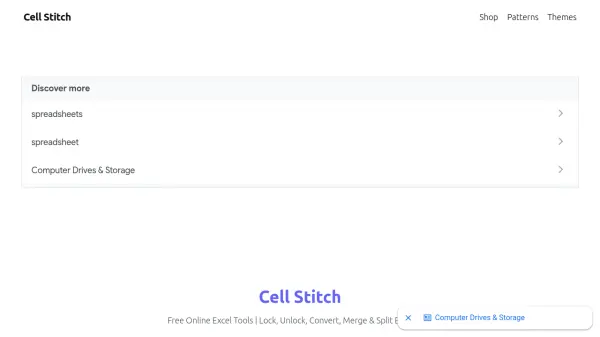
Cell Stitch provides a suite of free online Excel tools designed to simplify spreadsheet manipulation. Users can convert Excel files between formats like XLS, XLSX, and CSV, merge multiple spreadsheets into one, split large files into smaller ones, add password protection to secure sensitive data, or remove passwords from locked files. All processing happens locally in the browser, ensuring data privacy and security without the need for any software downloads. These tools are ideal for professionals and individuals who need quick, efficient Excel file management without compromising data integrity.
Features
- Excel Converter: Convert Excel files between XLS, XLSX, CSV, and other formats.
- Excel Merger: Merge multiple Excel files into a single spreadsheet.
- Excel Splitter: Split large Excel files into smaller files by rows or sheets.
- Password Protect: Add password protection to Excel files for secure sharing.
- Unlock Excel: Remove password protection from locked Excel files.
Use Cases
- Converting Excel files to a different format for compatibility with other systems.
- Merging several Excel reports into a single master file.
- Splitting large Excel datasets into smaller, more manageable files.
- Protecting sensitive Excel data with password encryption.
- Unlocking forgotten password-protected Excel files to regain access.
FAQs
-
Does Cell Stitch require any installation?
No, all tools work directly in your browser without any installation. -
Are my files secure when using Cell Stitch?
Yes, all file processing is done locally in your browser, so your data never leaves your computer. -
What file formats are supported?
Cell Stitch supports XLS, XLSX, CSV, and other common Excel formats. -
Is Cell Stitch free to use?
Yes, all tools are completely free.