What is Excel-Bot?
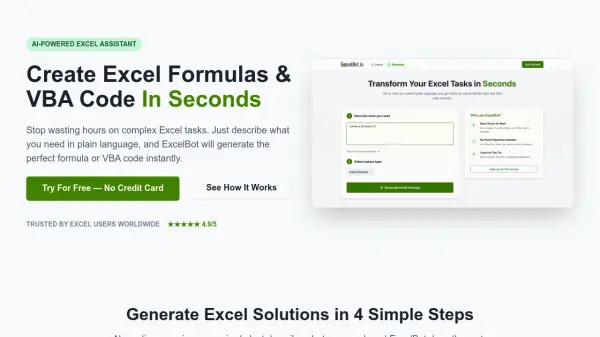
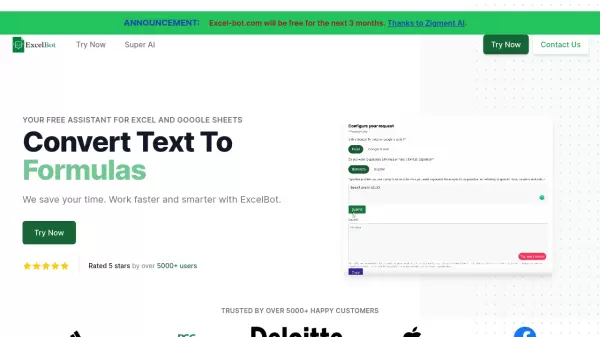
Excel-Bot is a sophisticated AI assistant designed specifically for Excel and Google Sheets users. The platform aims to streamline spreadsheet work and enhance productivity by providing intelligent assistance with formulas and various spreadsheet-related tasks.
Developed by Zigment AI, Excel-Bot offers comprehensive support for both basic and complex spreadsheet operations, helping users work faster and smarter with their spreadsheet applications. The tool has garnered positive feedback from over 5000 users, demonstrating its effectiveness in practical applications.
Features
- Formula Conversion: Convert formulas to text format
- Multi-Platform Support: Works with both Excel and Google Sheets
- AI-Powered Assistance: Provides intelligent responses to spreadsheet queries
- Free Access: Currently offering free access for three months
Use Cases
- Converting complex Excel formulas to text
- Getting help with spreadsheet functions
- Automating spreadsheet tasks
- Learning Excel and Google Sheets functionality
- Troubleshooting spreadsheet issues
FAQs
-
How long is the free access period?
Excel-bot.com is currently offering free access for the next 3 months, thanks to Zigment AI. -
What types of spreadsheet programs does Excel-Bot support?
Excel-Bot supports both Microsoft Excel and Google Sheets.