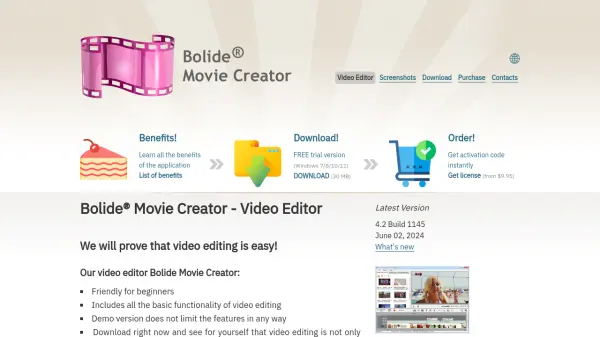
What is Bolide Movie Creator?
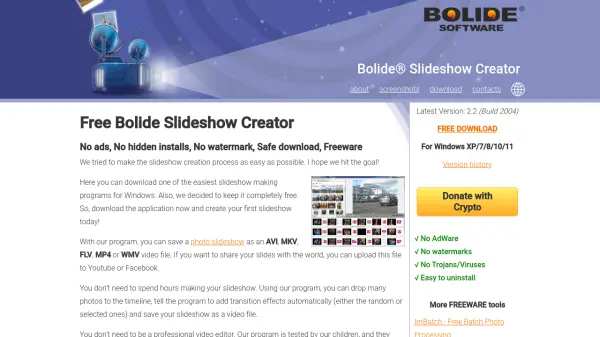
Bolide Movie Creator is a video editing application specifically designed for beginners and those with no prior editing experience. It features an intuitive interface that allows users to quickly create high-definition videos in formats like AVI, MP4, MKV, WMV, and GIF. The software includes essential editing functions such as cutting scenes, applying transitions, adding background music, and incorporating fades, all without the steep learning curve associated with professional editing tools.
The application supports HD resolutions up to FullHD and is optimized for multi-core/multi-CPU/GPU processing to accelerate video rendering. A free trial version is available for download, providing full access to all features without limitations, while the full version requires a one-time purchase. Bolide Movie Creator emphasizes ease of use, making video editing accessible to non-professionals while delivering quality results.
Features
- Intuitive Interface: Designed for beginners with no learning curve required
- HD Video Support: Creates videos in FullHD resolution and formats like AVI, MP4, MKV, WMV, and GIF
- Multi-Core Processing: Utilizes CPU and GPU power for faster video rendering
- Free Trial Version: Offers full functionality without any limitations
- One-Time Purchase: Lifetime access after a single payment with no subscriptions
Use Cases
- Creating personal videos from home recordings
- Editing dashboard camera footage
- Producing YouTube video clips
- Making movies from vacation or event videos
- Developing simple promotional or social media content
FAQs
-
What operating systems does Bolide Movie Creator support?
Bolide Movie Creator is compatible with Windows 7, 8, 10, and 11. -
Is there a free version available?
Yes, a free trial version is available for download, which does not limit any features. -
What video formats can I create with Bolide Movie Creator?
You can create videos in AVI, MP4, MKV, WMV, and GIF formats. -
How much does the full version cost?
The full version is available for a one-time fee starting from $9.95, with options up to $39.95. -
Does Bolide Movie Creator support HD video editing?
Yes, it supports HD resolutions including FullHD and is designed to handle high-definition video processing.