What is Bolide Slideshow Creator?
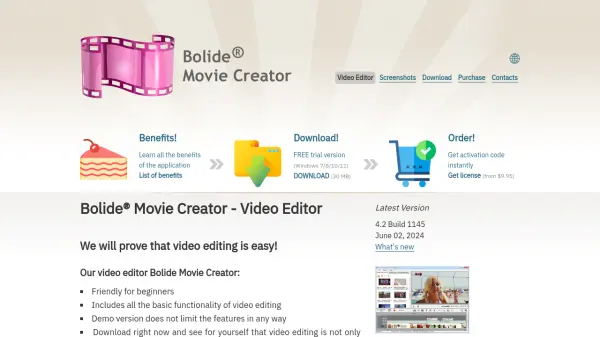
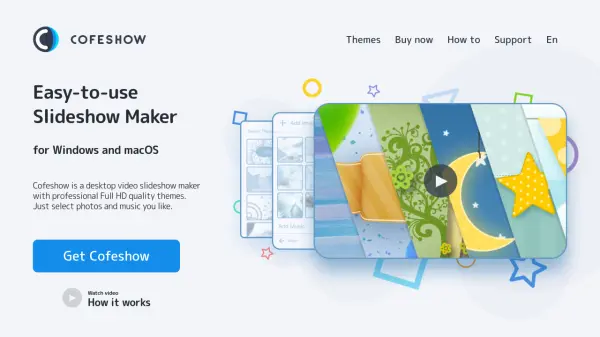
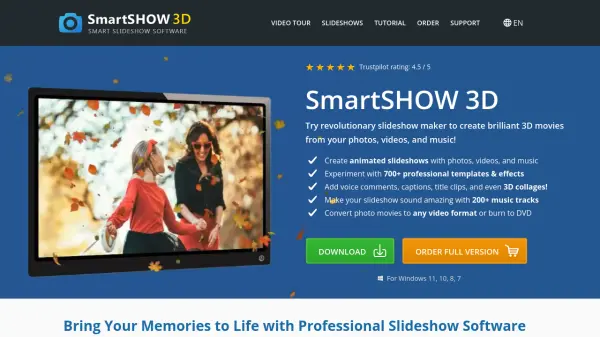
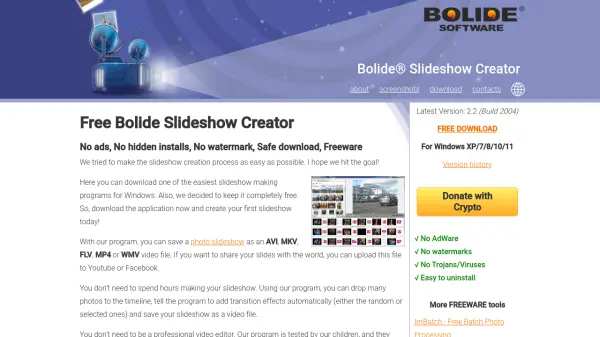
Bolide Slideshow Creator is a free, easy-to-use slideshow-making program for Windows. It allows you to quickly turn a collection of photos into a professional-looking slideshow video. You can drop images onto the timeline, automatically add transition effects, and include background music from MP3, AAC, WMA, M4A, MP4, or OGG files. The output can be saved in AVI, MKV, WMV, MP4, or FLV format with resolutions up to FullHD (1920x1080).
The software is designed to be intuitive, requiring no prior video editing experience. It is freeware with no ads, watermarks, or hidden installs, ensuring a safe and straightforward experience. Ideal for personal projects, wedding slideshows, or social media content, Bolide Slideshow Creator simplifies the slideshow creation process for everyone.
Features
- Support for almost any image format: Import photos in various formats without compatibility issues.
- Background music support: Add MP3, AAC, WMA, M4A, MP4, or OGG audio files to accompany slideshows.
- FullHD output resolution: Export slideshows in resolutions from 128x160 to 1920x1080 pixels.
- Dozens of transition effects: Apply random or selected transitions, including pan and zoom effect.
- Multiple video output formats: Save slideshows as AVI, MKV, WMV, MP4, or FLV files.
- No watermarks or ads: The freeware version is completely clean with no hidden installs.
- User-friendly interface: Drag and drop photos onto the timeline for quick slideshow creation.
- Safe download: The program is verified to contain no adware, trojans, or viruses.
Use Cases
- Create wedding slideshows with photos and music.
- Make photo slideshows for sharing on social media platforms like Facebook and YouTube.
- Produce family event recaps with transition effects.
- Build educational presentations using images and audio.
- Generate slideshows for personal projects or gifts.
- Create cartoon-like animations by sequencing images.
FAQs
-
Is Bolide Slideshow Creator really free?
Yes, it is completely freeware with no ads, no watermarks, and no hidden costs. -
What video formats can I export to?
You can export slideshows as AVI, MKV, WMV, MP4, or FLV files. -
Does the software support background music?
Yes, you can add music files in MP3, AAC, WMA, M4A, MP4, or OGG format. -
What is the maximum output resolution?
The maximum resolution is 1920x1080 pixels (FullHD). -
Is there a watermark on the exported video?
No, the free version does not add any watermarks to your slideshows.