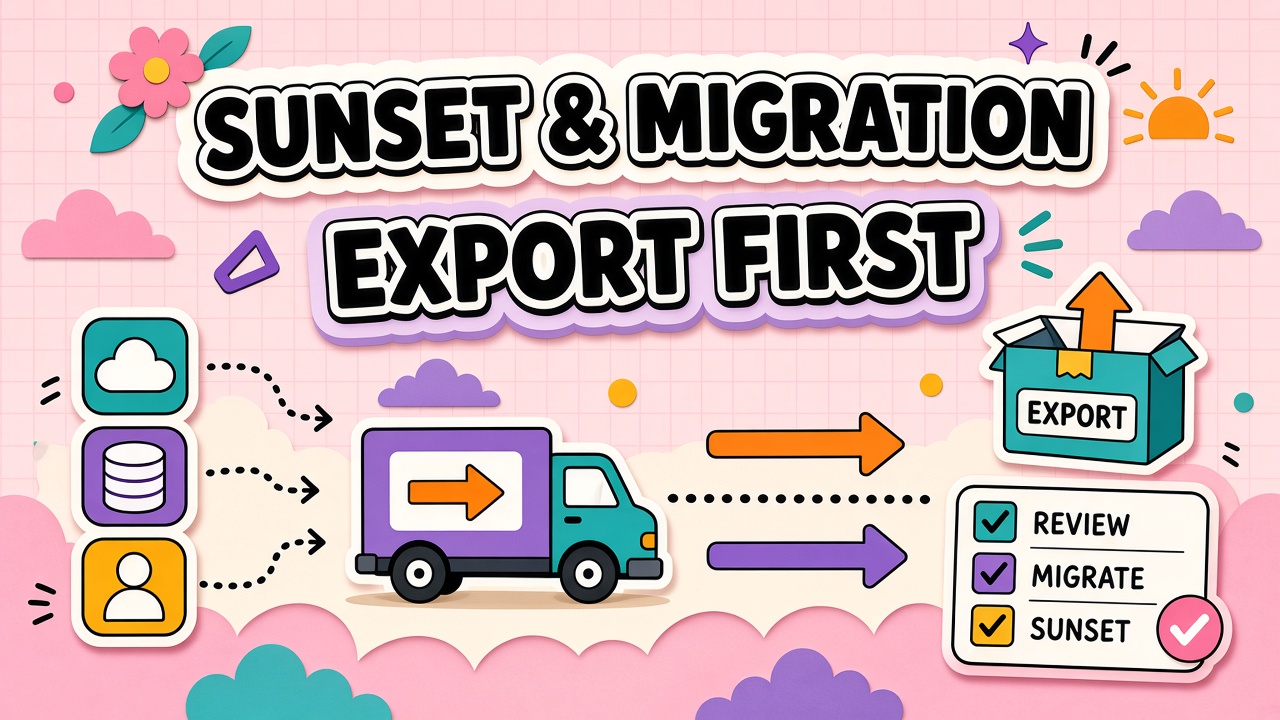
AI tool switches rarely fail on features. They fail on forgotten prompt libraries, broken integrations, and teammates who still open the old bookmark six weeks after finance thought the migration finished. Sunset planning is workflow continuity work, not a billing task.
An AI tool migration plan inventories what must move, runs a parallel period on real work, trains on the replacement, then decommissions access and data in the right order. This guide covers triggers, export checklists, parallel-run structure, and vendor lock-in negotiation points. Evaluate replacements among AI productivity tools and AI automation tools before you cut over, not after export panic begins.
Migration Triggers: Cost, Quality, Compliance
Document why you are leaving before you migrate. Common triggers include sustained quality regression on core workflows, price increases that break cost per accepted output, missing security certifications, vendor instability, or consolidation when two tools solve the same job.
A trigger memo with baseline metrics makes the post-migration review honest. Without it, nostalgia for familiar prompts can delay a necessary switch indefinitely.
Export Inventory: Prompts, History, Integrations
Build an export inventory table before notice period ends. Treat vendor exports as one layer; your portable kit is prompts, evaluation sets, source documents, integration configs, and acceptance criteria stored in your systems.
| Asset class | Primary copy location | Vendor export reality |
|---|---|---|
| Prompts and system instructions | Git or wiki in Markdown | Often partial; do not rely on export alone |
| Conversation history | Archive for compliance if required | Usually JSON or HTML; may omit project structure |
| Knowledge bases and uploads | Owned file storage | Verify metadata and permissions export |
| Integrations and automations | Internal runbooks | Typically rebuilt, not imported |
| Fine-tunes and embeddings | Training data you control | Often not portable; plan regeneration |
Parallel-Run Period Structure
Parallel-run means both old and new tools serve the same workflow for a fixed window while you compare quality, speed, and friction on matched tasks. Two to four weeks is typical for team tools; longer for deeply integrated automation.
- Week 1: Replacement configured; ten matched tasks run on both systems
- Week 2: Expand to fifty percent of weekly volume with rubric scoring
- Week 3: Default to new tool; old tool read-only for lookup
- Week 4: Cut write access to old tool; confirm integrations on new path
Training on Replacement Tool
Map old prompts to new syntax limits and feature gaps before parallel-run ends. Run a conversion lab: take five high-use templates, adapt them, and measure first-pass acceptance on the replacement. Document differences ("no native web browse; paste source text") in the prompt library header.
Decommissioning Access and Data Deletion
Order matters: verify export completeness, redirect integrations, confirm replacement in production, then request deletion at the departing vendor with written confirmation. Deleting before the replacement is verified is irreversible if gaps appear later.
Remove SSO, revoke API keys, cancel subscriptions on the renewal calendar, and archive the sunset memo for audit. Keep a read-only export snapshot for the retention period your policy requires.
Migration Communication Plan
Announce the switch in three waves: leadership alignment, champion briefing with FAQ, then all-user notice with dates for parallel-run, read-only, and shutdown. Repeat the export-first message: personal prompt notebooks are not a substitute for team libraries in version control.
Parallel-run comparison rubric
Score matched tasks on five dimensions: time to accepted output, edit burden, integration friction, policy compliance, and practitioner preference. Weight dimensions by workflow priority. A replacement that wins on speed but loses on compliance is not a winner for regulated work.
Annual export drill
Once per year, run a tabletop plus live export for your highest-risk tool. Download data, open files, verify schema, and time how long restoration would take. Store results with the exit plan document procurement maintains.
Negotiating Portability at Renewal
Renewal is your last high-leverage moment for export clauses. Request machine-readable formats, metadata inclusion, post-termination export window, and confirmation of prompt ownership. Ask whether fine-tunes and embeddings derived from your data export or must be regenerated. Vendors often concede terms they refused at initial purchase once the tool is embedded; use that leverage or accept documented lock-in consciously.
Store negotiation outcomes in the exit plan registry next to renewal dates. Procurement should not rediscover export limits every year from scratch.
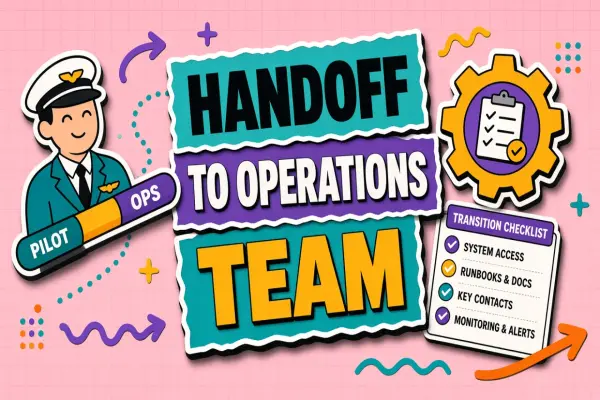
Cutover day checklist
- Freeze writes on legacy tool
- Confirm replacement handles production traffic
- Redirect integrations and SSO
- Send user comms with new entry points
- Monitor error queues for forty-eight hours
- Schedule deletion request only after verification window closes
Frequently Asked Questions
How do we negotiate export rights before signing?
Specify machine-readable formats, on-demand export without support tickets, post-termination export window, ownership of prompts and fine-tuning data derived from your inputs, and deletion confirmation timelines. Negotiate at signature; leverage drops after embedding.
What if the vendor limits export size or format?
Maintain primary copies in your repo from day one. Run an annual export drill: download, open, and confirm schema. Gaps discovered during a drill are fixable; gaps discovered during a crisis are expensive.
Can we migrate under a sudden vendor shutdown?
Fall back to the last tested export and portable prompt definitions. Skip parallel-run length but keep rubric scoring on critical workflows. Document emergency cutover decisions for post-incident review.
Should we keep read-only access to the old tool?
Brief read-only access helps lookup during parallel-run. Extended read-only invites split-brain workflows and duplicate spend. Set a hard end date and communicate it.
Migration Risk Register
Maintain a risk register for every active migration: risk description, likelihood, impact, mitigation owner, and status. Typical entries include incomplete export of custom GPT instructions, broken OAuth to CRM, practitioners reverting to personal accounts under deadline pressure, and underestimated retraining time for prompt syntax differences. Review the register in weekly standups during parallel-run.
High-impact risks get test mitigation before cutover day. If CRM integration cannot be validated in staging, delay cutover rather than hoping production will work. Migration projects fail more often on integration than on model quality.
Assign a single migration commander with authority to pause cutover. Committee decisions during outage windows waste hours. The commander consults security and workflow owners, but one person calls halt or proceed.