What is BlurScreen App?
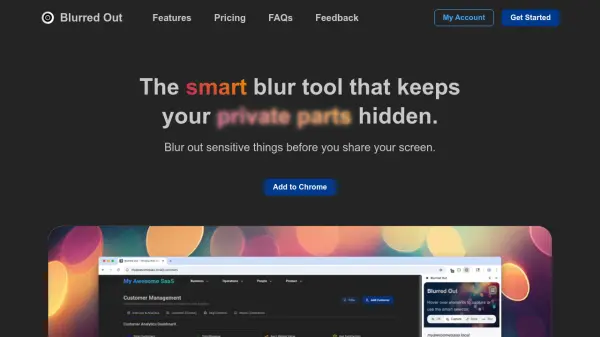
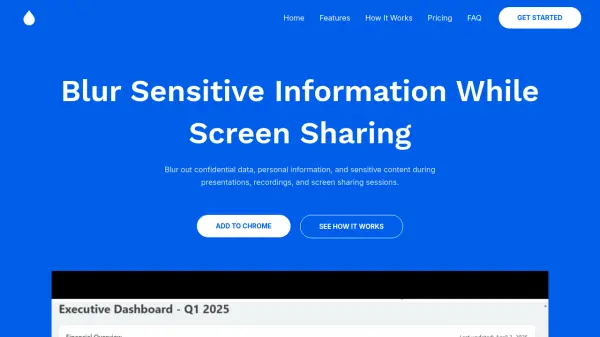
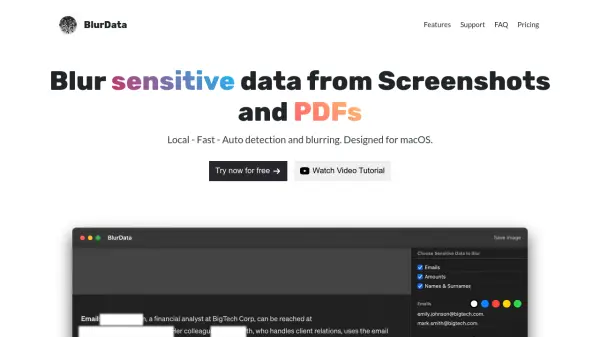
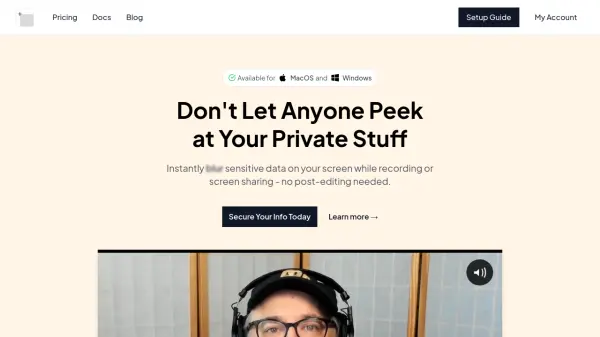
BlurScreen App provides real-time privacy protection for screen sharing and recording activities. Users can instantly blur sensitive information on their screens without requiring any post-production editing. The tool operates by allowing users to draw rectangles over any area of the screen that contains private data, which is then blurred for viewers while remaining visible to the user.
The application integrates with all major meeting and recording platforms including Zoom, Loom, Google Meet, and Berrycast. It offers customizable shortcut keys for quick activation and removal of blur effects, syncs across devices, and includes GDPR compliance features. The tool does not store or access any screen share data, ensuring user privacy and security.
Features
- Real-time Blurring: Instantly blur sensitive information during screen sharing without post-production editing
- Cross-Platform Compatibility: Works with Zoom, Loom, Google Meet, Berrycast and all other screen sharing software
- Customizable Shortcuts: Set personalized shortcut keys for quick activation and removal of blur effects
- Device Synchronization: Sync blur settings and preferences across multiple devices
- GDPR Compliance: Meets data protection standards without storing or accessing screen share data
Use Cases
- Protecting student information during online teaching sessions
- Hiding email addresses and personal data in business presentations
- Securing sensitive information in software bug reporting videos
- Maintaining privacy in tutorial and course creation content
- Protecting confidential data during team meetings and client presentations
FAQs
-
How do I activate and use the blur feature?
Press the shortcut keys to launch the app, draw a rectangle over the area you want to blur, and press escape to complete the process. -
Can I use BlurScreen App with multiple meeting platforms?
Yes, it works with all major meeting and recording software including Zoom, Loom, Google Meet, Berrycast, and others. -
How many devices can I use with one license?
Licenses allow for simultaneous activations on multiple devices, which can be managed through your account dashboard. -
What happens if I'm not satisfied with the app?
You can request a full refund by emailing [email protected] within 5 days of purchase, no questions asked. -
Does the app store or access my screen share data?
No, BlurScreen App does not store or have access to any of your screen share information - it only creates the blur effect for viewers.