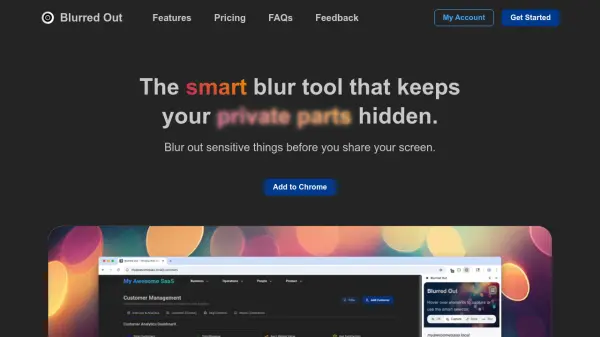
What is Blurred Out?
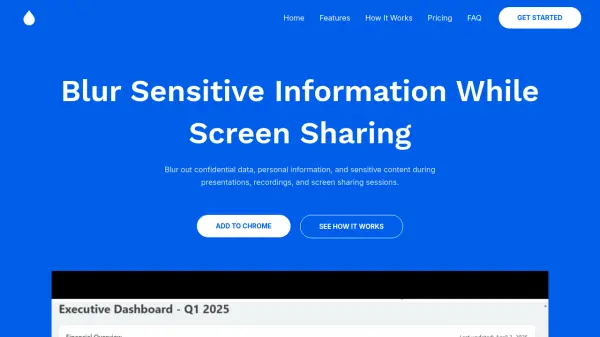
Blurred Out is a privacy-focused browser extension designed to protect sensitive information during screen sharing and recordings. It uses smart AI detection to automatically identify and blur private content such as emails, phone numbers, money amounts, names, and form inputs, preventing accidental exposure. The tool offers multiple blurring modes, including quick hover-and-click blurring, hotkey controls, and CSS selector-based blurring for efficient privacy management.
Users can draw custom rectangular blur areas, pin them to screen or content, and adjust blur intensity and opacity for precise control. The extension includes features like window resizing for consistent recordings, presentation mode for clean demos without address bars, and local data management for importing/exporting configurations. All data remains private on the user's device, with no cloud storage required.
Features
- Smart Detection: Automatically detects emails, phone numbers, money amounts, names, and sensitive form inputs for quick privacy protection
- Multi-Mode Control: Switch between Off, Capture, Draw, and Blur modes to adapt to different workflow stages
- CSS Selector-based Blurring: Blur multiple elements at once by targeting class names or CSS selectors for efficient privacy management
- Draw Custom Areas & Pinning: Draw rectangular blur areas and choose to pin them to screen or content for flexible control
- Presentation Mode: Launch a clean presentation window without the address bar for professional demos and recordings
Use Cases
- Protecting sensitive information during screen recordings for tutorials or demos
- Blurring personal data in live webinars or online presentations
- Securing private content in customer support screen sharing sessions
- Hiding confidential information in software development walkthroughs
- Ensuring privacy in educational video content creation
FAQs
-
What types of sensitive information can Blurred Out automatically detect?
Blurred Out can automatically detect emails, phone numbers, money amounts, names, and sensitive form inputs using smart AI detection. -
How does the CSS selector-based blurring feature work?
The CSS selector-based blurring allows users to automatically blur multiple elements at once by targeting their class names or CSS selectors for efficient privacy protection. -
Can I use Blurred Out on multiple devices with a single license?
The Pro License includes 3 device licenses for lifetime access, allowing use on multiple devices with a one-time payment. -
What happens to my blurred configurations when I close the browser?
Blurred elements are saved in your browser's local storage and persist until you remove them, even after closing the browser. -
Is there a free version of Blurred Out available?
Yes, Blurred Out offers a free version with unlimited sites, 5 elements per site, import/export configurations, and basic features.