What is Bandicam?
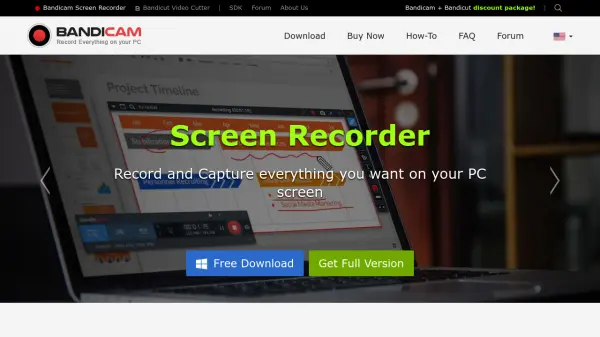
Bandicam is a powerful and easy-to-use screen recording software for Windows. It allows users to capture any activity on their computer screen with high-quality results. The software can record the entire screen or a selected portion, creating video files (MP4, AVI) or images.
Beyond standard screen recording, Bandicam excels at capturing gameplay using DirectX/OpenGL/Vulkan graphics technologies, supporting up to 4K UHD resolution and 480 FPS. Furthermore it simplifies recording from external devices, like webcams, game consoles (Xbox/PlayStation), smartphones, and IPTV set-top boxes.
Features
- Real-time Drawing: Draw and outline on your video or screenshot in real-time.
- Add Webcam Overlay: Add a webcam video of yourself on the video that you are recording.
- Scheduled Recording: Start recording at a specific time on a daily/weekly schedule.
- Mix Your Own Voice: Record the system audio and your voice at the same time.
- Mouse Effects: Add a mouse click effect and animation while recording.
- Audio only Recording: Record only the audio without recording the computer screen.
Use Cases
- Record gameplay footage for sharing on platforms like YouTube and Vimeo.
- Create software tutorials or demonstrations.
- Capture online lectures or webinars for later review.
- Record video calls or online meetings.
- Document software bugs or technical issues.
- Record streaming video content.
- Create video presentations.
FAQs
-
What can Bandicam record?
Bandicam can record everything on your computer screen, including games, webcam feeds, and specific areas, saving it as video or image files. -
What graphics technologies does Bandicam support for game recording?
Bandicam supports DirectX, OpenGL, and Vulkan graphics technologies for game recording.