What is audio2text.email?
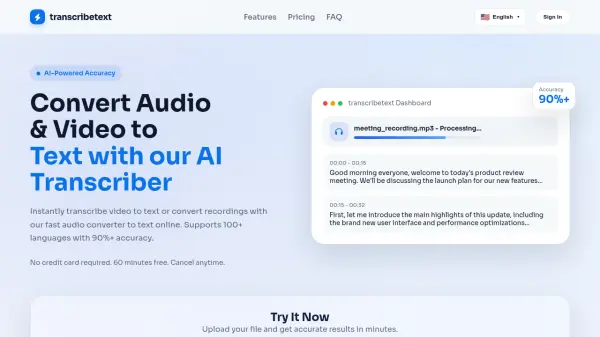
audio2text.email is a sophisticated voice message transcription service that bridges the gap between audio communications and text-based accessibility. The service automatically converts voicemail and audio messages into written text, delivering transcriptions directly to users' email inboxes.
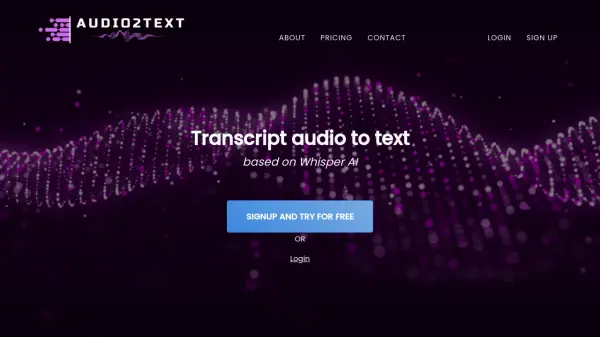
The platform leverages OpenAI's Whisper model to provide accurate transcriptions across 57 different languages, handling background noise effectively and delivering results within seconds. With automatic file transcoding and a user-friendly email-based system, it seamlessly integrates with existing voicemail systems and communication platforms.
Features
- Multi-language Support: Transcription available in 57 languages
- Noise Handling: Advanced AI capability to transcribe clearly despite background noise
- Fast Processing: Transcribes audio within seconds
- Data Privacy: Automatic deletion after 14 days with option for immediate removal
- Email Integration: Simple email-based submission and delivery system
- Automatic Transcoding: Built-in audio file format conversion
Use Cases
- Voicemail transcription for business communications
- Accessibility support for hearing-impaired users
- Mobile voicemail to text conversion
- WhatsApp voice message transcription
- Landline answering machine integration
- Automated voice message management
FAQs
-
What is the maximum file size limit for transcription?
The transcription service has a file size limit of 10 MB. -
How long does it take to get a transcript?
Processing time depends on the audio file length, but shorter voice messages can be transcribed quickly using OpenAI speech-to-text API. -
Why use transcription over email?
Email-based automatic transcription provides universal access, easy automation, and integration with existing platforms, offering longevity through established communication methods.