What is TranscribeText?
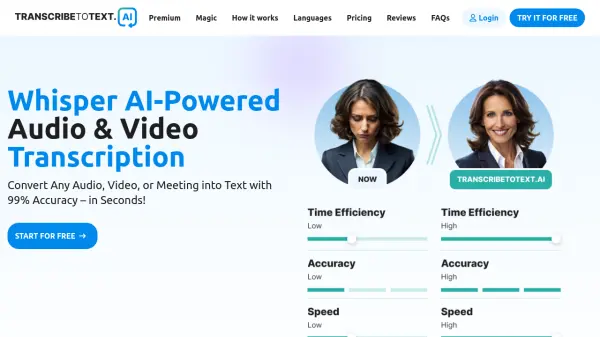
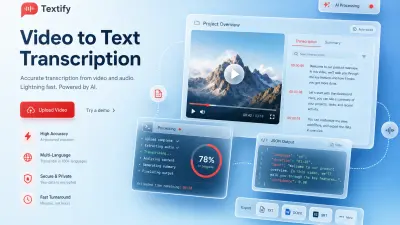
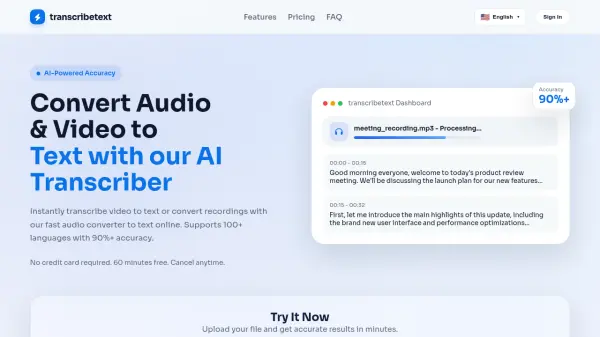
TranscribeText leverages advanced artificial intelligence to transcribe audio and video content into accurate text transcripts. The platform supports a wide range of file formats including MP3, MP4, WAV, M4A, WEBM, and MOV, with processing accelerated by GPU technology for fast results. Users can upload files directly or import from sources like YouTube, Dropbox, Google Drive, and social media platforms.
The tool includes intelligent voice recognition that handles accents, dialects, and technical terminology even in noisy environments. It offers speaker diarization to identify different speakers in recordings and provides translation capabilities for subtitles in numerous languages. All data is protected with bank-level encryption and automatically deleted after processing to ensure privacy and security.
Features
- Smart Voice Recognition: Accurately recognizes accents, dialects, and technical terms even in noisy environments
- Lightning Fast Processing: GPU-accelerated processing handles one hour of content in minutes
- Speaker Diarization & Subtitle Translation: Built-in speaker separation with translated subtitle export in SRT/TXT formats
- Privacy & Security: Bank-level AES-256 encryption with automatic file deletion after processing
- Multi-Format Support: Processes MP3, MP4, WAV, M4A, WEBM, MOV and many other audio/video formats
Use Cases
- Meeting transcription for business teams
- Podcast episode transcription and editing
- Academic research interview transcription
- Video content subtitle generation
- Media production workflow optimization
- Educational content accessibility creation
- Legal deposition documentation
- Journalistic interview analysis
FAQs
-
What file formats does TranscribeText support for transcription?
TranscribeText supports major audio and video formats including MP3, MP4, WAV, M4A, WEBM, OGG, FLAC, AVI, MOV, and many others, with automatic processing without manual steps. -
How accurate is the AI transcription provided by TranscribeText?
Under standard recording conditions, accuracy can reach over 90%. For technical terms, custom vocabulary can further improve results. -
How does TranscribeText ensure data security and privacy?
The platform uses bank-level AES-256 encryption to protect data, and uploaded files are automatically deleted after processing is complete. -
Can TranscribeText identify different speakers in a recording?
Yes, Pro and Enterprise plans include speaker identification to label different speakers in transcripts, which is particularly useful for meetings and interviews. -
What additional features are included in the Enterprise plan?
The Enterprise plan includes API access, priority support, a dedicated account manager, collaboration features, and on-premise deployment options.