-

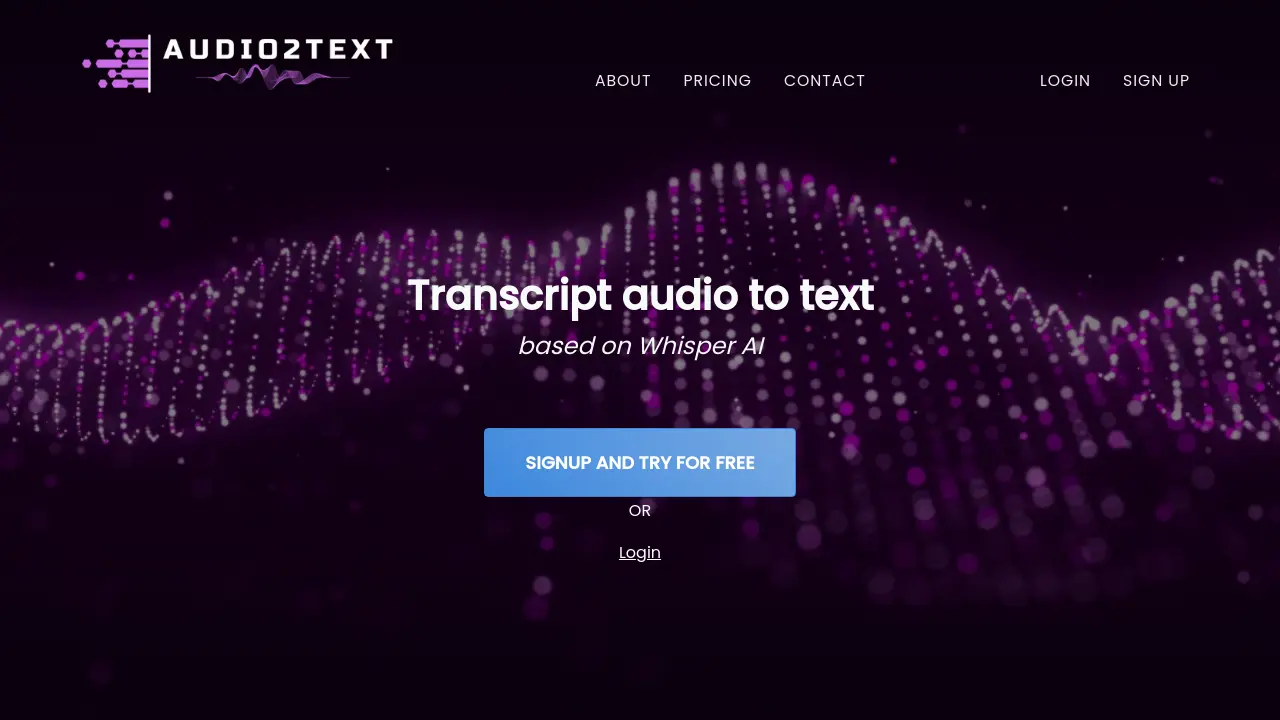
Audio2Text
Online Audio to Text Converter with Intelligent Transcription
 Free
FreeAudio2Text is a free online tool that converts audio files into text using AI-powered transcription.
Key Features:
- Audio to Text Conversion: Transcribes spoken words from audio files into text.
- Multiple Format Support: Accepts various audio formats including MP3, WAV, FLAC, OGG, AAC, M4A, and OPUS.
- Web-Based Interface: Operates directly in a web browser with no software download required.
- Free Transcription Tier: Offers free transcription for audio files up to 100MB.
- Simple Upload Process: Features an easy-to-use interface for file selection and upload.
Use Cases:
- Transcribing interviews for documentation or analysis.
- Converting lectures or meeting recordings into text notes.
- Generating text from podcasts or audio content for accessibility.
- Creating written records of voice memos or recorded thoughts.
- Assisting content creators in producing subtitles or scripts from audio.
-

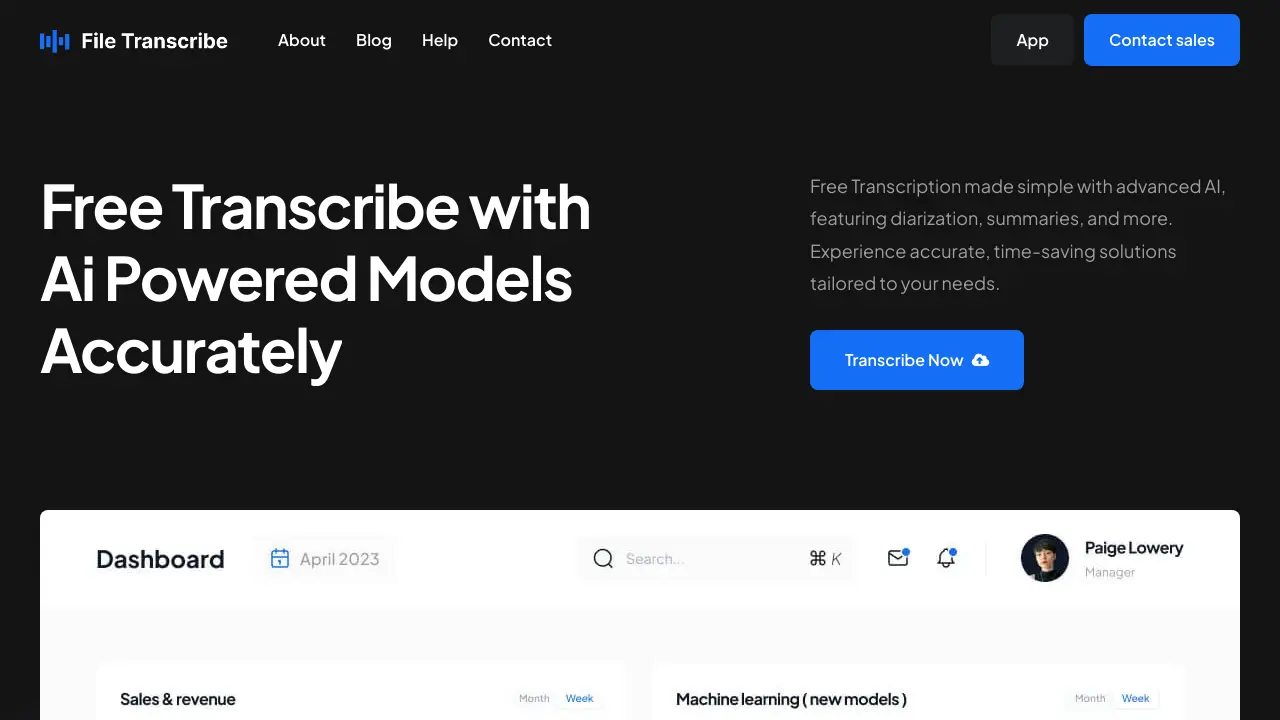
File Transcribe
Free AI-Powered Audio-to-Text Converter
 Freemium
File Transcribe offers free, AI-powered transcription services with diarization and summaries. Accurately and instantly convert audio and video files to text.
Key Features:
- Intuitive User-Friendly Interface: Ensures a smooth and hassle-free transcription process, even for beginners.
- Efficient Automated Workflow: Minimizes effort and maximizes efficiency from audio upload to final transcript.
- High Accuracy: Leverages advanced AI to capture every detail with precision.
- Global Language Support: Transcribe in 35+ and summarize audio in over 100+ languages.
- Speaker Identification: Automatically distinguishes and labels different speakers.
- Comprehensive Features: Utilizes tools like sentiment detection, intent recognition, and topic detection.
- Secure and Confidential: Data is protected with robust security measures.
Use Cases:
- Converting spoken words into written text.
- Simplifying the transcription process.
- Transcribing audio content in multiple languages.
- Creating clear and organized transcripts with speaker identification.
-

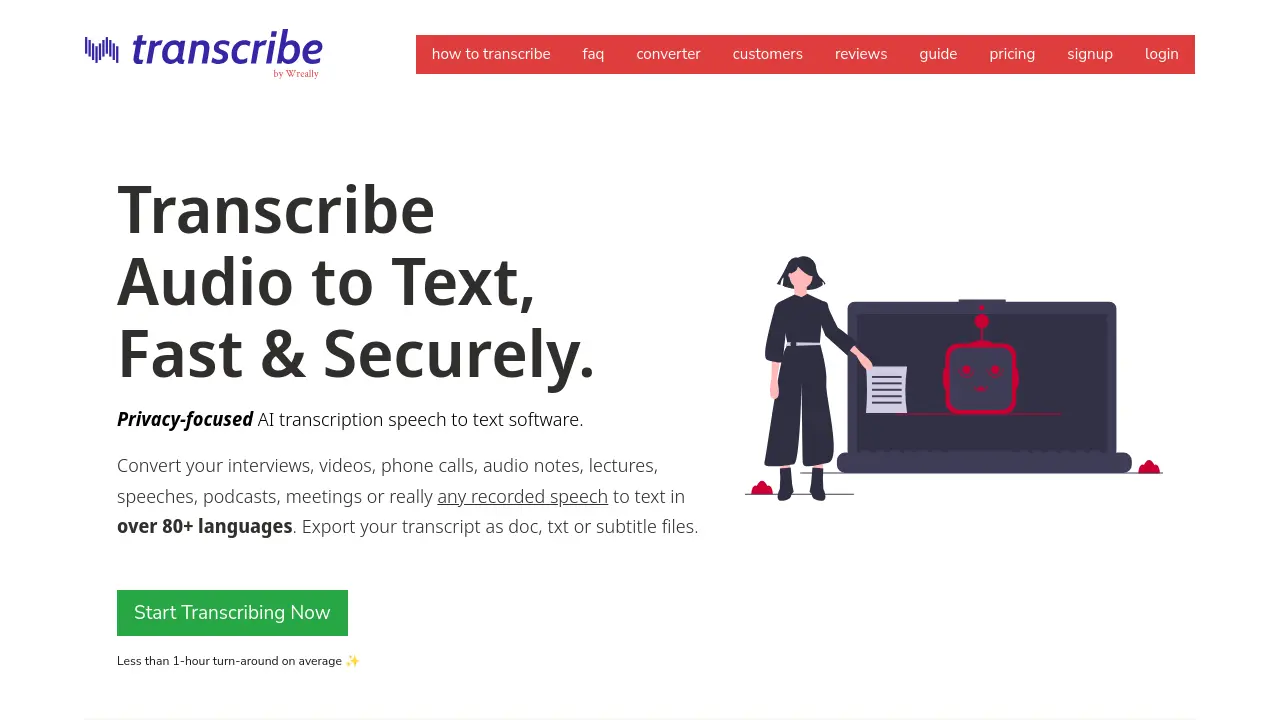
Transcribe
Audio to Text, Fast & Securely.
 PaidStarting at $2/month
Transcribe offers fast and secure AI-powered speech-to-text transcription for various audio and video files in over 80 languages, exporting to DOC, TXT, or subtitle formats.
Key Features:
- AI-Powered Automatic Transcription: Provides fast machine-generated transcripts for clear audio/video files.
- Voice Typing with Dictation: Allows users to dictate the audio content for quick text conversion.
- Enhanced Manual Transcription Tools: Includes slow-down playback, auto-loop, keyboard shortcuts, and text expander.
- Multi-Language Support: Transcribes speech in over 80 different languages.
- Multiple Export Options: Export transcripts as DOC, TXT, SRT, or WebVTT files.
- Foot Pedal Integration: Control audio playback hands-free using a compatible foot pedal.
- Secure & Private: Ensures text typed remains local and allows secure deletion of uploaded media.
- Subtitle Creation: Generate SRT or WebVTT subtitle files directly from transcripts.
- Speaker Identification: Automatically identifies different speakers within the audio during automatic transcription.
Use Cases:
- Transcribing interviews for journalists and researchers.
- Converting lectures and speeches into text for students and educators.
- Creating transcripts for podcasts and video content.
- Documenting business meetings and phone calls.
- Assisting legal professionals with deposition and meeting transcription.
- Generating captions and subtitles for videos.
- Quickly converting audio notes into text documents.
-

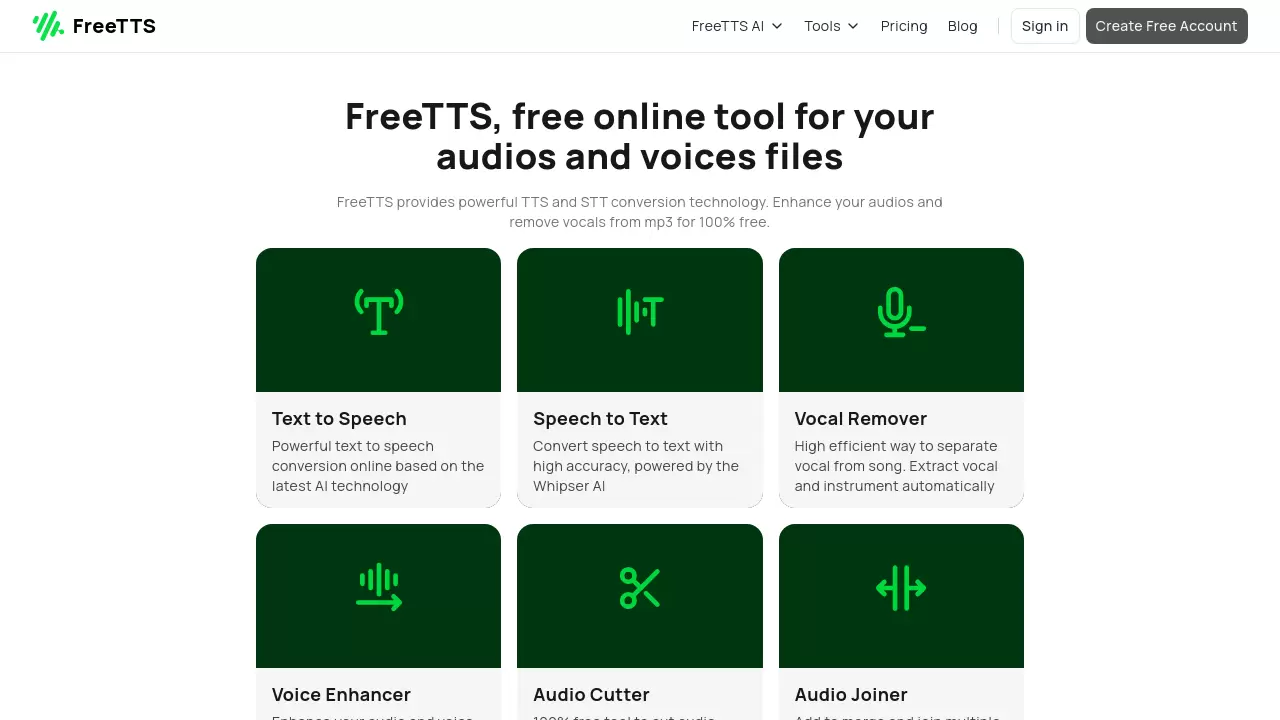
FreeTTS
Free online tool for your audios and voices files
 FreemiumStarting at $7/month
FreeTTS is a comprehensive audio processing platform offering text-to-speech, speech-to-text, voice enhancement, and vocal removal capabilities powered by AI technology, all available for free.
Key Features:
- AI-Powered Processing: Cutting-edge AI technology for high accuracy and natural results
- Multi-Format Support: Compatible with MP3, WAV, FLAC, OGG, M4A formats
- Batch Processing: Convert multiple files simultaneously
- Security: Automatic file deletion after 12 hours
- Voice Enhancement: AI-driven audio quality improvement
- Vocal Separation: Efficient vocal and instrumental track isolation
- Free Access: No hidden fees or usage limits
- User Privacy: Browser-based processing without server uploads
Use Cases:
- Creating audiobooks and voiceovers
- Transcribing meetings and lectures
- Producing karaoke tracks
- Enhancing podcast audio quality
- Converting audio file formats
- Editing and trimming audio segments
- Combining multiple audio tracks
- Creating presentation narrations
-

NeatScribe
Convert Audio and Video to Accurate Text in Seconds
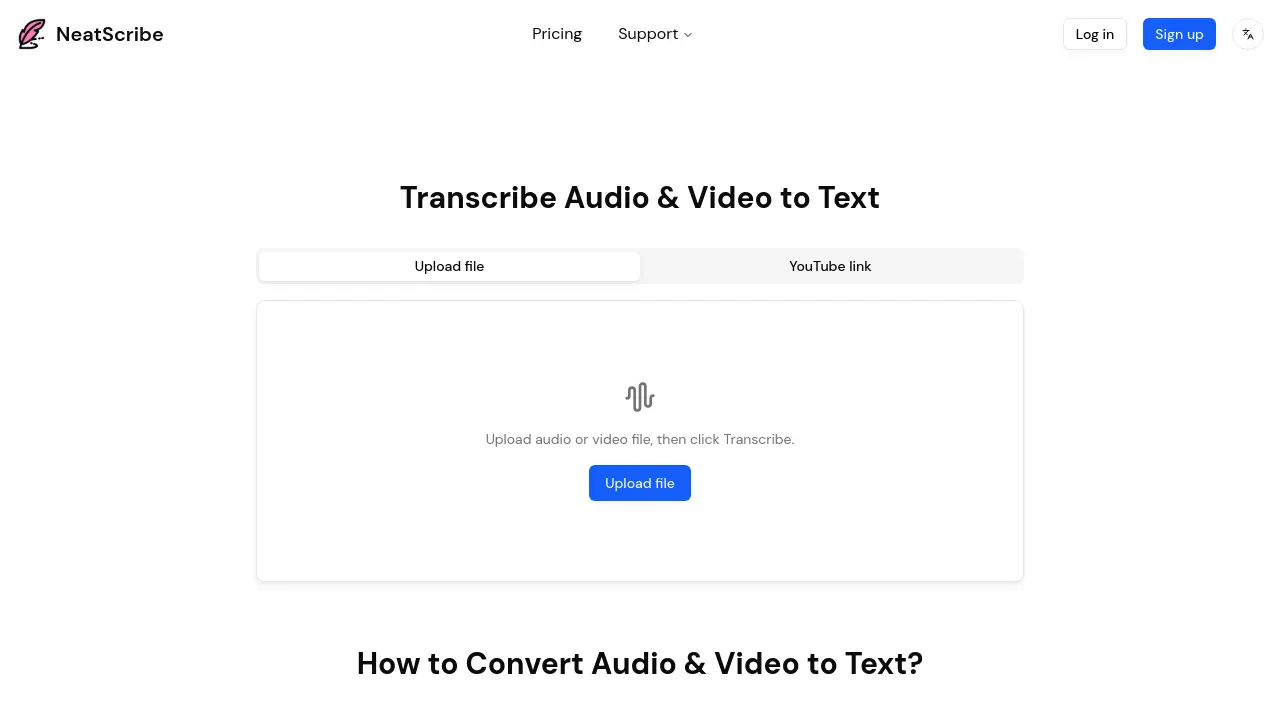 FreemiumStarting at $10/month
NeatScribe is an AI-powered transcription tool that converts audio and video files into accurate text transcripts across 98 languages with word-level timestamps and multiple export formats.
Key Features:
- Multi-Format Support: Accepts wide range of audio and video formats for transcription
- Word-Level Timestamps: Provides precise timestamps for easy navigation and editing
- Editable Transcripts: Edit transcripts like a document with real-time corrections
- Multiple Export Formats: Export to TXT, PDF, DOCX, SRT, VTT and more
- YouTube Link Support: Direct transcription from YouTube video links
- Speaker Labeling: Automatically identifies and labels different speakers
- 98 Language Support: Transcribe content in 98 different languages (Premium plan)
- Browser-Based Processing: Fast transcription directly in browser without downloads
- Premium Transcription Model: Ultra-fast processing speeds for Pro and Premium users
Use Cases:
- Transcribing podcast episodes for show notes and content repurposing
- Converting meeting recordings into searchable text documentation
- Creating subtitles and captions for video content
- Transcribing interviews for research and journalism projects
- Converting educational lectures into study materials
- Generating text versions of YouTube videos for accessibility
- Creating transcripts for legal and compliance documentation
- Documenting customer support calls and consultations
-

Go Transcribe
Fast, simple and affordable transcription
 PaidStarting at $36/month
Go Transcribe is an advanced transcription service powered by artificial intelligence, offering a fast and affordable way to convert audio and video to text.
Key Features:
- Automated Transcription: Independently reviewed as one of the most accurate automated services.
- Speakers: Each paragraph can be marked with a separate speaker.
- Custom Dictionary: Add custom vocabulary to improve speech recognition accuracy.
- Highlight: Mark any important parts of the transcript.
- Export: Flexible export options allow you to export in a range of formats including Word, PDF, SRT and VTT.
- Security: Enterprise-grade security built as standard.
Use Cases:
- Transcribing interviews for qualitative research
- Generating transcripts of meetings for record-keeping
- Creating subtitles and captions for videos
- Converting podcasts into text format for blog posts or show notes
- Transcribing lectures for students
- Assisting journalists in transcribing interviews quickly
-

SpeechText.AI
Transcribe Audio and Video into Text
 Usage Based
SpeechText.AI is an AI-powered transcription service that accurately converts audio and video files into text using domain-specific speech recognition technology.
Key Features:
- Speech Recognition: Powerful speech-to-text technology automatically converts voice to text in seconds
- Multi-language: Audio to text converter supports more than 30 languages and non-native speaker accents
- Speaker Identification: Service detects which individuals spoke which words in multi-participant conversations
- Domain-specific Models: Speech text software provides multiple domain-optimized models for increased recognition accuracy
- Audio Search Engine: Transcription service enables users to search audio data in natural language
- Automatic Punctuation: Audio and video transcriptions include commas, full stops, question marks, periods, etc.
- Editing Tools: Proofreading interface helps users to edit and verify speech recognition results
- Export Transcript: Export audio transcription results in the format of your choice (txt, pdf, docx, etc.)
Use Cases:
- Transcription of interviews
- Medical data transcription
- Conference calls analysis
- Transcription of podcasts
- Video to text conversion
- MP3 to text conversion
- Subtitle generation
- Legal transcription
- Voice recognition
-

TranscribeToText.AI
Whisper AI-Powered Audio & Video Transcription
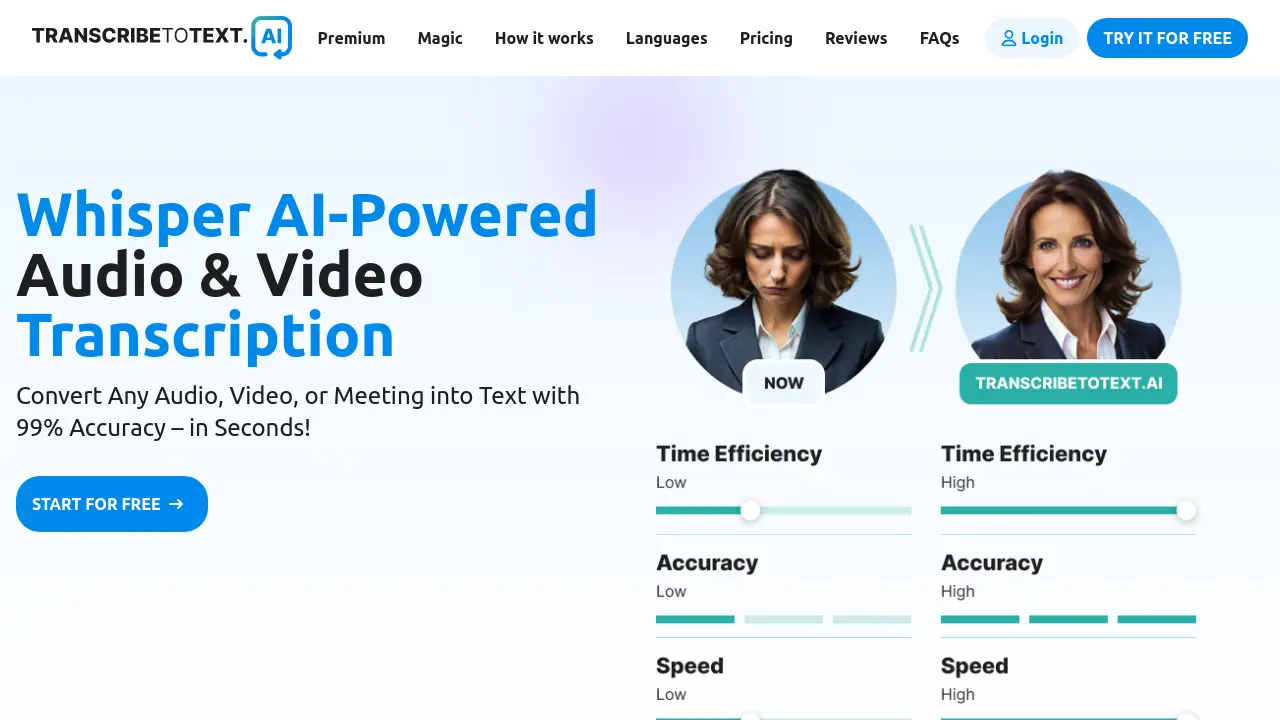 FreemiumStarting at $10/month
TranscribeToText.AI offers 99% accurate audio and video transcription in 117+ languages. It supports various file formats and integrates with YouTube, Google Drive, Dropbox, Zoom, Google Meet, and Microsoft Teams.
Key Features:
- Unlimited Transcriptions: No daily limits, transcribe as much as you need.
- Extended File Uploads: Upload files up to 10 hours or 5GB and process multiple files at once.
- Advanced AI Features: Translate into 117+ languages, bulk exports, speaker recognition.
- Priority Processing: Get lightning-fast transcriptions.
- Multiple Export Formats: Save transcripts as DOCX, PDF, TXT, SRT, and VTT.
- Smart Speaker Identification: Easily differentiate speakers in recordings.
- Enhanced Privacy & Security: 100% secure with end-to-end encryption.
- Direct Link Transcription: Transcribe YouTube videos by URL.
- Online Meeting Transcription: Record & transcribe meetings in Google Meet, Zoom, and Microsoft Teams.
Use Cases:
- Transcribing interviews for qualitative research.
- Generating subtitles for videos.
- Creating text records of online meetings.
- Converting podcasts into blog posts.
- Transcribing lectures for educational purposes.
- Transcribing voice memos to text.
-

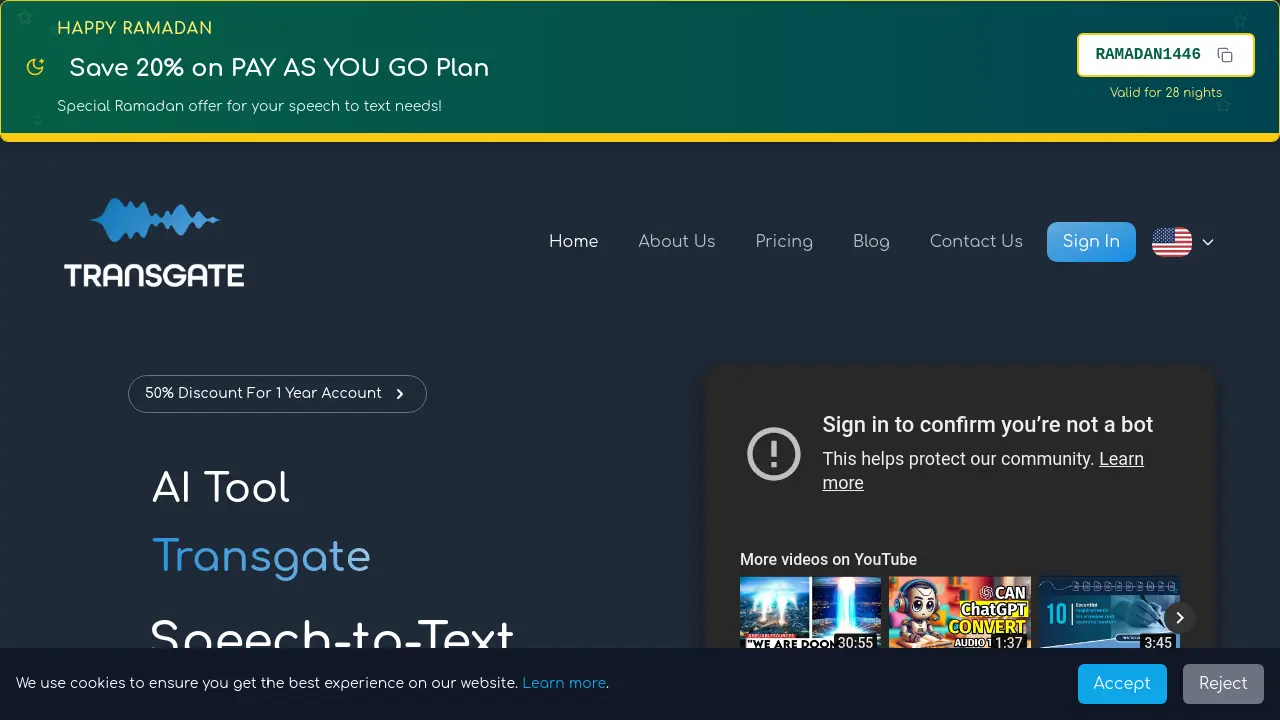
Transgate
Convert audio/ video to text in seconds online.
 FreemiumStarting at $14/month
Transgate is an AI-powered speech-to-text platform that converts audio and video files into text transcriptions in over 50 languages.
Key Features:
- Languages: Supports over 50 languages.
- Accuracy: Provides over 98% accuracy in transcriptions.
- Speed: Transcribes an hour-long file in less than 10 minutes.
- File Support: Compatible with a wide range of audio and video formats (MP3, WAV, MP4, AVI, MOV, and more).
- Editing: Allows users to review and edit transcripts.
- Export Options: Offers multiple export formats for sharing content.
Use Cases:
- Academic transcription for teachers, students, and researchers
- Patient data recording for healthcare hospitals and clinics
- Legal transcription for law firms and legal departments
- Meeting transcription for daily, weekly, or monthly meetings and interviews
- Customer service transcription for call center companies
- Podcast transcription for podcast producers and content creators
-

Audext
Advanced AI-powered audio to text converter with professional transcription options
 FreemiumStarting at $30/month
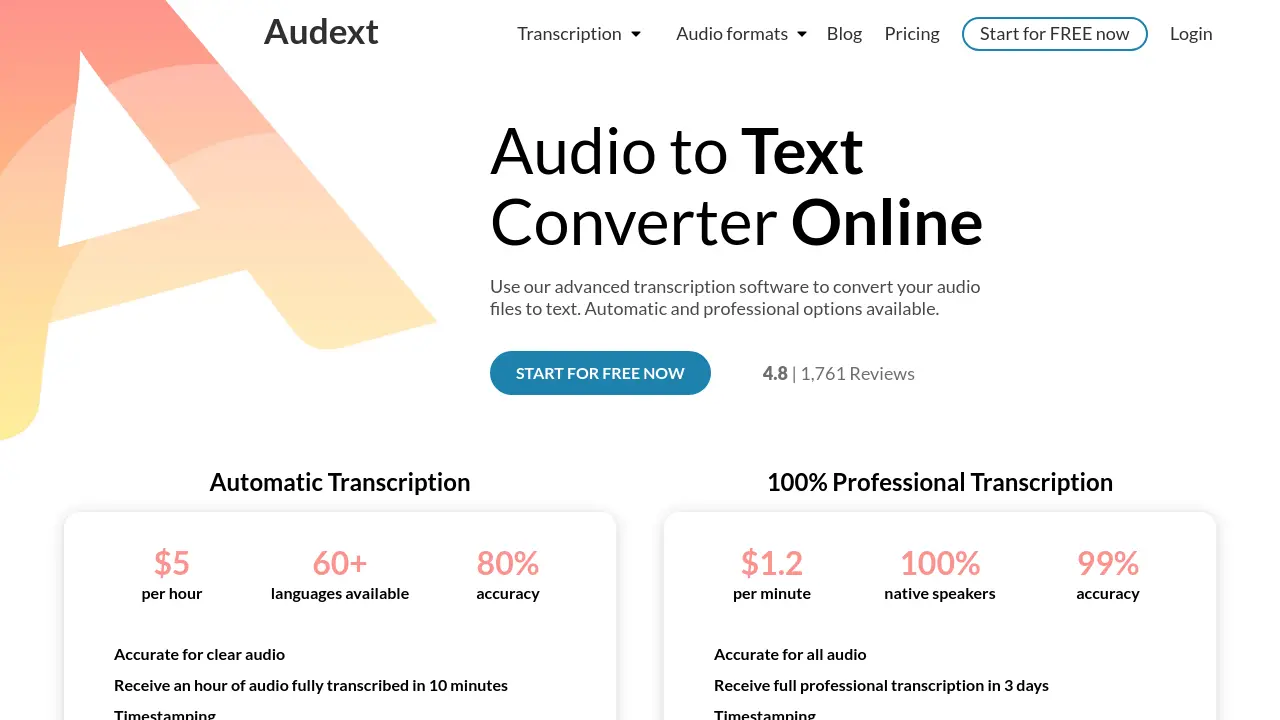
Audext is an online transcription service that converts audio files to text using AI technology, offering both automatic and professional transcription services with support for 60+ languages and multiple audio formats.
Key Features:
- Fast Processing: Converts one hour of audio to text in 10 minutes
- Multiple Format Support: Compatible with MP3, WAV, OGG, WMA, M4A, and MP4
- Language Support: Available in 60+ languages
- Speaker Identification: Automatic detection of different speakers
- Built-in Editor: Includes find & replace feature and playback speed control
- Timestamping: Automatic timestamp insertion
- Cloud-based: No software installation required
- Security: Confidential and automated processing
Use Cases:
- Educational lecture transcription
- Media interview conversion
- Business meeting documentation
- Research interview transcription
- Podcast content creation
- Healthcare documentation
- Event recording transcription
- Journalist interview processing
-

Audio Converter AI
Transcribe audio, video, and YouTube links into accurate text and AI summaries
 FreemiumStarting at $5/month
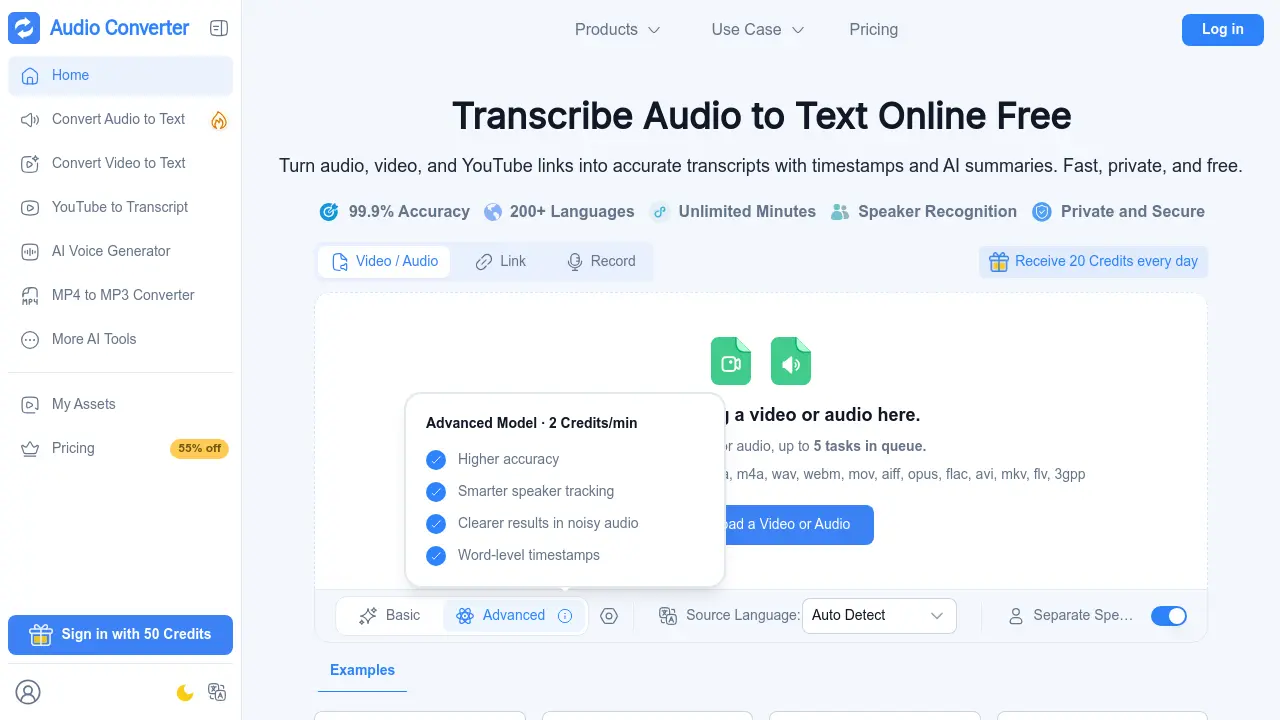
Audio Converter AI is an all-in-one online platform for transcription, AI voice generation, and audio and video format conversion. It turns recordings, files, and online links into accurate text with timestamps and speaker recognition in more than 200 languages.
Key Features:
- AI Transcription: Converts audio, video, recordings, and YouTube links into editable text with 99.9% accuracy.
- Multi-Language Support: Transcribes and translates content in more than 200 languages.
- Speaker Recognition: Detects and labels multiple speakers in meetings, interviews, and group discussions.
- AI Summaries and Notes: Produces concise summaries and smart notes from long recordings.
- AI Voice Generator: Creates natural voiceovers from text using 1000+ voices in over 100 languages.
- Format Conversion: Converts audio and video files between formats such as MP3, WAV, AAC, FLAC, and MP4 in as little as 3 seconds.
- Timestamps: Adds time markers to transcripts for easier navigation and review.
- Secure File Handling: Encrypts files in transit and at rest, processes audio in isolated environments, and removes files automatically after processing.
Use Cases:
- Transcribing university lectures and turning them into study notes
- Converting meeting recordings into shareable notes with speaker labels
- Turning podcasts and interviews into written articles and summaries
- Generating subtitles and captions for video content
- Creating AI voiceovers for courses, presentations, and narration
- Repurposing blog posts and scripts into audio content
- Converting audio and video files for editing, sharing, and publishing
- Translating recorded content for multilingual audiences
-

Transcripo
Online Transcription AI: Audio-to-Text Converter
 PaidStarting at $10/month
Transcripo is an AI-powered online transcription tool that converts audio and video files into text and subtitles. It supports over 100 languages and generates summaries.
Key Features:
- Multiple Languages: Supports over 100 languages.
- Subtitle Generation: Exports transcriptions in subtitle formats.
- Fast Transcriptions: Provides accurate transcriptions within seconds.
- AI Summaries: Creates summaries of transcriptions.
- Audio/Video File Upload: Transcribes from uploaded files.
Use Cases:
- Transcribing meetings
- Creating subtitles for videos
- Transcribing interviews
- Converting podcasts to text
- Generating text from voice recordings
-

TranscripcionPlus
Transform Your Audio and Video to Text in Minutes
 FreemiumStarting at $8/month
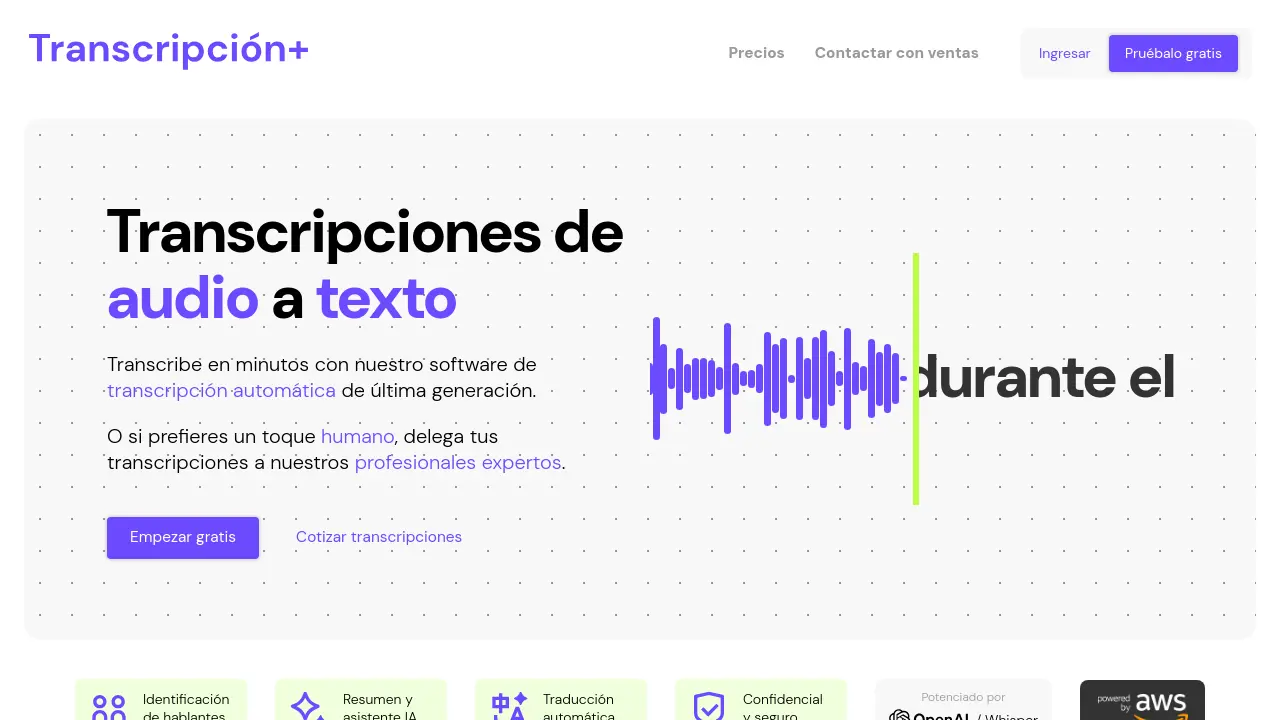
TranscripcionPlus offers fast and accurate transcriptions using advanced AI, with options for human-powered review. It supports multiple languages and provides valuable insights and summaries from your audio and video content.
Key Features:
- Speaker Identification: Automatically identifies different speakers in the audio or video.
- AI-Powered Summary: Generates concise summaries and key insights from the transcribed content.
- Automated Translation: Offers translation services for transcribed text.
- Multiple File Format Support: Compatible with mp3, wav, flac, ogg, m4a, mp4, avi, mov, wmv, and webm.
- Human Transcription: Offers professional human transcription services with 99% accuracy.
Use Cases:
- Transcription of interviews for research purposes
- Creating text versions of podcasts and webinars
- Generating transcripts of video content for accessibility and SEO
- Summarizing lengthy audio recordings for quick review
- Translating audio and video content into multiple languages
-

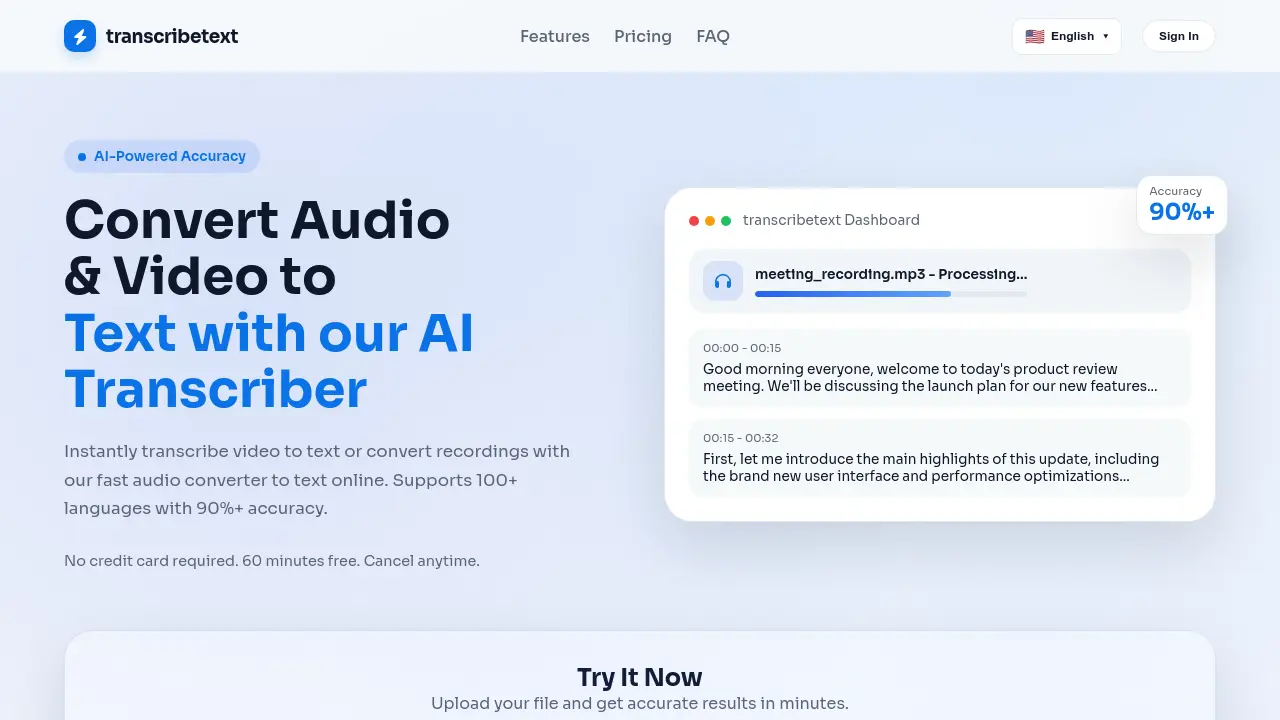
TranscribeText
Convert Audio & Video to Text with AI-Powered Accuracy
 Freemium
TranscribeText is an AI-powered transcription tool that converts audio and video files to text with over 90% accuracy, supporting 100+ languages and offering features like speaker diarization and subtitle translation.
Key Features:
- Smart Voice Recognition: Accurately recognizes accents, dialects, and technical terms even in noisy environments
- Lightning Fast Processing: GPU-accelerated processing handles one hour of content in minutes
- Speaker Diarization & Subtitle Translation: Built-in speaker separation with translated subtitle export in SRT/TXT formats
- Privacy & Security: Bank-level AES-256 encryption with automatic file deletion after processing
- Multi-Format Support: Processes MP3, MP4, WAV, M4A, WEBM, MOV and many other audio/video formats
Use Cases:
- Meeting transcription for business teams
- Podcast episode transcription and editing
- Academic research interview transcription
- Video content subtitle generation
- Media production workflow optimization
- Educational content accessibility creation
- Legal deposition documentation
- Journalistic interview analysis
-

TranscriptMate
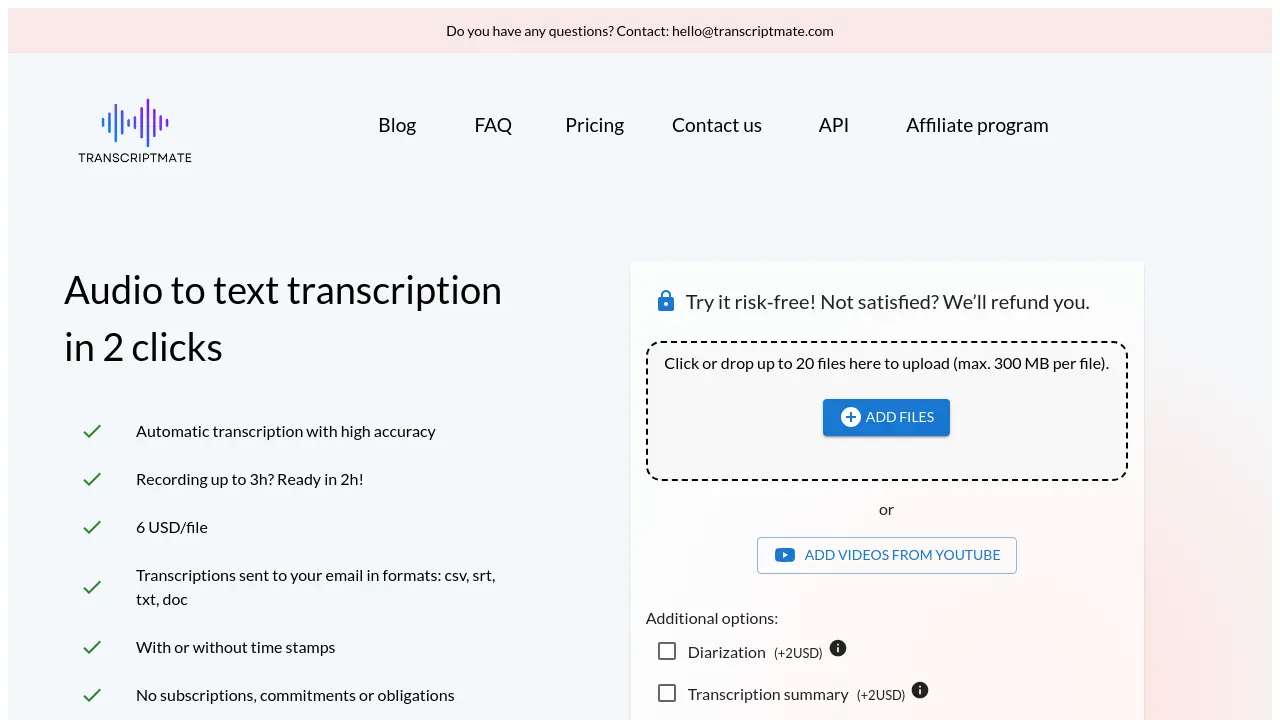
Audio to text transcription in 2 clicks with high accuracy
 Usage BasedStarting at $6/month
TranscriptMate is an automated transcription service that converts audio to text in multiple languages, offering fast turnaround times of up to 2 hours for files up to 3 hours long, with pricing starting at $6 per file.
Key Features:
- Quick Processing: Transcription ready within 2 hours for files up to 3 hours
- Multiple Format Support: Outputs in CSV, SRT, TXT, and DOC formats
- Language Support: Works with English, Polish, Spanish, French, German, and Portuguese
- Proper Name Recognition: Advanced model trained for accurate proper name transcription
- Optional Timestamps: Flexibility to include or exclude time markers
- Content Bundle: AI-generated blog posts and social media content
- Speaker Diarization: Option to identify and label different speakers
- Secure Processing: HTTPS encryption and immediate file deletion after transcription
Use Cases:
- Podcast episode transcription for SEO
- YouTube video subtitle creation
- Journalist interview transcription
- Academic research recording documentation
- Legal proceeding documentation
- Content creation from audio recordings
- Course material transcription
- Business meeting documentation
-

AudioScribe
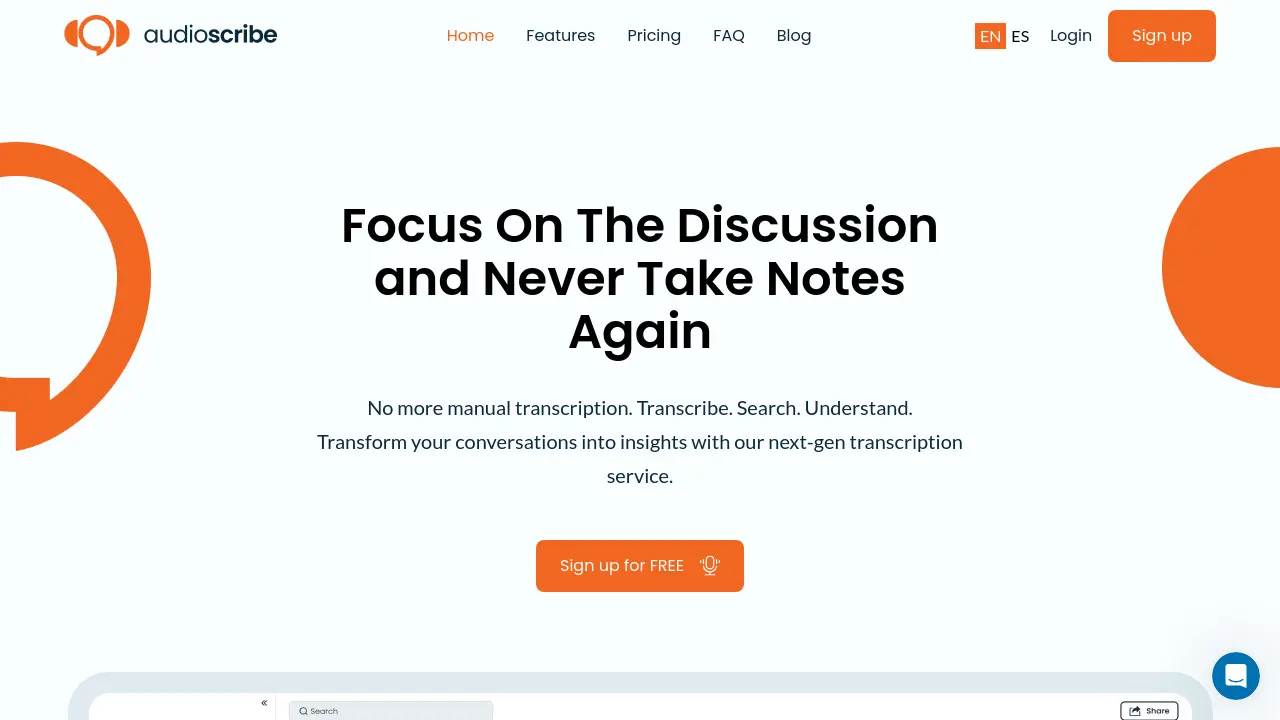
Focus On The Discussion and Never Take Notes Again
 FreemiumStarting at $20/month
AudioScribe is an AI-powered transcription service that converts audio and video content into searchable text, offering features like automated meeting recording, multi-language support, and AI-powered insights for businesses and individuals.
Key Features:
- Automated Meeting Join & Record: Bot automatically joins and records meetings
- Multi-Format Support: Transcribes both audio and video files
- Full-Text Search: Easy navigation through transcripts
- Multi-language Support: Supports 12 different languages
- AI-Powered Analysis: Sentiment analysis and topic extraction capabilities
- Export Options: Multiple format exports (TXT, SRT, VTT)
- Speaker Identification: Distinguishes between different speakers
Use Cases:
- Meeting transcription and documentation
- Interview recording and analysis
- Content creation and subtitle generation
- Research and data collection
- Legal documentation and record-keeping
- Educational lecture transcription
- Market research and customer insights
-

mp3totext.net
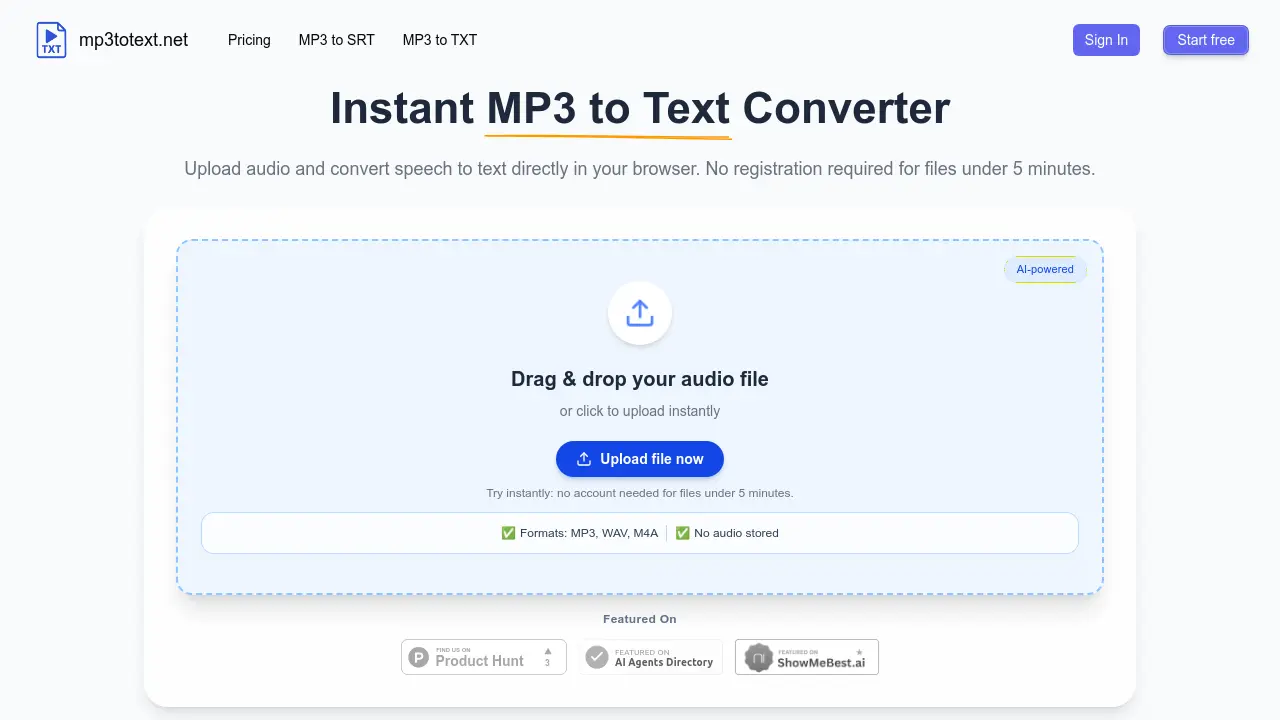
Instant AI-powered MP3 to text converter in your browser
 Freemium
mp3totext.net is an AI-powered online tool that converts MP3 and other audio formats to text transcripts directly in your browser with no installation required, offering free transcription for files under 5 minutes.
Key Features:
- AI-Powered Transcription: Uses modern AI models for accurate speech-to-text conversion with human-level accuracy for clear audio
- Browser-Based Processing: Runs entirely in modern web browsers without requiring software downloads or installations
- Multiple Format Support: Handles MP3, WAV, M4A, and AAC audio formats through the same conversion pipeline
- Automatic Formatting: Adds punctuation and breaks long audio into readable paragraphs automatically
- Privacy Protection: Does not store audio files after processing to ensure user data security
- Built-in Editor: Provides editing capabilities to fix transcription errors before export
- Export Options: Allows export as TXT files for text or SRT files for subtitles
Use Cases:
- Converting interview recordings to searchable text transcripts for journalists
- Transcribing podcast episodes for show notes, blog posts, and caption creation
- Creating lecture transcripts for students and educators from recorded classes
- Processing research interviews and focus group recordings for analysis
- Generating subtitles for video content from audio files
- Converting meeting recordings to text for documentation purposes
- Transcribing audio notes to text for content creation workflows
-

Fliter.ai
Convert speech to text in a few clicks with AI-powered transcription
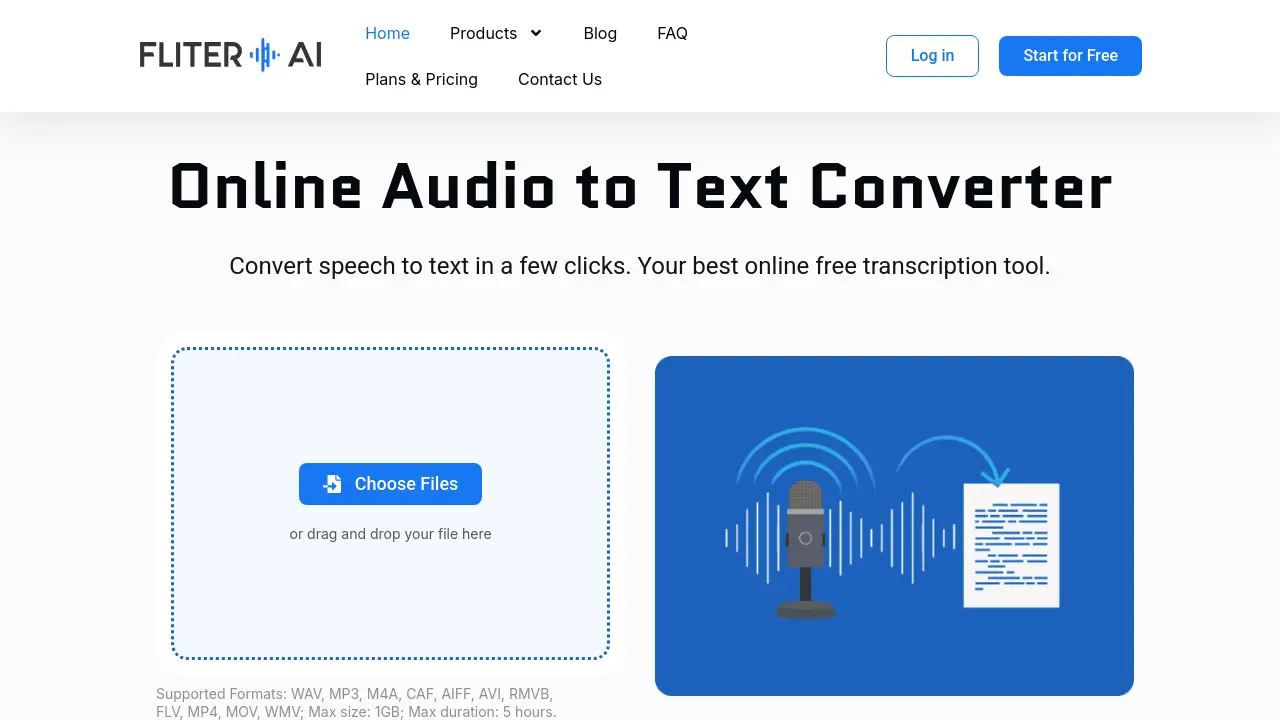 FreemiumStarting at $10/month
Fliter.ai is an AI-powered online audio to text converter that provides accurate transcription services for various audio and video formats, supporting over 100 languages with up to 98.86% accuracy.
Key Features:
- Multiple Formats Support: Compatible with WAV, MP3, M4A, CAF, AIFF, AVI, RMVB, FLV, MP4, MOV, and WMV file formats
- High Accuracy Transcription: Delivers up to 98.86% accuracy for high-quality audio files
- Multiple Language Support: Transcribes audio in over 100 languages including English, German, Spanish, French, and Hindi
- AI Summary Generation: Automatically analyzes and summarizes transcribed conversations
- Speaker Identification: Distinguishes between different speakers in audio recordings
- Security & Privacy: Does not store user files and uses SSL certificates for secure processing
Use Cases:
- Transcribing business meetings and interviews
- Converting academic lectures and research recordings to text
- Creating subtitles for videos automatically
- Transcribing legal proceedings and depositions
- Converting medical consultations and patient notes
- Transcribing podcasts and audio content for accessibility
- Converting voice memos and recordings to written format
- Transcribing multilingual content for translation purposes
-

Smart Scribe
Convert audio and video to text in just a few clicks
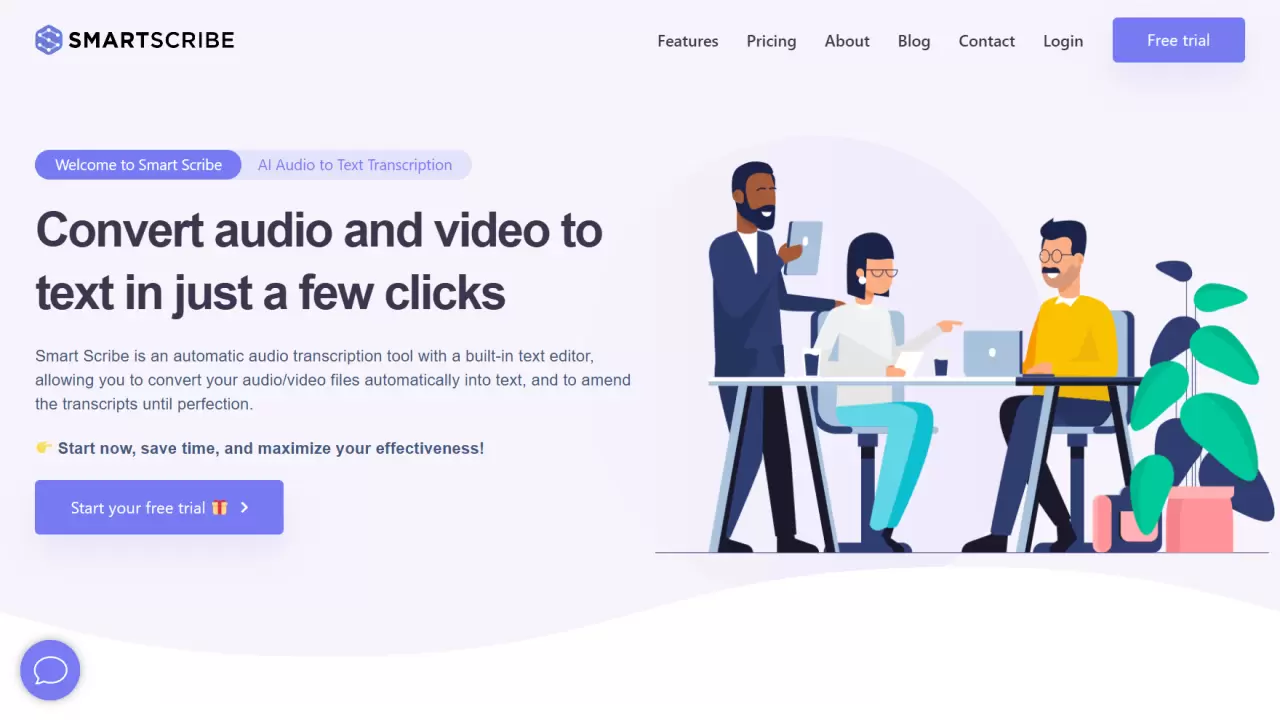 FreemiumStarting at $10/month
Smart Scribe is an AI-powered audio transcription tool that automatically converts audio and video files into text, featuring a built-in text editor for real-time editing and supporting over 30 languages.
Key Features:
- Quality & Accuracy: Near-perfect transcription with optimal recording quality
- Built-in Text Editor: Real-time editing and proofreading capabilities
- Export Options: Multiple format support including Word, PDF, TXT, and SRT subtitles
- Security & Privacy: Secure cloud storage with confidential data handling
- Language Support: Transcription available in 30+ languages
- Speaker Identification: Advanced audio synchronization with speaker tracking
Use Cases:
- Interview transcription
- Meeting documentation
- Podcast transcription
- Academic lecture transcription
- Conference recording conversion
- YouTube video subtitling
- Market research documentation
- Medical transcription
-

I ♡ Transcriptions
Unlimited Audio & Video Transcriptions
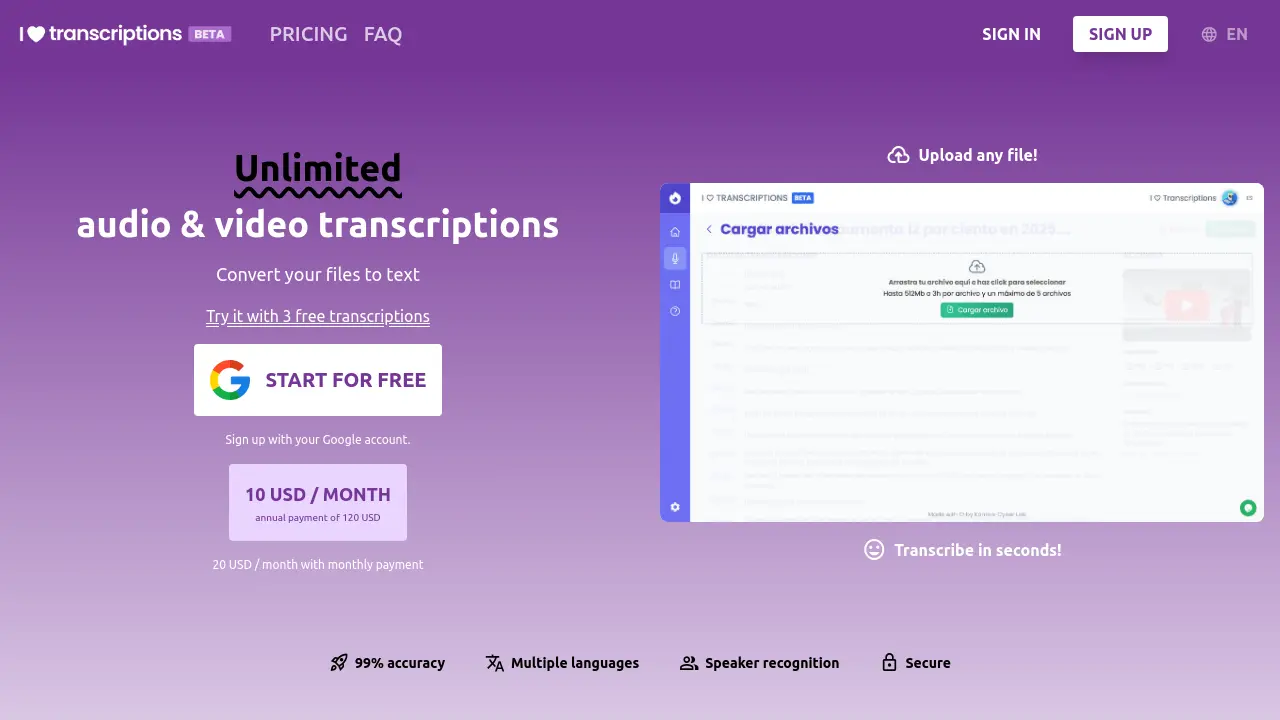 PaidStarting at $20/month
I ♡ Transcriptions offers high-accuracy audio and video transcriptions powered by OpenAI's Whisper, converting files to text in multiple languages with options for speaker recognition.
Key Features:
- 99% Accuracy: Utilizes Whisper technology for superior transcription quality.
- All Formats: Processes popular file formats like MP4, MKV, AVI, WEBM, MP3, M4A, WAV.
- Multiple Languages: Transcribes in English, Spanish, and Japanese.
- Speaker Recognition: Identifies and labels different speakers.
- Transcription Editor: Allows online editing of transcriptions.
- Export in Different Formats: Offers exports in PDF, Word, Excel, and more.
Use Cases:
- Creating subtitles for audiovisual content.
- Transcribing interviews for journalism.
- Generating text records of meetings.
- Converting lectures and presentations into written notes.
- Producing transcripts for podcasts.
-

AudiofyText
Free and Unlimited Online Text-to-Speech Service
 Free
FreeAudiofyText is a powerful, free text-to-speech generator offering voice modulation in multiple languages. It allows users to convert text into high-quality audio files for personal and commercial use.
Key Features:
- Multiple Languages Support: Offers voice modulation in numerous languages, including English, German, Spanish, French, and more.
- SSML Support: Allows fine-tuning of speech output with features like pauses, pitch adjustment, emphasis, and pronunciation.
- Voice Customization: Users can choose from standard and natural-sounding voices, customizing gender, accent, and style.
- Free Usage: Provides free text-to-speech conversion for both personal and commercial use.
- High-Quality Audio Output: Generates clear and natural-sounding speech.
- Audio Download: Users can download generated audio files in MP3 format.
Use Cases:
- Creating audio versions of e-books and written content.
- Developing e-learning modules for educational purposes.
- Automating customer service with voice-based AI solutions.
- Generating voiceovers for YouTube videos and presentations.
- Making digital content accessible in multiple languages.
- Assisting individuals with visual impairments or reading difficulties.
- Helping language learners improve pronunciation and understanding.
-
AudioTXT
Convert Audio & Video to Text with AI
 Freemium
AudioTXT is an AI-powered transcription service that converts audio and video files into text with high accuracy and speed. It supports multiple formats and offers real-time processing.
Key Features:
- AI-Powered Accuracy: Advanced AI algorithms ensure high-fidelity transcriptions, understanding context and nuances.
- Multi-Format Support: Transcribe from various audio and video formats, including MP3, WAV, MP4, and direct URLs.
- High-Speed Processing: Handles large files and lengthy content without compromising on speed or quality.
- Real-Time Transcription: Provides quick transcriptions with real-time processing capabilities.
- Speaker Identification: Identifies different speakers in the transcription.
- Integration Capabilities: Seamlessly integrate with existing workflow or third-party applications.
- Easy File Management: Upload, store, and organize transcriptions.
Use Cases:
- Transcribing interviews
- Generating text from video content
- Creating written records of meetings
- Converting podcasts to text
- Transcribing lectures and educational content
-

transcribethis.io
Experience error-free AI audio transcription with speaker recognition
 Free TrialStarting at $100/month
transcribethis.io offers AI-powered audio transcription services that are accurate, fast, and cost-effective, supporting over 60 languages and ensuring user privacy.
Key Features:
- Audio transcription: converts audio from various formats into text with high accuracy.
- Speaker recognition: automatically identifies and indicates different speakers in transcriptions.
- Supports 60+ languages: offers transcription capabilities in a wide variety of languages.
- Privacy-focused: processes data on-site and deletes it within 14 days post-transcription.
Use Cases:
- Transcribing conference calls
- Converting podcasts to text
- Documenting academic lectures
- Creating text versions of audio books
- Transcribing Youtube videos and movies
-

oTranscribe
A free web app to take the pain out of transcribing recorded interviews.
 Free
FreeoTranscribe is a free, open-source web application that simplifies audio and video transcription with keyboard shortcuts, automatic saving, and privacy-focused local processing.
Key Features:
- Keyboard Shortcuts: Use Ctrl+I for italic, Ctrl+B for bold, ESC to play/pause, and Ctrl+J to insert timestamps
- Automatic Saving: Transcripts are saved to browser storage every second for data security
- Privacy-Focused: Audio files and transcripts never leave the user's computer
- Export Options: Export transcripts to Markdown, plain text, and Google Docs formats
- Video Support: Includes an integrated player for transcribing video files
- Interactive Timestamps: Navigate through transcripts with clickable timestamps for easy reference
Use Cases:
- Transcribing recorded interviews for research or journalism
- Converting lecture recordings into text notes for students
- Creating transcripts from podcast episodes for accessibility
- Documenting meeting recordings for business or legal purposes
- Generating text from video content for subtitles or archives
-

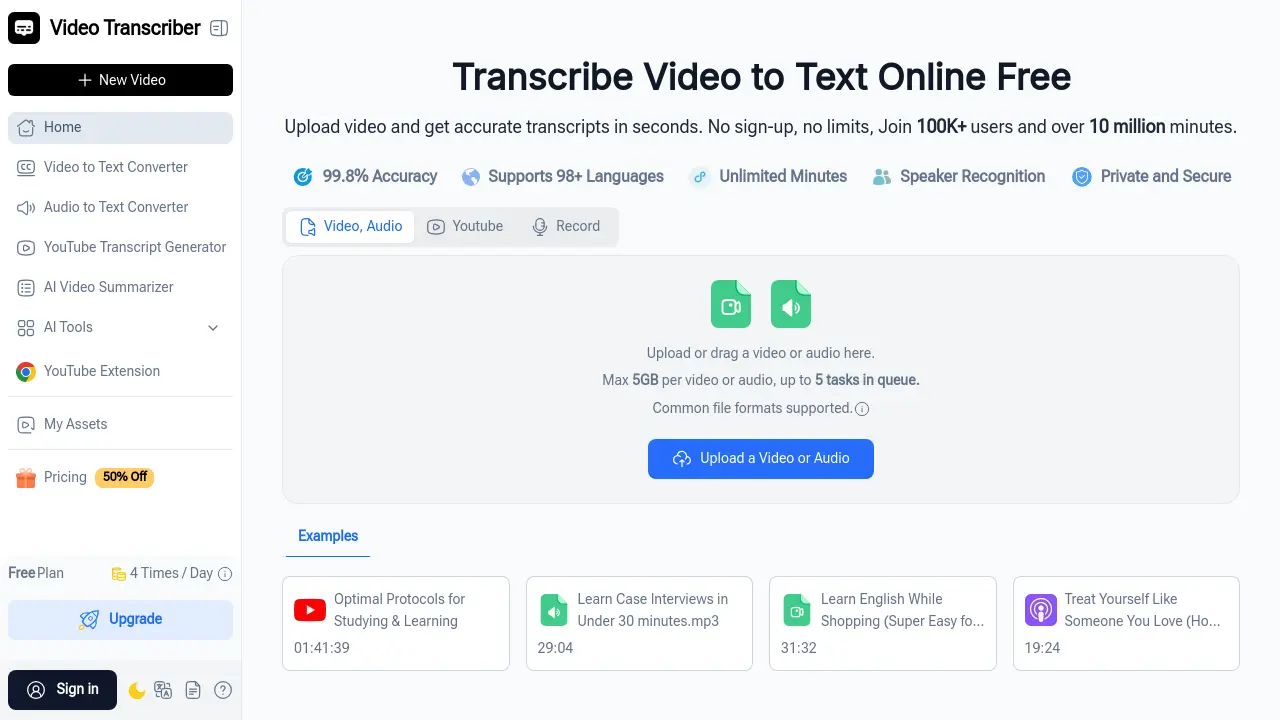
Video Transcriber AI
Transcribe Video to Text Online Free with 99.8% Accuracy
 FreemiumStarting at $4/month
Video Transcriber AI is a free online tool that converts video and audio files into accurate text transcripts in seconds, supporting 98+ languages with speaker recognition and no sign-up required.
Key Features:
- 99.8% Transcription Accuracy: Delivers highly accurate text conversion from video and audio content with multiple precision modes
- 98+ Language Support: Transcribes content in over 98 languages with translation capabilities for 100+ languages
- Speaker Recognition: Automatically identifies and labels different speakers in conversations, meetings, and interviews
- Large File Processing: Handles video and audio files up to 5GB with support for unlimited YouTube videos with subtitles
- Multiple Format Support: Works with MP4, MOV, AVI, Zoom recordings, YouTube links, and other common video/audio formats
- Batch Processing: Queue up to 5 videos or audio files simultaneously for efficient bulk transcription
- AI-Powered Features: Includes AI chat, automatic summarization, and content analysis capabilities
- Noise Reduction: Built-in technology to improve transcription accuracy from audio with background noise
Use Cases:
- Students transcribing online lectures and course videos into study notes for easier review and sharing
- Businesses converting Zoom meetings and webinars into searchable text records for documentation
- Content creators generating captions and scripts from YouTube videos for blogs and social media
- Journalists transcribing interviews and press conferences for accurate and timely reporting
- Researchers converting recorded interviews and talks into text for analysis and citation
- Teachers creating accessible lesson materials and handouts from recorded classes
- Podcasters generating transcripts for show notes and improved SEO
- Teams documenting training sessions and presentations for knowledge management
-

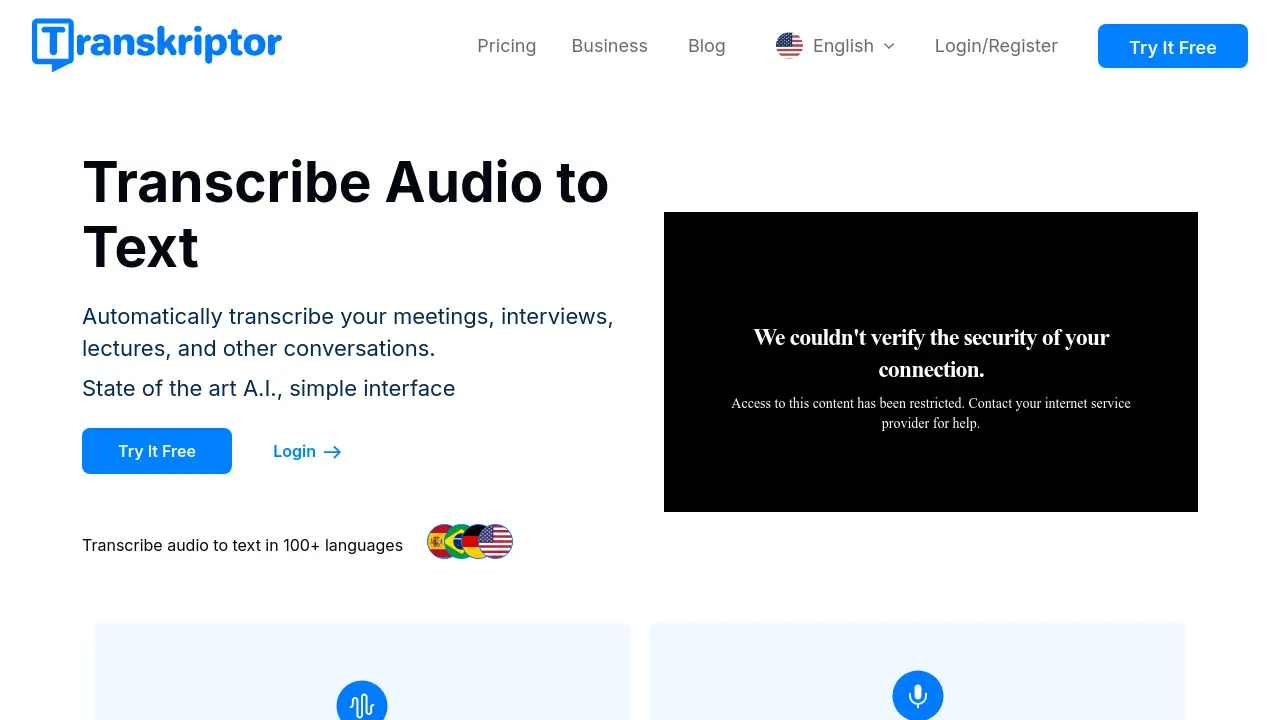
Transkriptor
Automatically transcribe your meetings, interviews, lectures, and other conversations
 Freemium
Transkriptor is an AI-powered transcription service that converts audio and video files to text in 100+ languages with up to 99% accuracy, offering features like speaker recognition and collaboration tools.
Key Features:
- Multiple Language Support: Transcription available in 100+ languages
- Format Compatibility: Supports all audio and video file formats
- Speaker Recognition: Automatic detection and separation of different speakers
- Rich Export Options: Export as PDF, TXT, SRT, Word, or Plain Text
- Collaboration Tools: Team sharing and simultaneous editing capabilities
- Translation Service: One-click translation to 100+ languages
- AI Chat Assistant: Built-in AI for summarization and Q&A
- Real-time Recording: Direct voice recording and transcription
Use Cases:
- Interview transcription
- Lecture transcription
- Meeting documentation
- Podcast transcription
- Conference recording
- Seminar documentation
- Webinar transcription
- Research interviews
-

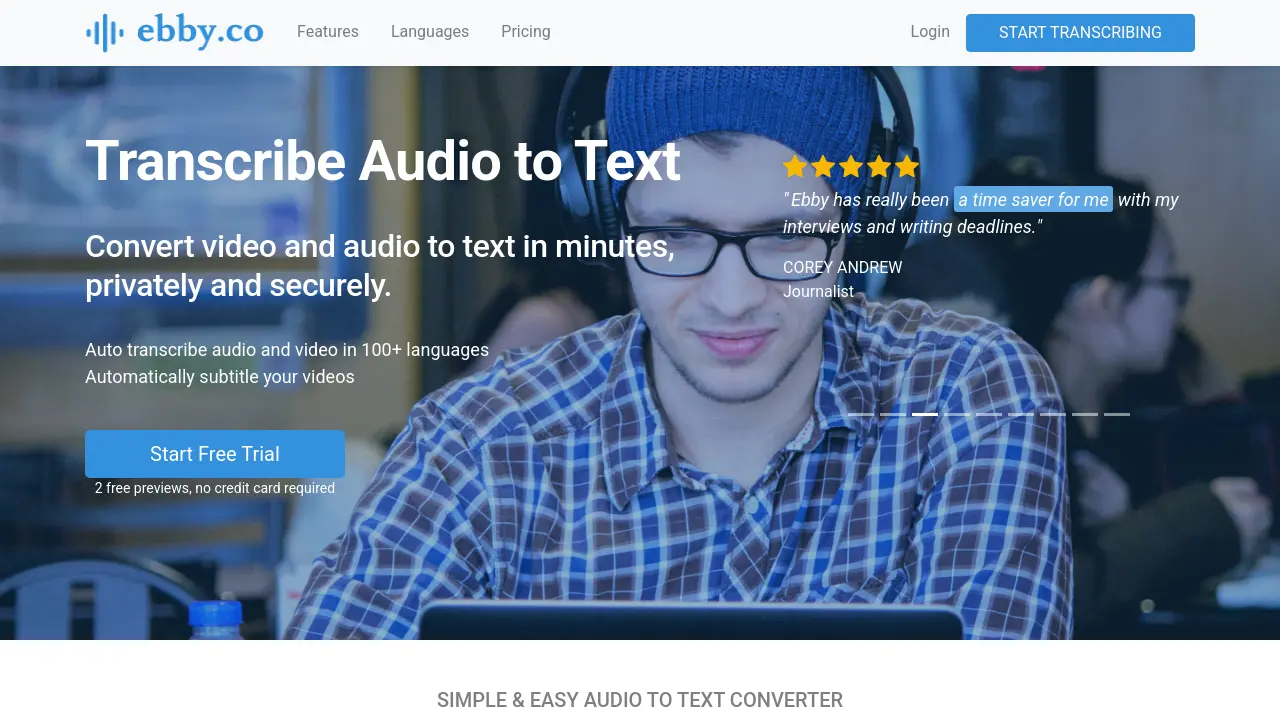
Ebby
Convert Audio and Video to Text in Minutes
 Usage Based
Ebby provides fast, accurate, and secure automatic transcription services for audio and video files in over 100 languages. It offers a user-friendly online editor, flexible export options, and pay-as-you-go pricing.
Key Features:
- Fast Turnaround: Transcribe audio to text in half the duration of the recording, with an expedited mode for transcripts in about 5 minutes.
- Online Editor: Feature-rich editor with integrated media player for synchronized playback, editing, and speed adjustment.
- Affordable Pricing: Pay-as-you-go pricing with no hidden fees or monthly subscriptions.
- Subtitle Generation: Automatically generate subtitles for videos in formats like SRT, VTT, and ASS.
- Multiple Export Formats: Export transcripts to Word, PDF, Text, CSV, or HTML.
- Collaboration Tools: Share transcripts with read-only or editing permissions for team collaboration.
- Privacy and Security: Secure platform with multiple layers of protection for user data.
- Multilingual Support: Transcribe over 100 languages and dialects.
- File Format Support: Supports a wide range of audio and video file formats, including mp3, mp4, wav, m4a, and mov.
- Speaker Identification: Automatically identifies and labels speakers in the transcript.
Use Cases:
- Transcribing interviews for journalism and research.
- Creating transcripts of podcasts for accessibility and SEO.
- Generating meeting minutes and records.
- Transcribing phone calls and video chats.
- Creating lecture transcripts for educational purposes.
- Transcribing voice notes and documentaries.
- Generating subtitles for videos.
-

Good Tape
Fast, secure and accurate transcription for all your audio and video
 Contact for Pricing
Good Tape is a professional audio and video transcription service designed by journalists, offering fast, secure, and accurate transcription solutions for various media formats.
Key Features:
- Fast Processing: Quick turnaround for audio and video transcriptions
- Secure File Handling: Protected upload and processing of media files
- Accurate Transcription: High-quality conversion of speech to text
- Simple Interface: Easy-to-use file upload system
- Professional Grade: Journalist-level transcription quality
Use Cases:
- Journalistic interview transcription
- Meeting minutes documentation
- Podcast transcription
- Video content captioning
- Research interview documentation
- Academic lecture transcription
-

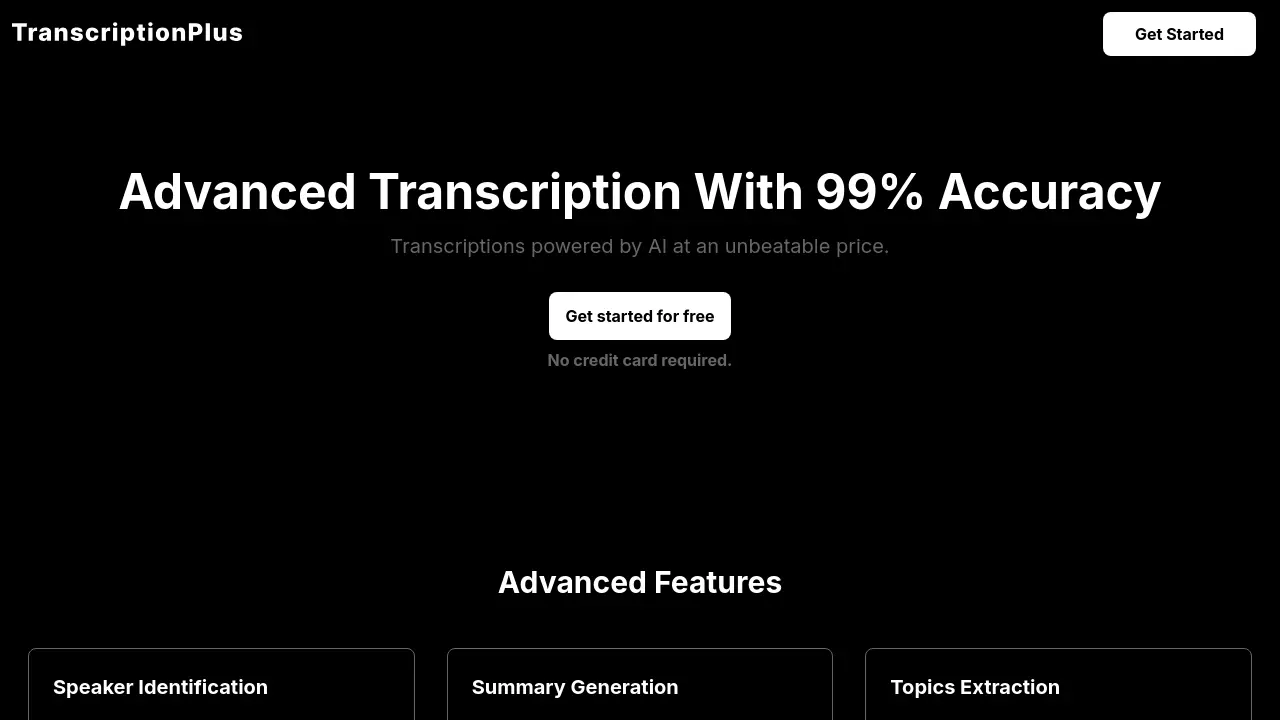
TranscriptionPlus
Advanced Transcription With 99% Accuracy
 FreemiumStarting at $5/month
TranscriptionPlus is an AI-powered transcription service offering high-accuracy audio and video transcription with advanced features like speaker identification and topic extraction across 30+ languages.
Key Features:
- Speaker Identification: Automatic labeling of different speakers in audio files
- Summary Generation: Creates concise summaries of transcribed content
- Topics Extraction: Automatically identifies and categorizes key themes
- Multi-format Support: Compatible with 20+ audio and video formats
- Language Support: Transcription available in 30+ languages
- Built-in Recorder: Direct audio recording capability
Use Cases:
- Podcast transcription
- Research interviews documentation
- Journalism content creation
- Academic lecture transcription
- Legal proceedings documentation
- Content analysis and research
- Meeting minutes generation
-

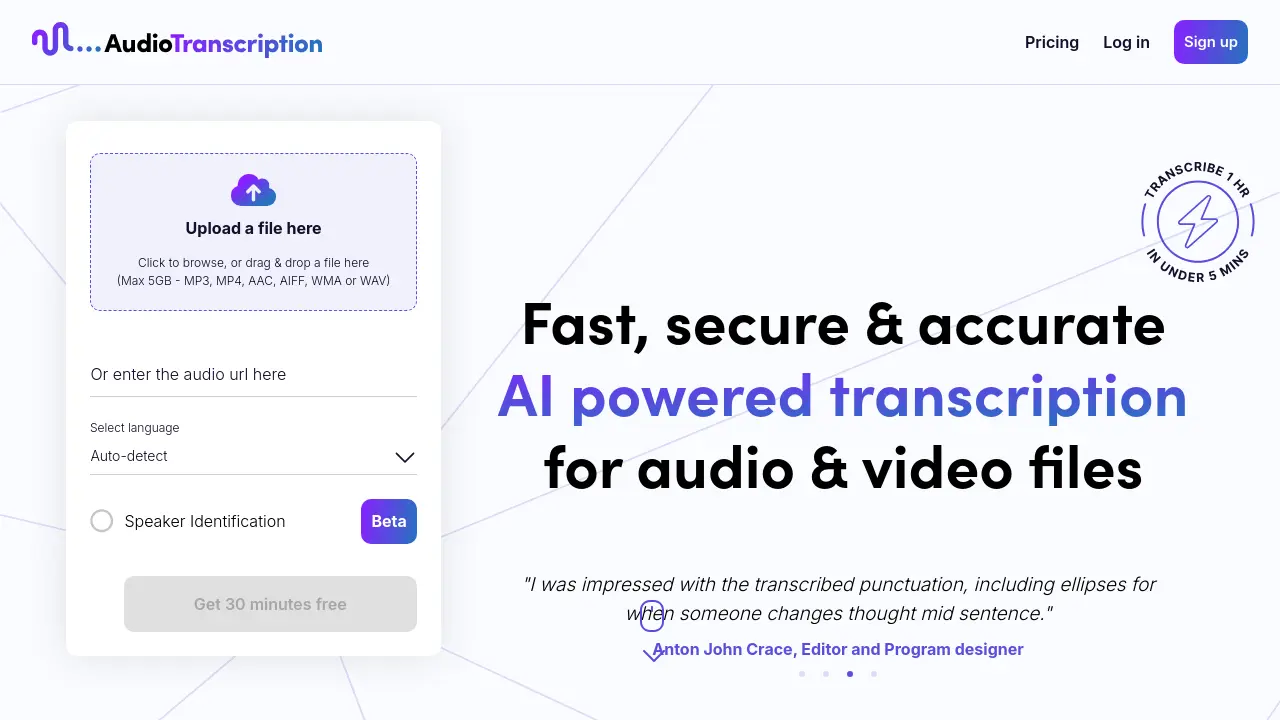
AudioTranscription.ai
Fast, Secure & Accurate AI-Powered Transcription
 Usage Based
AudioTranscription.ai provides AI-powered transcription services for audio and video files, offering speed, accuracy, and support for over 70 languages.
Key Features:
- Lightning Speed Transcriptions: Transcribe a 1-hour audio or video file in under 5 minutes.
- Accuracy: Get accurate language transcriptions, even with multiple languages.
- Transcribe in over 70 Languages: Supports transcription in a wide variety of languages.
- Speaker Identification: Utilise Speaker Identification for precise speaker labelling.
- Dashboard: Easily manage all transcriptions in one place.
- Multi-format Files: Upload files in popular formats and download transcriptions in various layouts.
- API Access: REST API for connecting with the online, encrypted portal.
Use Cases:
- Transcribing interviews for journalism
- Creating transcripts of video content for accessibility
- Generating text versions of podcasts
- Converting lectures and presentations into written notes
- Producing written records of meetings
-

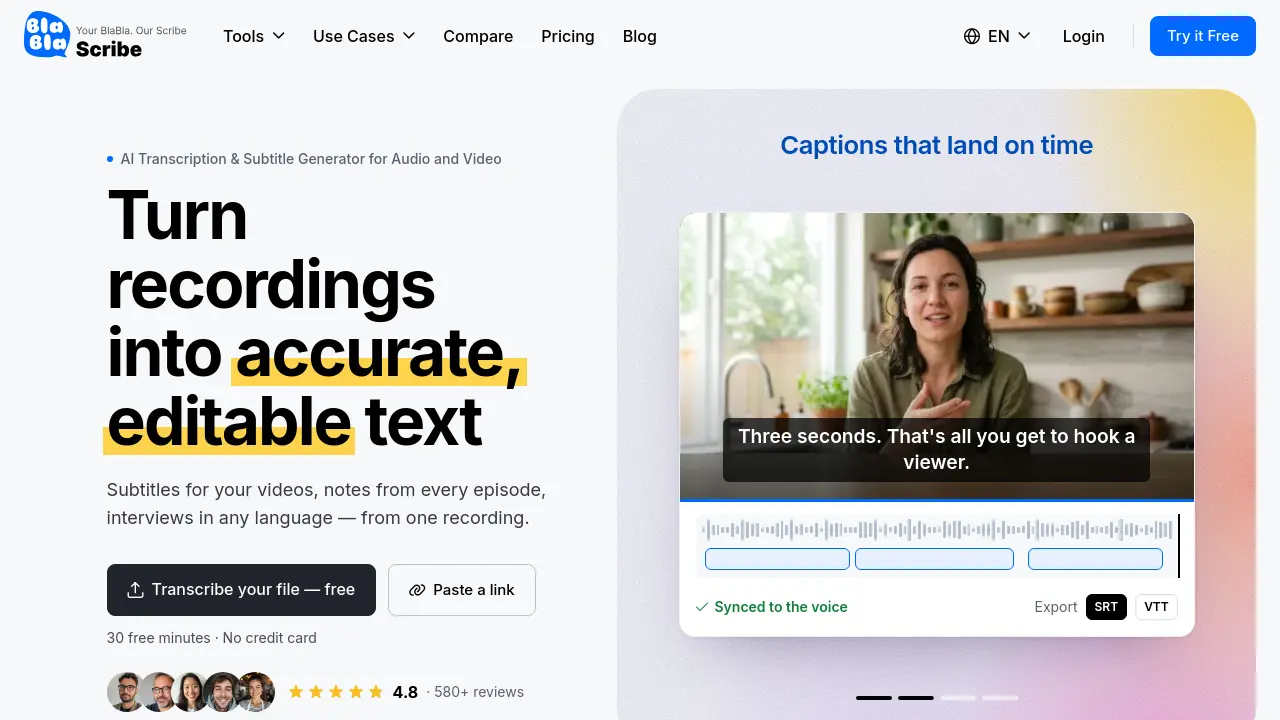
BlaBlaScribe
AI transcription and subtitle generation for audio and video
 FreemiumStarting at $14/month
BlaBlaScribe is an AI transcription and subtitle generator that converts audio and video into editable text, captions, translations, and dubbed voice-overs. It supports 120+ languages for transcription, speaker detection, and export in multiple subtitle and document formats.
Key Features:
- AI Transcription: Converts audio and video into time-coded text in 120+ languages with speaker labels and word-level timestamps.
- Subtitle Generation: Creates timed captions for YouTube, Reels, and online courses, ready as SRT or VTT.
- Translation: Translates transcripts and subtitles into 50+ languages while preserving original timing.
- AI Dubbing: Produces voice-overs in 27 languages with natural voices per speaker or a clone of the original voice, timed to the video.
- Transcript Summarizer: Generates AI summaries from transcripts.
- Browser-Based Editor: Lets users edit text next to audio, fix timings, and style captions.
- Multi-Format Export: Exports SRT, VTT, TXT, DOCX, PDF, CSV, XLSX, JSON, and video with burned-in subtitles.
- Privacy and Security: Files are encrypted in transit and at rest, never used for AI training, and access is limited to the user and invited team members.
Use Cases:
- Creating subtitles for YouTube videos, Reels, Shorts, and TikTok clips.
- Transcribing podcast episodes with speaker labels and timestamps.
- Adding subtitles and translations to online course libraries.
- Transcribing research interviews and focus groups for analysis.
- Preparing interview transcripts for journalism and reporting.
- Localizing marketing videos with translated subtitles and voice-overs.
- Transcribing meetings, lectures, and client calls for notes and sharing.
- Making video content accessible with captions.
-

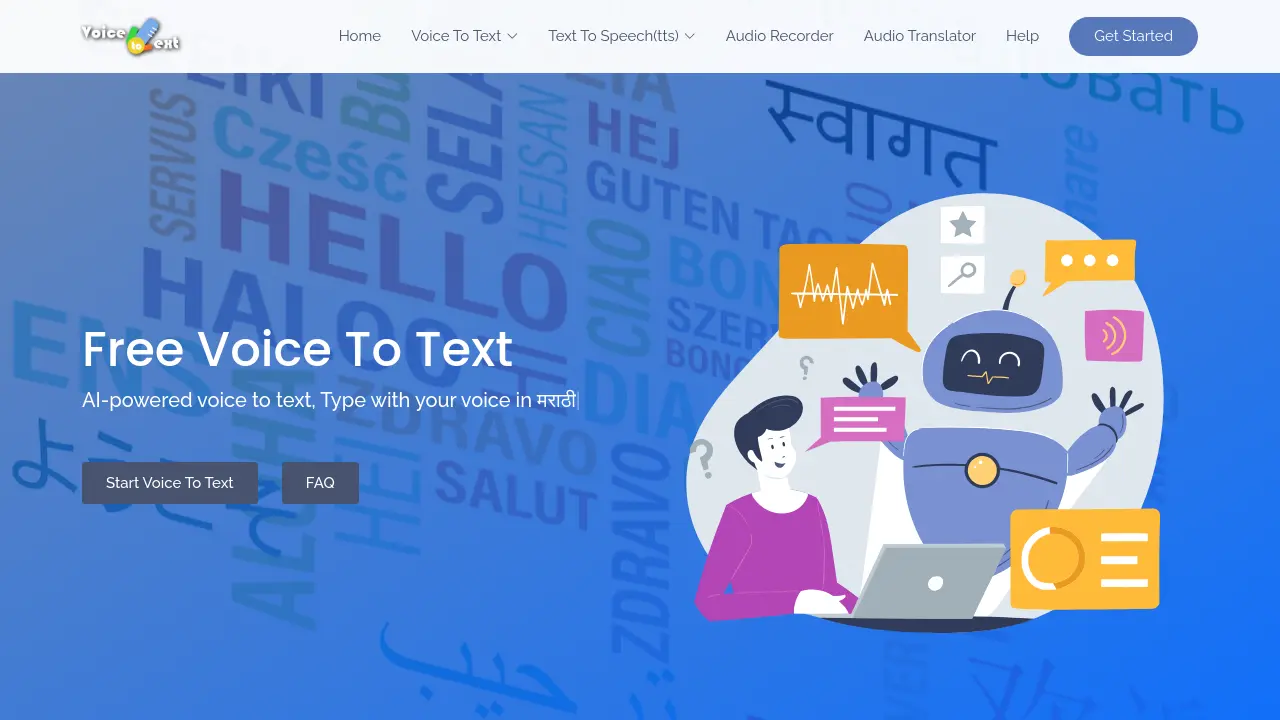
Voice To Text
AI-powered real-time voice transcription with multi-language support
 Free
FreeVoice To Text offers AI-driven speech recognition that converts spoken words into text in real time across 30+ languages, featuring editing tools and export capabilities for seamless documentation.
Key Features:
- AI Speech Recognition: Real-time voice-to-text conversion with 95% accuracy
- Multi-Language Support: Transcribes speech in 30+ languages and accents
- Editing Tools: Format text with bold/underline and insert punctuation/smileys
- Export Options: Save transcripts as TXT or DOCX files
- Text-to-Speech: Convert written text into audible speech output
- Browser-Based: Works on Chrome across Windows/Mac/Linux without installations
Use Cases:
- Transcribing business meetings or interviews
- Creating subtitles for video content
- Converting lecture recordings to study notes
- Drafting documents through voice dictation
- Assisting users with physical typing limitations
-

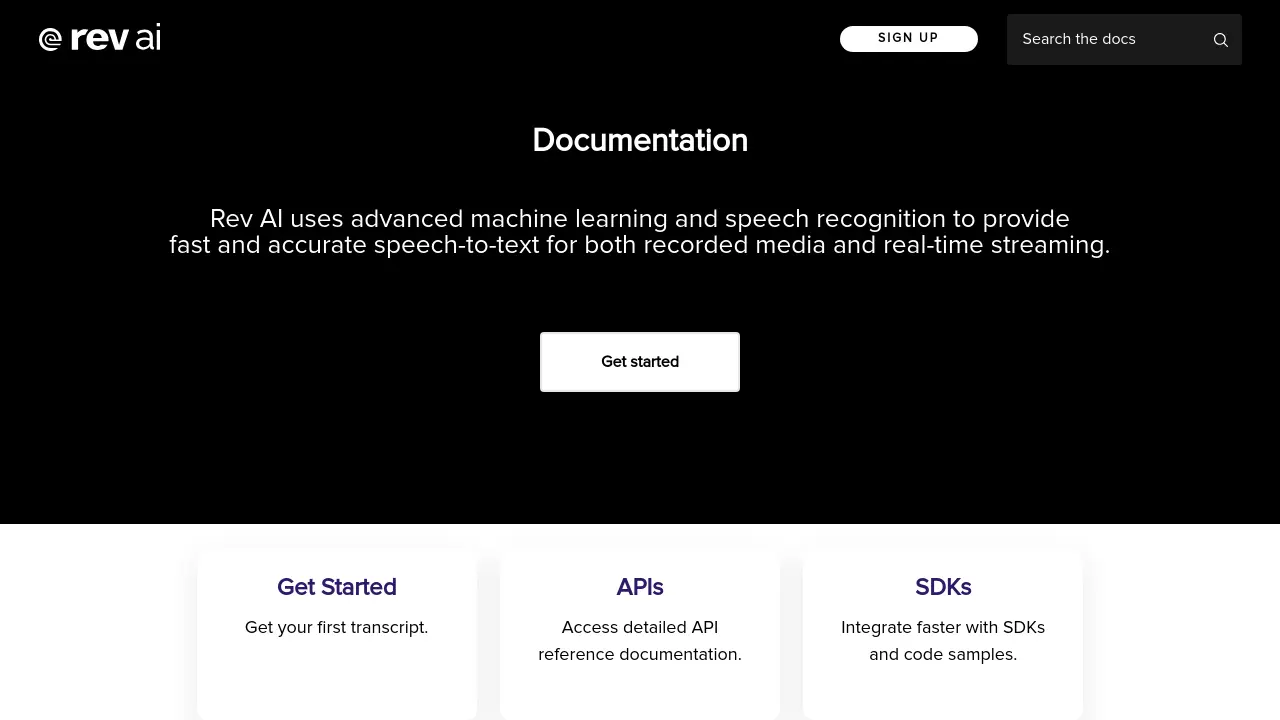
Rev AI
Advanced Speech-to-Text via API
 Usage Based
Rev AI offers developers advanced speech recognition technology through APIs for fast and accurate transcription of both recorded media and real-time streams.
Key Features:
- Asynchronous Speech-to-Text: Transcribe pre-recorded audio and video files.
- Real-time Streaming Transcription: Convert spoken audio into text live as it happens.
- API Access: Integrate transcription capabilities into applications.
- SDKs and Code Samples: Facilitate faster integration with various programming languages.
- High Accuracy: Utilizes advanced machine learning for precise transcription.
Use Cases:
- Transcribing recorded meetings and interviews.
- Generating captions for videos and podcasts.
- Real-time transcription for live events or calls.
- Voice command recognition in applications.
- Analyzing audio data for insights.
-

AudioFlare
Transcribe, Analyze, and Translate Audio in the Cloud
 Free
FreeAudioFlare is a Cloudflare-based tool that allows users to transcribe, analyze, and translate audio files. It offers a simple interface for quick audio processing.
Key Features:
- Transcription: Converts audio content to text.
- Analysis: Examines the audio data.
- Translation: Translates the audio content into different languages.
Use Cases:
- Quickly transcribe short audio clips.
- Analyze audio content for insights.
- Translate audio content to other languages.
-

ScribeBuddy
AI Transcription, Translation and Subtitle Generation Software
 FreemiumStarting at $17/month
ScribeBuddy is an AI-powered platform that automatically transcribes audio and video to text, translates content, and generates subtitles in over 100 languages with 98% accuracy.
Key Features:
- Accuracy: 98% transcription accuracy rate
- Language Support: Transcription and translation in 100+ languages
- File Compatibility: Support for 50+ major file formats
- Real-time Transcription: Live speech-to-text conversion
- Multi-platform Support: Compatible with Mac, Windows, Linux, and iOS devices
- AI Summaries: Automated content summarization
- Subtitle Generation: Automatic subtitle creation for videos
- Unlimited Free Tier: Free transcription for files up to 5 minutes
Use Cases:
- Business meeting transcription
- Podcast episode transcription
- Educational lecture recording
- Interview documentation
- Content creation and marketing
- Recruitment interview documentation
- Video subtitle generation
- Voice memo conversion
-

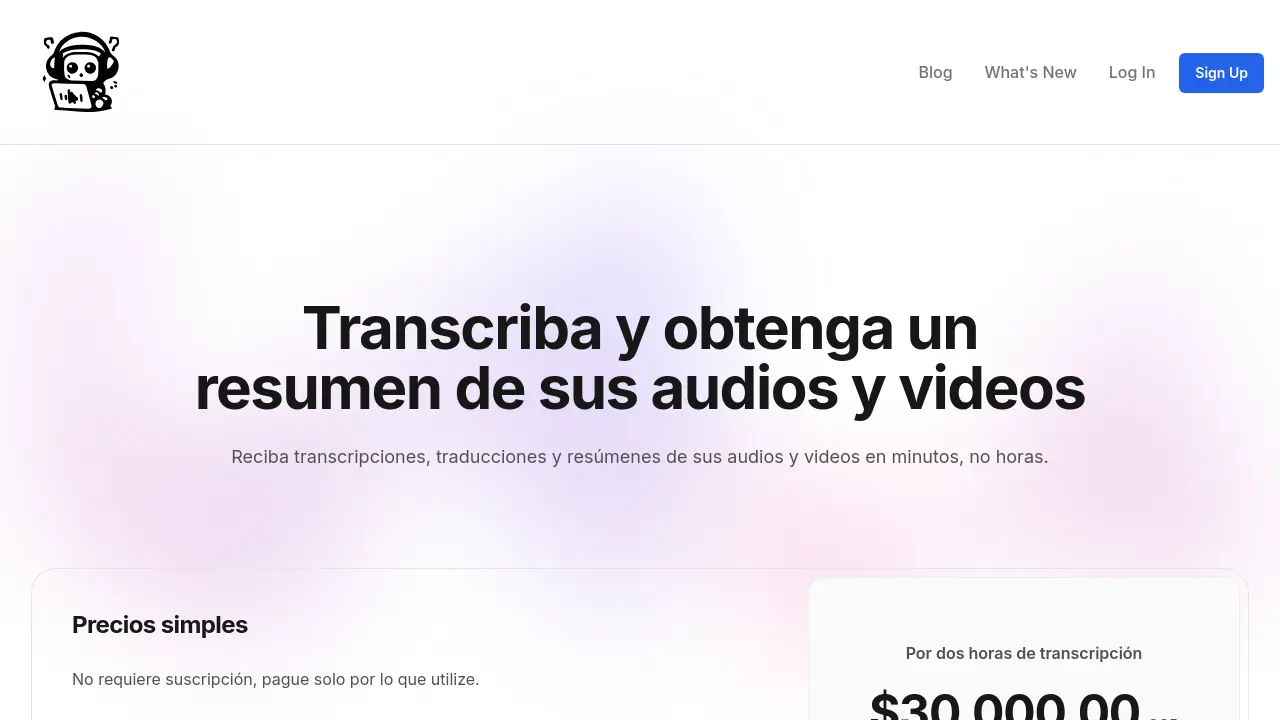
AudioBot
Transcribe, summarize, and translate audio and video files instantly
 Usage Based
AudioBot offers fast, accurate AI-based transcription, summarization, and translation for audio and video files without a subscription requirement.
Key Features:
- AI Transcription: Generates accurate text transcriptions of audio and video files.
- Summarization: Provides concise summaries of processed files.
- Translation: Supports translations between Spanish and English.
- Platform Compatibility: Accepts files from platforms like Zoom, Google Meet, and Microsoft Teams.
- Flexible Exporting: Allows exporting results in text, PDF, or JSON formats.
- Pay-Per-Use: No subscription required, users pay only for what they use.
- Free Transcription: Offers 10 minutes of free transcription to new users.
Use Cases:
- Transcribing meeting recordings for business documentation.
- Generating summaries of lengthy interviews or lectures.
- Translating conference calls between Spanish and English.
- Archiving Zoom or Teams sessions with searchable transcriptions.
- Producing accessible transcripts for podcasts or online courses.
-

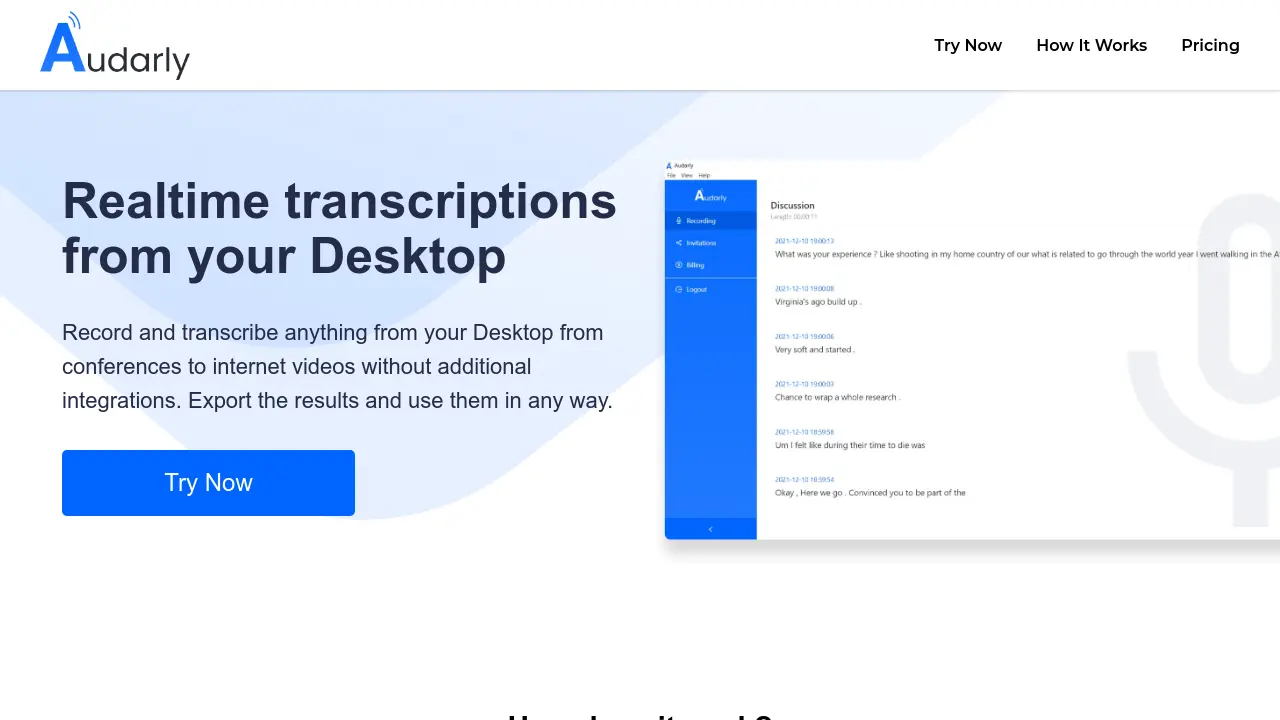
Audarly
Realtime transcriptions from your Desktop
 Usage Based
Audarly is a desktop application that records and transcribes audio directly from your computer in real-time, suitable for conferences, videos, and more.
Key Features:
- Real-time Transcription: Transcribes audio as it's being played or recorded on the desktop.
- Desktop Audio Recording: Captures any audio output from the computer.
- Local Export: Saves transcriptions directly to the user's local machine.
- Cross-Platform Support: Available for Linux, Windows, and Mac.
- Secure Processing: Uses AWS for secure data handling without storing user recordings.
Use Cases:
- Transcribing online meetings and conferences.
- Creating text versions of internet videos or podcasts.
- Capturing notes from webinars or online lectures.
- Generating transcripts for audio content creation.
-
writeout.ai
Transcribe and translate any audio file.
 Freemium
writeout.ai offers fast and accurate transcription and translation services for audio files in multiple languages.
Key Features:
- Fast Transcription: Processes audio files within seconds.
- Accurate Transcription: Delivers precise text from audio.
- Multi-language Support: Transcribes and translates in over 10 languages.
- Audio Translation: Translates audio content alongside transcription.
Use Cases:
- Transcribing podcasts for content repurposing or accessibility.
- Converting meeting recordings or lectures into text.
- Creating subtitles or captions from audio tracks.
- Translating audio content for a wider audience.
-

Trint
Craft Powerful Content by Transcribing Audio and Video to Text
 Paid
PaidTrint's automated transcription software converts audio, video, and speech to text in over 40 languages. It streamlines content creation by enabling transcription, translation, editing, and collaboration in a single platform.
Key Features:
- Automated Transcription: Convert audio, video, and speech to text in 40+ languages with up to 99% accuracy.
- Real-time Collaboration: Work together with highlight and comment tools and shared drives.
- Translation: Translate transcripts into more than 50 languages.
- Mobile App: Capture audio and transcribe live in more than 40 languages.
- Integrations: Export into multiple formats or integrate with other platforms.
- Security: ISO 27001 certified with data servers in both the US and EU.
Use Cases:
- Transcribe video to text
- Transcribe audio to text
- Transcribe voice to text
- Subtitle generation
- Transcribe and translate content
- Create articles, podcasts, and scripts from transcripts
-

AI Transcription
Accurate audio transcription and real-time speech-to-text conversion
 Free Trial
AI Transcription is an AI-powered tool that converts audio files to text with high accuracy and provides real-time speech-to-text capabilities, featuring seamless Google Workspace integration and flexible export options.
Key Features:
- Accurate Audio Transcription: Converts pre-recorded audio files into readable, editable, and searchable text with high accuracy
- Real-time Speech-to-Text: Instantly transforms live spoken words into text during meetings, interviews, or events
- Multi-language Real-time Translation: Translates content into multiple languages simultaneously during speech-to-text conversion
- Google Workspace Integration: Seamlessly installs and operates within Google Workspace applications
- Flexible Export Options: Exports transcripts to Google Docs, Google Sheets, Google Slides, and downloadable formats including Text, Word, SRT, and Excel
Use Cases:
- Meeting minutes transcription
- Podcast transcript creation
- Content creation from audio recordings
- Live event captioning
- Interview transcription
- Efficient note-taking during discussions
- Real-time translation during multilingual meetings
- Accessibility enhancement through text conversion
Related blogs
-
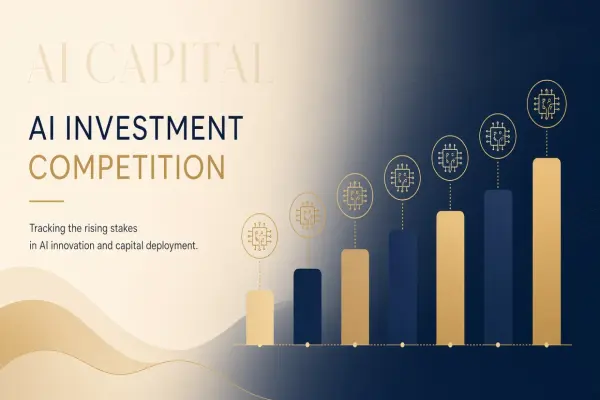
Altman and Musk AI Investment Moves: What Changed in 2026
Sam Altman and Elon Musk made overlapping and competing AI bets in 2026. Track funding, chip deals, and what it signals for model access and politics.
-
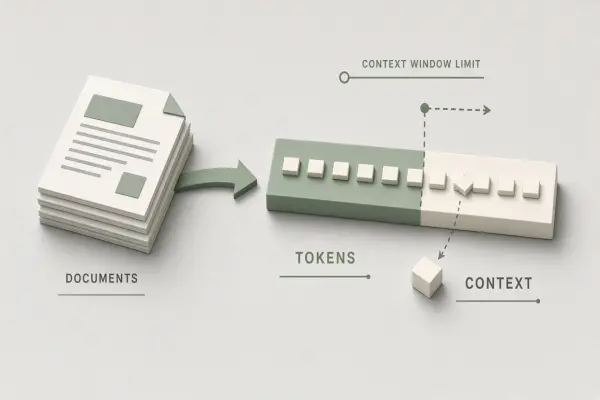
Context Windows Explained: Tokens, Limits, and Long Document Workflows
Context windows cap how much text a model sees at once. Learn token counting, truncation behavior, and strategies for long inputs.
-
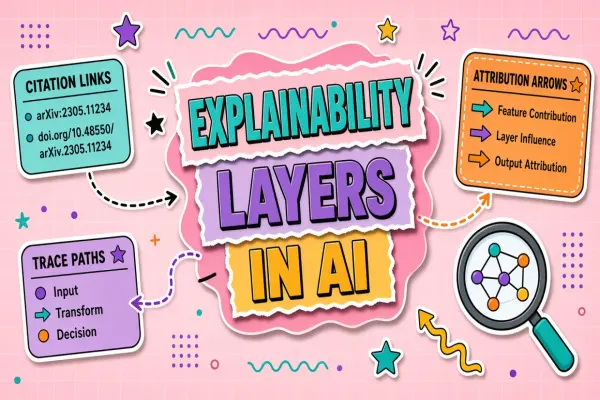
Explainability Layers in AI Tools: Attributions, Citations, and Traces
Explainability features show why a model answered a certain way. Learn attribution types and their limits for compliance teams.
-
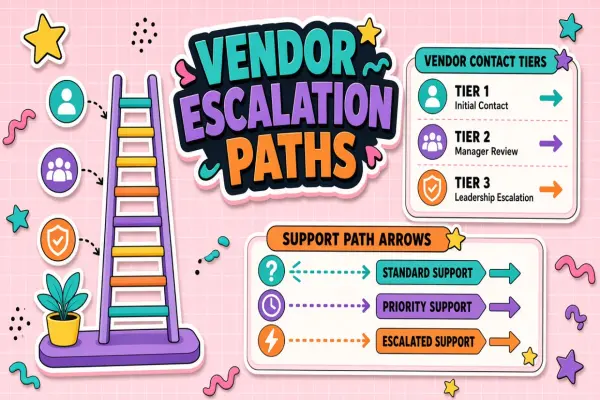
Documenting Vendor Escalation Paths for AI Tools
Know whom to call when AI breaks at 2 a.m. Document tiers, account IDs, and SLA references per vendor.
-

AI Tools in Security Operations Centers
Alert triage and runbooks accelerate SOC work—false positive management is key.
-

AI Fall Detection for Elderly Home Care: Cameras, Radar, and Privacy Tradeoffs
Falls injure millions of seniors each year. Compare vision pose classifiers, radar sensors, wearables, privacy consent, and caregiver alert workflows for home monitoring.
Didn't find tool you were looking for?