What is Audio Converter AI?
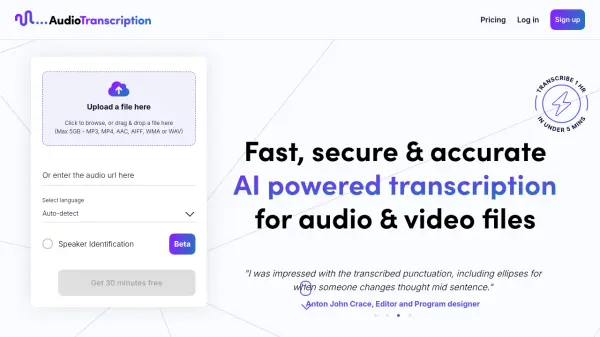
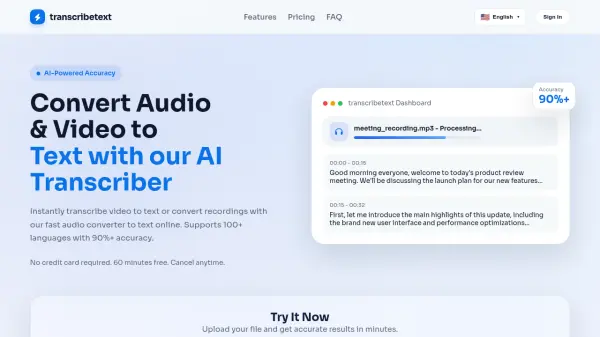
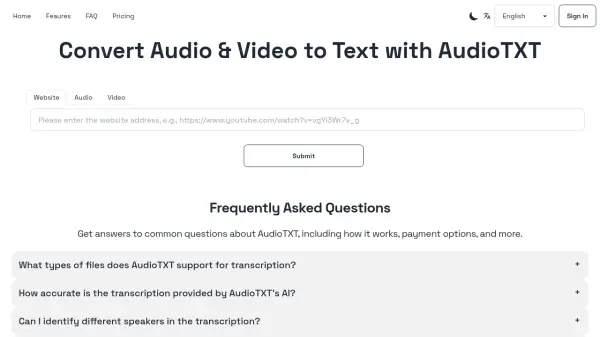
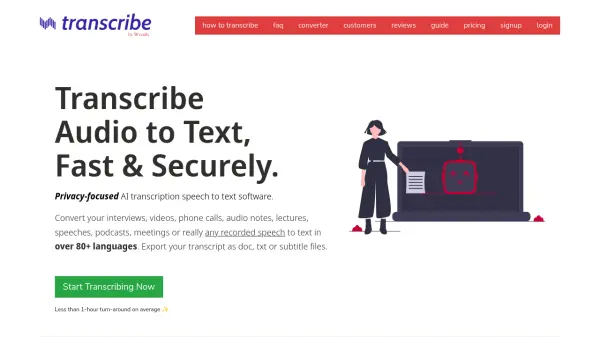
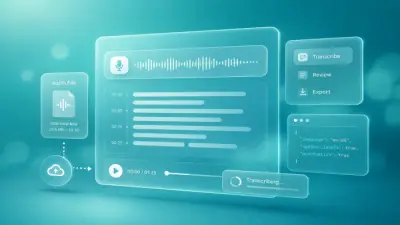
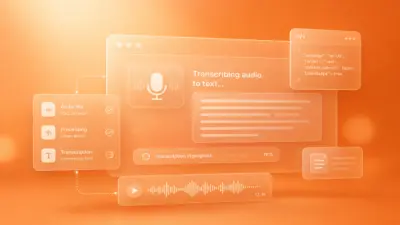
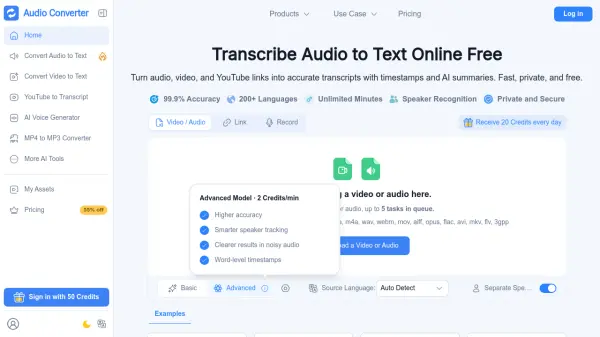
Audio Converter AI is an all-in-one online workspace for audio and video tasks. It transcribes audio files, video files, recordings, and YouTube links into accurate, editable text with timestamps, speaker recognition, and AI summaries. The platform supports more than 200 languages and reports 99.9 percent transcription accuracy, helping users turn lectures, meetings, interviews, podcasts, and online videos into searchable written content.
Beyond transcription, the platform includes an AI voice generator that produces natural voiceovers from text using more than 1000 voices across 100 plus languages, along with a format converter that switches files between popular audio and video formats such as MP3, WAV, AAC, FLAC, and MP4 in as little as three seconds. Files are encrypted in transit and at rest, processed in isolated environments, and removed automatically after processing, giving individuals and teams a private and secure way to manage their audio workflow.
Features
- AI Transcription: Converts audio, video, recordings, and YouTube links into editable text with 99.9% accuracy.
- Multi-Language Support: Transcribes and translates content in more than 200 languages.
- Speaker Recognition: Detects and labels multiple speakers in meetings, interviews, and group discussions.
- AI Summaries and Notes: Produces concise summaries and smart notes from long recordings.
- AI Voice Generator: Creates natural voiceovers from text using 1000+ voices in over 100 languages.
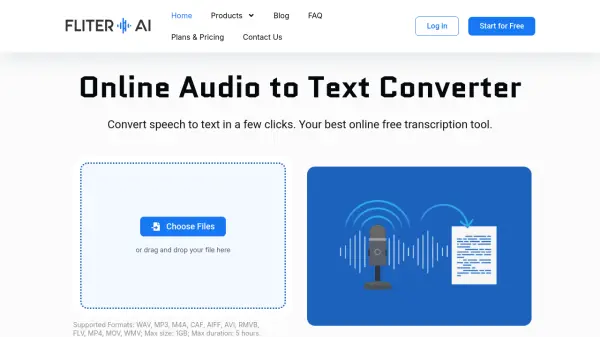
- Format Conversion: Converts audio and video files between formats such as MP3, WAV, AAC, FLAC, and MP4 in as little as 3 seconds.
- Timestamps: Adds time markers to transcripts for easier navigation and review.
- Secure File Handling: Encrypts files in transit and at rest, processes audio in isolated environments, and removes files automatically after processing.
Use Cases
- Transcribing university lectures and turning them into study notes
- Converting meeting recordings into shareable notes with speaker labels
- Turning podcasts and interviews into written articles and summaries
- Generating subtitles and captions for video content
- Creating AI voiceovers for courses, presentations, and narration
- Repurposing blog posts and scripts into audio content
- Converting audio and video files for editing, sharing, and publishing
- Translating recorded content for multilingual audiences
How It Works
Upload or Link Your Content
Upload or drag an audio or video file, paste a YouTube or online link, or record directly in the browser.
Choose Your Settings
Select the source language, enable speaker separation, and pick between basic or advanced transcription options.
Process the File
Submit the file and let the AI generate an accurate transcript with timestamps, speaker labels, and summaries.
Review, Download, or Share
Edit the transcript, generate a voiceover, convert the file to another format, or download and share the results.
FAQs
-
What languages does Audio Converter AI support?
Audio Converter AI supports more than 200 languages for transcription and translation, keeping context accurate for study, work, or content creation. -
Can I transcribe YouTube videos that do not have captions?
Yes. Audio Converter AI transcribes YouTube videos without captions, with limits such as 30 minutes on the Free plan and up to 150 minutes on higher plans. -
What is the maximum file size I can upload?
The Free plan accepts audio and video files up to 500 MB, while paid plans support files up to 1 GB or 5 GB depending on the subscription. -
Can I create AI voiceovers in multiple languages?
Yes. The AI voice generator offers more than 1000 natural-sounding voices with support for over 100 languages. -
How does the credit system work?
Credits are used for transcription, text-to-speech, and audio generation. Different features consume different amounts because the computational resources required vary.