-

Audio2Text
Online Audio to Text Converter with Intelligent Transcription
 Free
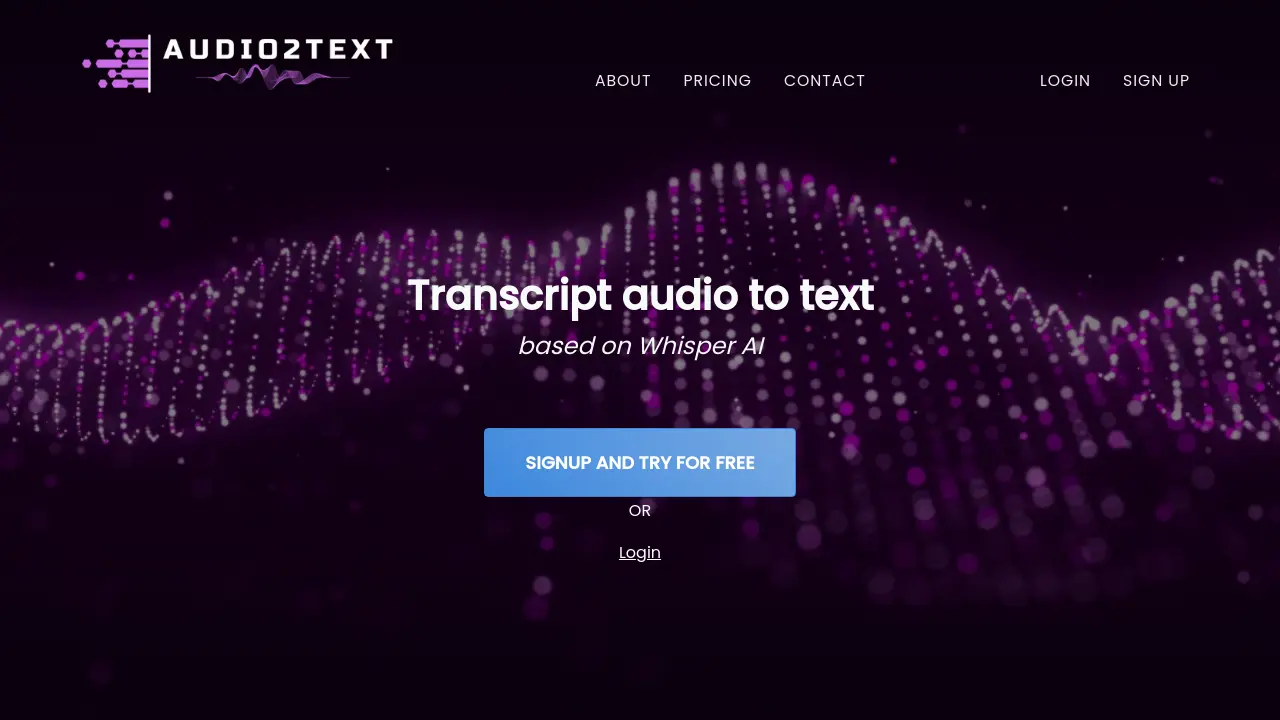
FreeAudio2Text is a free online tool that converts audio files into text using AI-powered transcription.
Key Features:
- Audio to Text Conversion: Transcribes spoken words from audio files into text.
- Multiple Format Support: Accepts various audio formats including MP3, WAV, FLAC, OGG, AAC, M4A, and OPUS.
- Web-Based Interface: Operates directly in a web browser with no software download required.
- Free Transcription Tier: Offers free transcription for audio files up to 100MB.
- Simple Upload Process: Features an easy-to-use interface for file selection and upload.
Use Cases:
- Transcribing interviews for documentation or analysis.
- Converting lectures or meeting recordings into text notes.
- Generating text from podcasts or audio content for accessibility.
- Creating written records of voice memos or recorded thoughts.
- Assisting content creators in producing subtitles or scripts from audio.
-

Audio Converter AI
Transcribe audio, video, and YouTube links into accurate text and AI summaries
 FreemiumStarting at $5/month
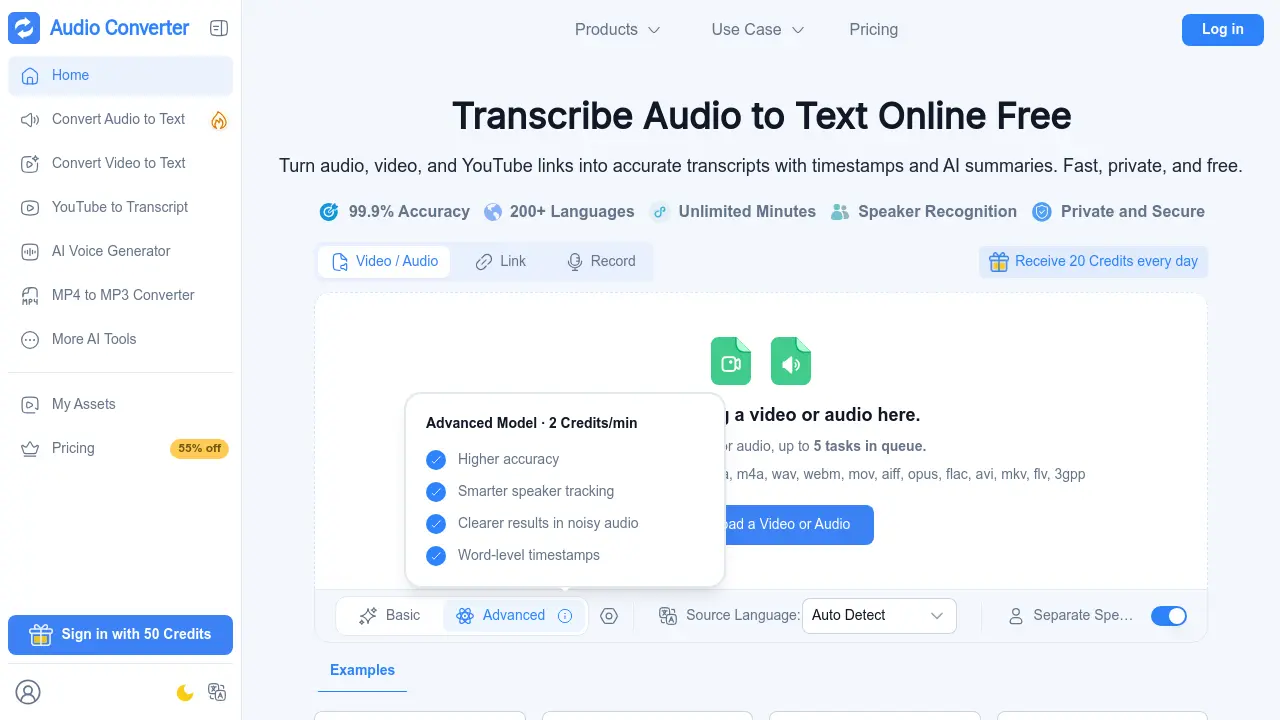
Audio Converter AI is an all-in-one online platform for transcription, AI voice generation, and audio and video format conversion. It turns recordings, files, and online links into accurate text with timestamps and speaker recognition in more than 200 languages.
Key Features:
- AI Transcription: Converts audio, video, recordings, and YouTube links into editable text with 99.9% accuracy.
- Multi-Language Support: Transcribes and translates content in more than 200 languages.
- Speaker Recognition: Detects and labels multiple speakers in meetings, interviews, and group discussions.
- AI Summaries and Notes: Produces concise summaries and smart notes from long recordings.
- AI Voice Generator: Creates natural voiceovers from text using 1000+ voices in over 100 languages.
- Format Conversion: Converts audio and video files between formats such as MP3, WAV, AAC, FLAC, and MP4 in as little as 3 seconds.
- Timestamps: Adds time markers to transcripts for easier navigation and review.
- Secure File Handling: Encrypts files in transit and at rest, processes audio in isolated environments, and removes files automatically after processing.
Use Cases:
- Transcribing university lectures and turning them into study notes
- Converting meeting recordings into shareable notes with speaker labels
- Turning podcasts and interviews into written articles and summaries
- Generating subtitles and captions for video content
- Creating AI voiceovers for courses, presentations, and narration
- Repurposing blog posts and scripts into audio content
- Converting audio and video files for editing, sharing, and publishing
- Translating recorded content for multilingual audiences
-

TTO Talk
Turn Words into Voice Instantly – Fast, Free and Effortless Text to Speech!
 Free
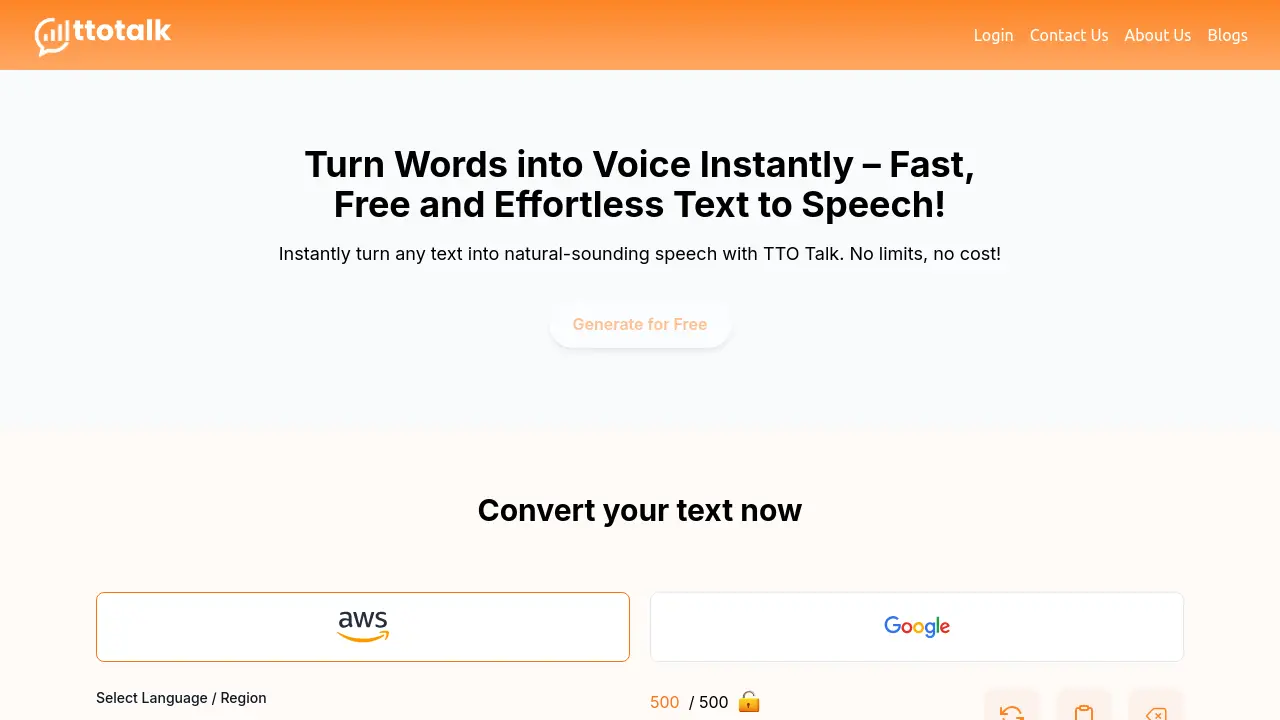
FreeTTO Talk is a free text-to-speech platform that converts written text into natural-sounding voice instantly, offering unlimited conversions and downloadable audio files.
Key Features:
- Natural Voice Selection: Multiple natural-sounding voice options for conversion
- Unlimited Conversions: No restrictions on the amount of text converted
- Downloadable Audio: Freedom to download and use generated audio files
- Simple Interface: User-friendly text input and conversion process
- Instant Processing: Quick text-to-speech conversion
Use Cases:
- Creating educational video voiceovers
- Generating content for podcasts
- Producing accessibility materials for visually impaired
- Creating voice-overs for social media content
- Developing e-learning materials
- Audio content creation for marketing
-

mp3totext.net
Instant AI-powered MP3 to text converter in your browser
 Freemium
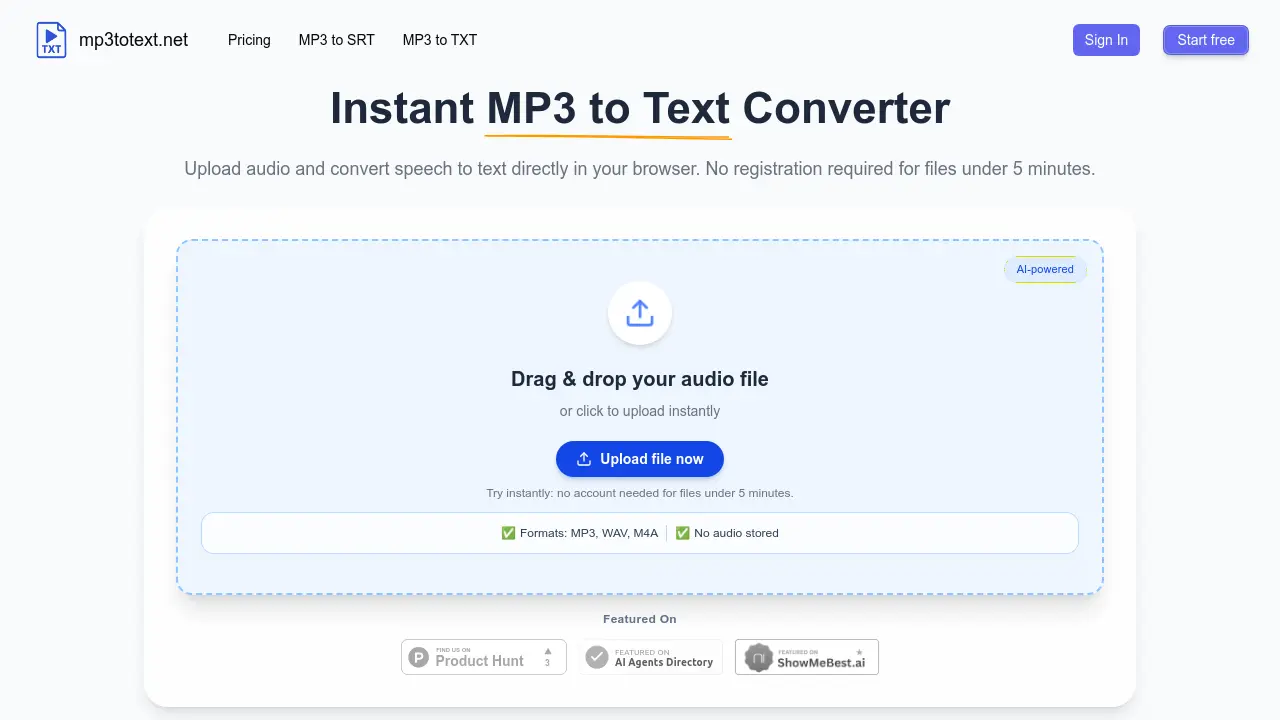
mp3totext.net is an AI-powered online tool that converts MP3 and other audio formats to text transcripts directly in your browser with no installation required, offering free transcription for files under 5 minutes.
Key Features:
- AI-Powered Transcription: Uses modern AI models for accurate speech-to-text conversion with human-level accuracy for clear audio
- Browser-Based Processing: Runs entirely in modern web browsers without requiring software downloads or installations
- Multiple Format Support: Handles MP3, WAV, M4A, and AAC audio formats through the same conversion pipeline
- Automatic Formatting: Adds punctuation and breaks long audio into readable paragraphs automatically
- Privacy Protection: Does not store audio files after processing to ensure user data security
- Built-in Editor: Provides editing capabilities to fix transcription errors before export
- Export Options: Allows export as TXT files for text or SRT files for subtitles
Use Cases:
- Converting interview recordings to searchable text transcripts for journalists
- Transcribing podcast episodes for show notes, blog posts, and caption creation
- Creating lecture transcripts for students and educators from recorded classes
- Processing research interviews and focus group recordings for analysis
- Generating subtitles for video content from audio files
- Converting meeting recordings to text for documentation purposes
- Transcribing audio notes to text for content creation workflows
Related blogs
-
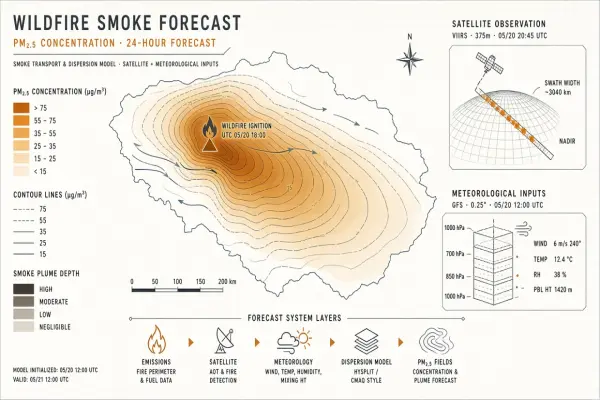
AI Wildfire Smoke Forecasting: How Models Predict Air Quality Days Ahead
Smoke plume models fuse satellite, weather, and fire perimeter data to forecast PM2.5. Understand the inputs, uncertainty, and how apps surface predictions to the public.
-

AI Coffee Bean Grading: How Computer Vision Sorts Specialty Lots
High-speed cameras classify defect beans by color, size, and shape. See how cooperatives adopt grading AI without losing human cupper judgment.
-
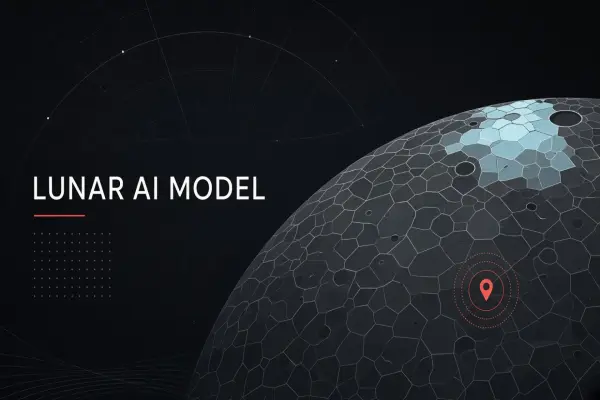
NASA and IBM's Lunar Foundation Model: AI Mapping the Moon From LRO Data
An open geospatial foundation model maps craters, volcanism, and polar ice from Lunar Reconnaissance Orbiter imagery. Learn training data, tasks, and exploration planning impact.
-
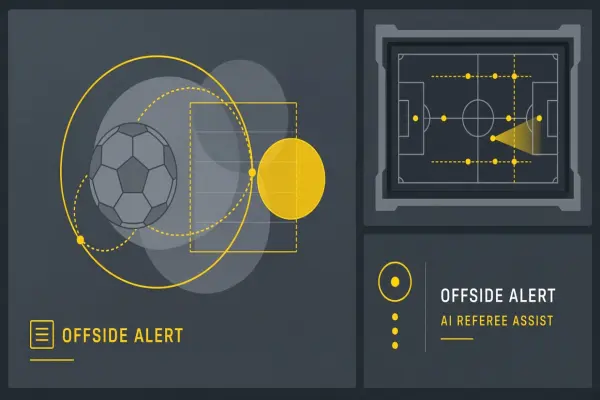
AI Referee Assist for Controversial Calls: VAR, Hawk-Eye, and LLM Rulebooks
Semi-automated offside and strike zones reduce human error but spark fan outrage. Explain tech limits and governance in FIFA and MLB.
-
Voice Cloning Scam Defense Checklist for Families and CFOs
Voice cloning scams surged in 2026. Practical checklist for families, finance teams, and IT on verification rituals and incident response.
-
Cross-Vendor Agent Interoperability Standards Emerging in 2026
Standards bodies and vendors proposed agent interoperability specs in 2026. Compare MCP, A2A, and enterprise integration implications.
Didn't find tool you were looking for?