-

Video To Text AI
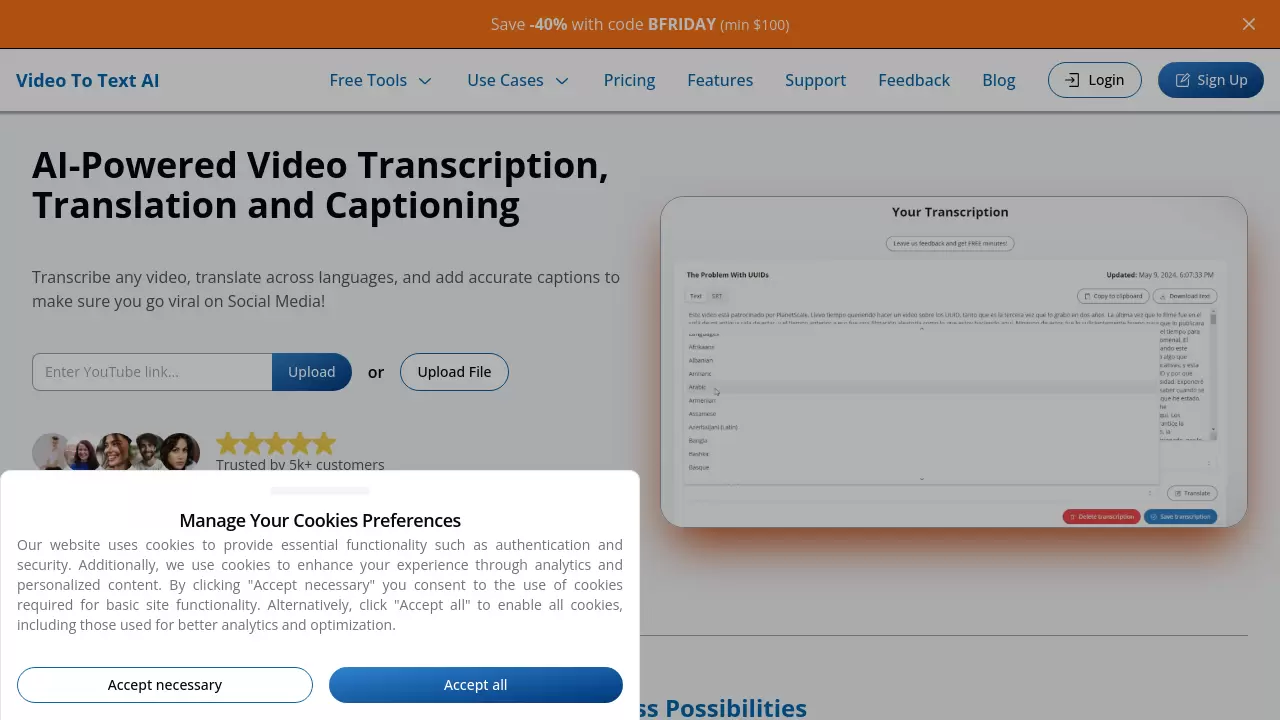
AI-Powered Video Transcription, Translation and Captioning
 FreemiumStarting at $100/month
A comprehensive AI platform that transcribes videos, translates content across 100+ languages, and generates captions for social media optimization. The service offers high-accuracy transcription with rapid turnaround times and multiple export options.
Key Features:
- Automatic Captioning: Instant creation and styling of social media-optimized captions
- Multi-Language Support: Transcription and translation in 100+ languages and dialects
- Rapid Processing: Quick turnaround for video transcription
- Multiple Export Formats: Support for TXT, SRT, and VTT file formats
- Speaker Diarization: Automatic identification and separation of different speakers
- Secure Storage: Permanent storage for transcribed content
- Platform Integration: Compatible with YouTube, Google Drive, and Dropbox
- Caption Rendering: Capability to burn captions directly into videos
Use Cases:
- Social media content creation
- Video localization
- Content accessibility enhancement
- Global audience engagement
- Video content management
- Educational content development
- Marketing material localization
-

fframes subtitles
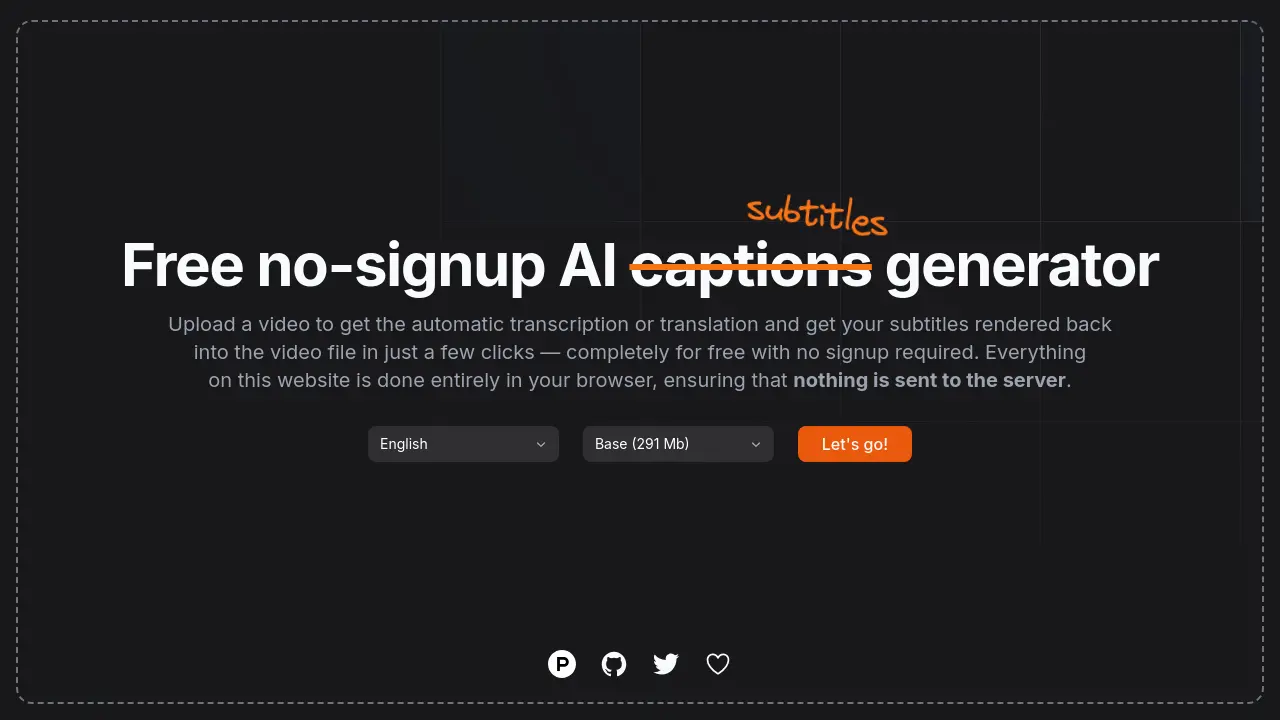
Transcribe video to subtitles with AI for free.
 Free
Freefframes subtitles is a free online tool that uses AI to automatically transcribe videos and generate subtitle files (SRT/VTT) in multiple languages.
Key Features:
- AI-Powered Transcription: Automatically transcribes video audio using artificial intelligence.
- Subtitle Generation: Creates downloadable subtitle files in SRT and VTT formats.
- Multi-language Support: Transcribes videos in numerous languages.
- Free Service: Offers transcription and subtitle generation at no cost.
- Simple User Interface: Easy three-step process (upload, transcribe, download).
Use Cases:
- Adding subtitles to social media videos for increased engagement and accessibility.
- Creating captions for educational or tutorial videos.
- Generating subtitles for personal video projects.
- Making video content accessible to hearing-impaired audiences.
- Quickly transcribing video interviews or lectures.
-

pyVideoTrans
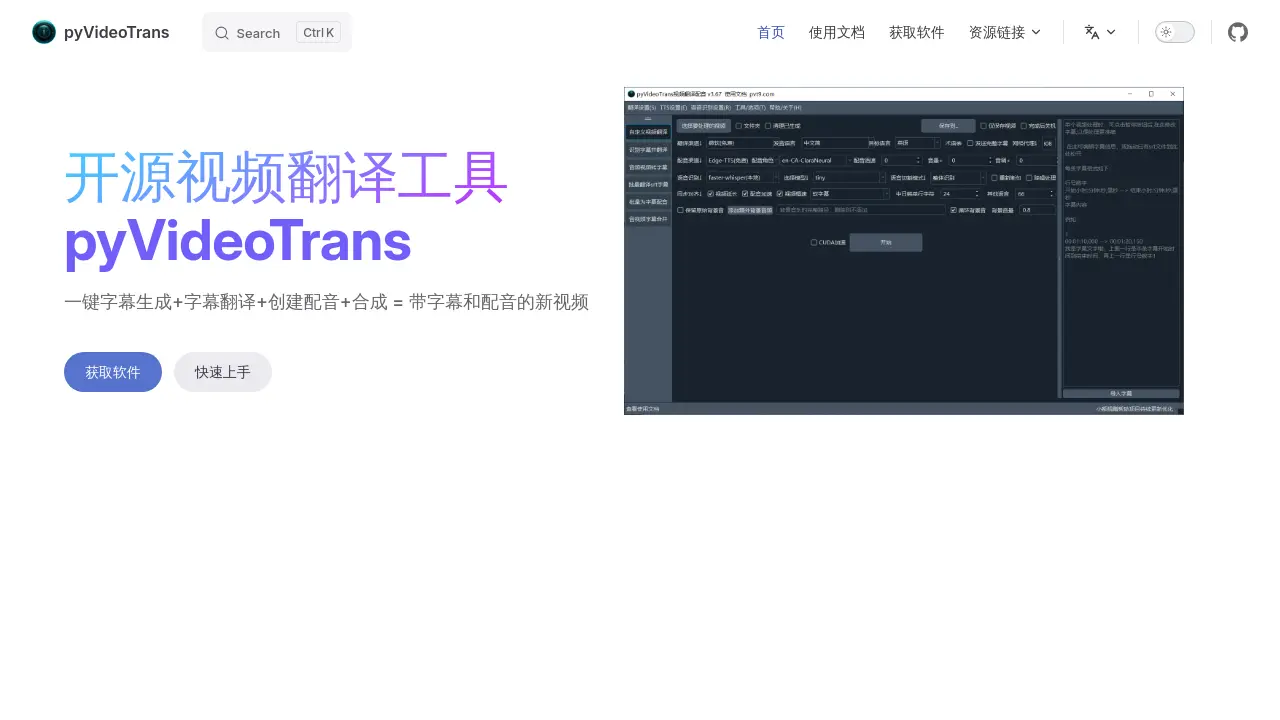
Open-Source AI Video Translation and Dubbing Tool
 Free
FreepyVideoTrans is a free, open-source AI tool that automatically translates videos by generating subtitles, translating them, creating voiceovers, and synthesizing a new video with target language audio and captions.
Key Features:
- Automated Video Translation: Full workflow from transcription to final dubbed/subtitled video.
- Speech Recognition Transcription: Convert audio/video files to SRT subtitles (batch support).
- Subtitle Translation: Translate SRT files while maintaining format and timestamps.
- Text-to-Speech/Dubbing: Generate voiceovers from text or SRT subtitles using multiple channels.
- Local & API Model Support: Utilizes both offline models and third-party APIs for AI tasks.
- Auxiliary Tools: Includes functions for merging media/subtitles and separating audio tracks.
- Open Source: Code available on GitHub, free to use without functional limitations.
Use Cases:
- Translating educational videos for a wider audience.
- Dubbing marketing videos for international markets.
- Making personal video content accessible in different languages.
- Generating subtitles for videos automatically.
- Creating voiceovers for presentations or tutorials from text.
- Translating existing subtitle files for movies or shows.
-

NeatScribe
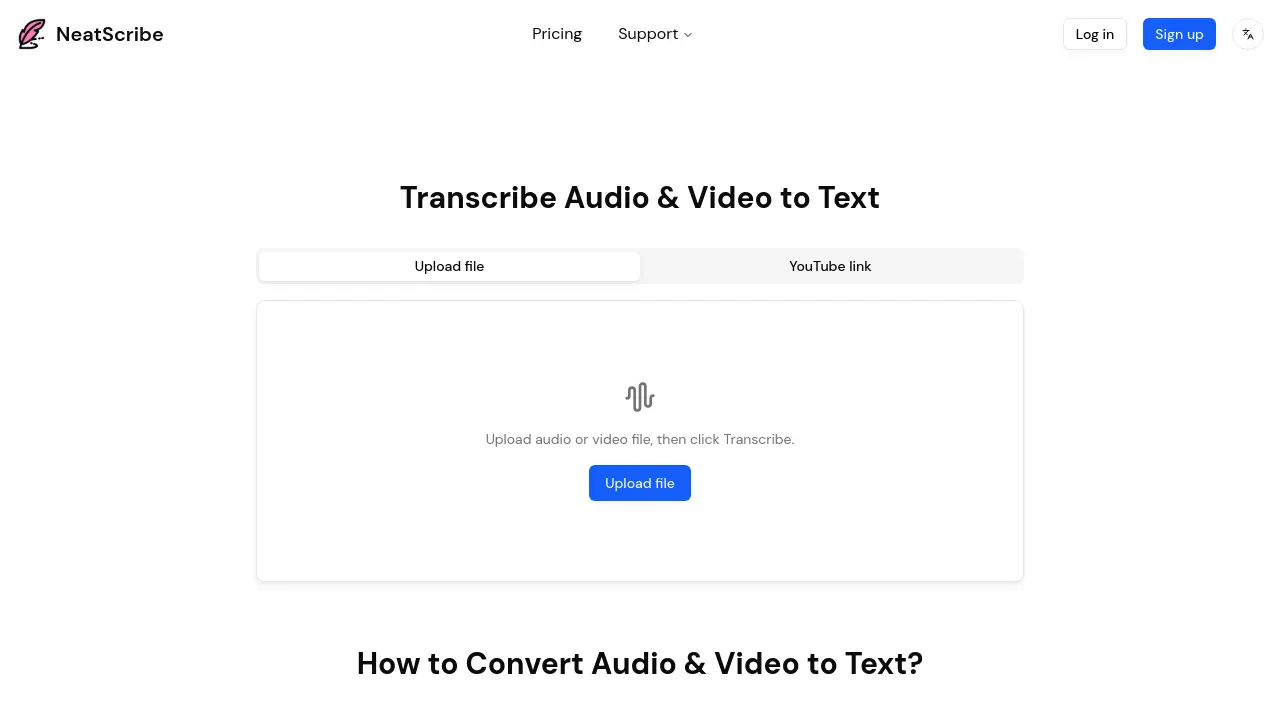
Convert Audio and Video to Accurate Text in Seconds
 FreemiumStarting at $10/month
NeatScribe is an AI-powered transcription tool that converts audio and video files into accurate text transcripts across 98 languages with word-level timestamps and multiple export formats.
Key Features:
- Multi-Format Support: Accepts wide range of audio and video formats for transcription
- Word-Level Timestamps: Provides precise timestamps for easy navigation and editing
- Editable Transcripts: Edit transcripts like a document with real-time corrections
- Multiple Export Formats: Export to TXT, PDF, DOCX, SRT, VTT and more
- YouTube Link Support: Direct transcription from YouTube video links
- Speaker Labeling: Automatically identifies and labels different speakers
- 98 Language Support: Transcribe content in 98 different languages (Premium plan)
- Browser-Based Processing: Fast transcription directly in browser without downloads
- Premium Transcription Model: Ultra-fast processing speeds for Pro and Premium users
Use Cases:
- Transcribing podcast episodes for show notes and content repurposing
- Converting meeting recordings into searchable text documentation
- Creating subtitles and captions for video content
- Transcribing interviews for research and journalism projects
- Converting educational lectures into study materials
- Generating text versions of YouTube videos for accessibility
- Creating transcripts for legal and compliance documentation
- Documenting customer support calls and consultations
-

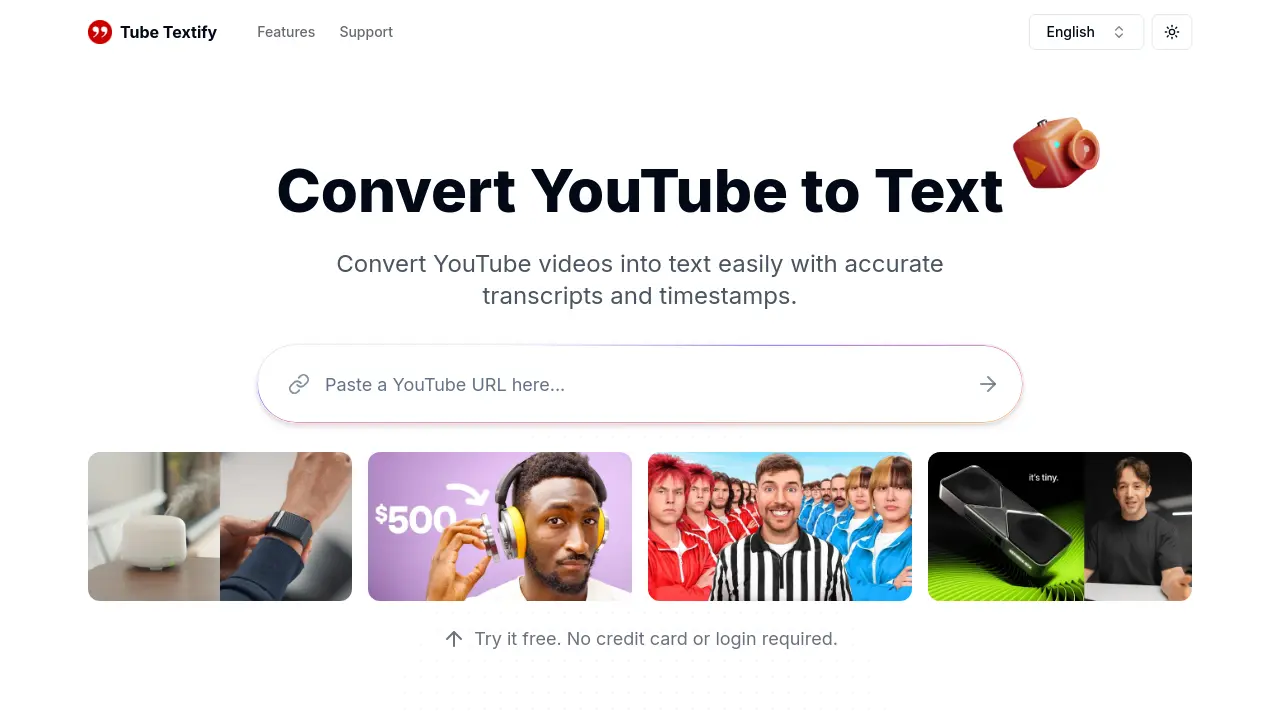
Tube Textify
Convert YouTube videos into text easily with accurate transcripts and timestamps.
 Free
FreeTube Textify is a free online tool that converts public YouTube videos into text transcripts with timestamps. It supports multiple languages and provides AI-powered summaries for quick understanding.
Key Features:
- Instant Transcript Generation: Paste a YouTube video link to get accurate transcripts in seconds.
- Multilingual Transcription: Convert videos into text in multiple languages.
- Smart Summarization: Generate AI-powered summaries of video content.
- Export and Save: Download transcripts with timestamps in formats like .txt or .doc, or copy directly.
- Timestamped Navigation: Use transcripts with timestamps to easily locate specific video moments.
- Interactive Video Dialogue: Use transcripts for deeper insights and discussions.
Use Cases:
- Streamlining scriptwriting for content creators.
- Simplifying note-taking from video lectures for students.
- Analyzing video data for researchers.
- Repurposing video content for marketing materials.
- Improving accessibility of video content.
-

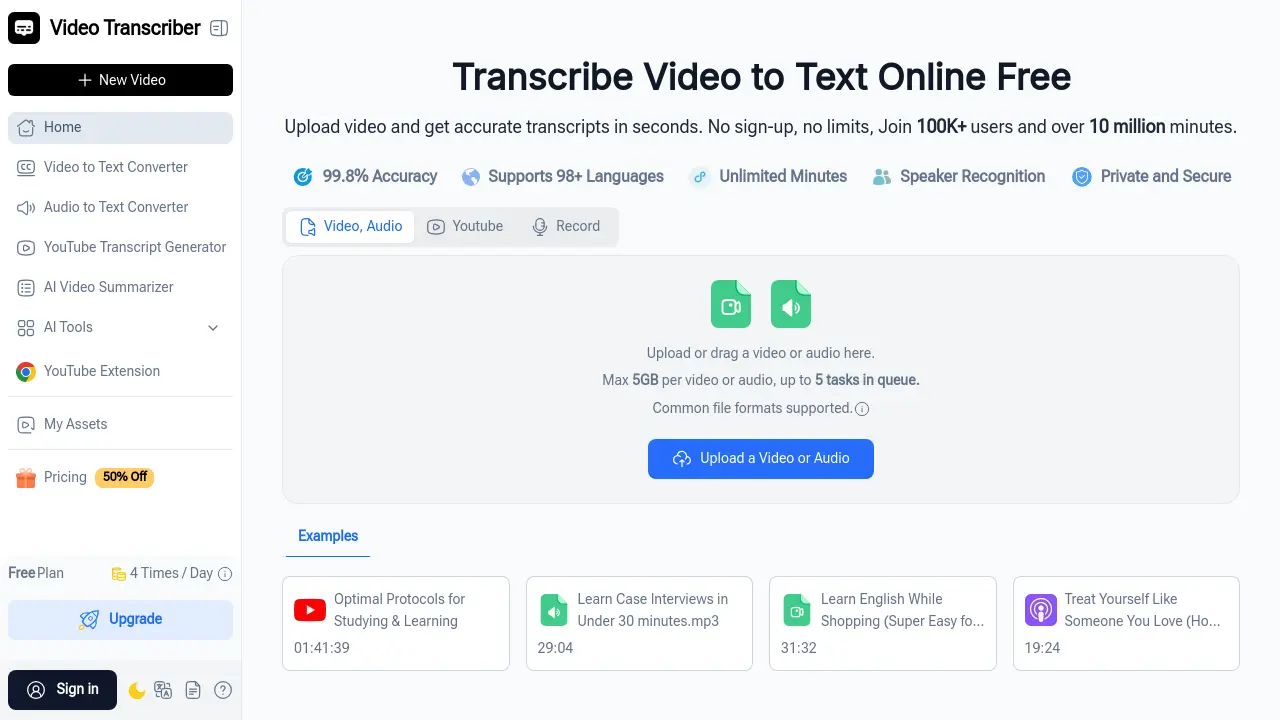
Video Transcriber AI
Transcribe Video to Text Online Free with 99.8% Accuracy
 FreemiumStarting at $4/month
Video Transcriber AI is a free online tool that converts video and audio files into accurate text transcripts in seconds, supporting 98+ languages with speaker recognition and no sign-up required.
Key Features:
- 99.8% Transcription Accuracy: Delivers highly accurate text conversion from video and audio content with multiple precision modes
- 98+ Language Support: Transcribes content in over 98 languages with translation capabilities for 100+ languages
- Speaker Recognition: Automatically identifies and labels different speakers in conversations, meetings, and interviews
- Large File Processing: Handles video and audio files up to 5GB with support for unlimited YouTube videos with subtitles
- Multiple Format Support: Works with MP4, MOV, AVI, Zoom recordings, YouTube links, and other common video/audio formats
- Batch Processing: Queue up to 5 videos or audio files simultaneously for efficient bulk transcription
- AI-Powered Features: Includes AI chat, automatic summarization, and content analysis capabilities
- Noise Reduction: Built-in technology to improve transcription accuracy from audio with background noise
Use Cases:
- Students transcribing online lectures and course videos into study notes for easier review and sharing
- Businesses converting Zoom meetings and webinars into searchable text records for documentation
- Content creators generating captions and scripts from YouTube videos for blogs and social media
- Journalists transcribing interviews and press conferences for accurate and timely reporting
- Researchers converting recorded interviews and talks into text for analysis and citation
- Teachers creating accessible lesson materials and handouts from recorded classes
- Podcasters generating transcripts for show notes and improved SEO
- Teams documenting training sessions and presentations for knowledge management
-

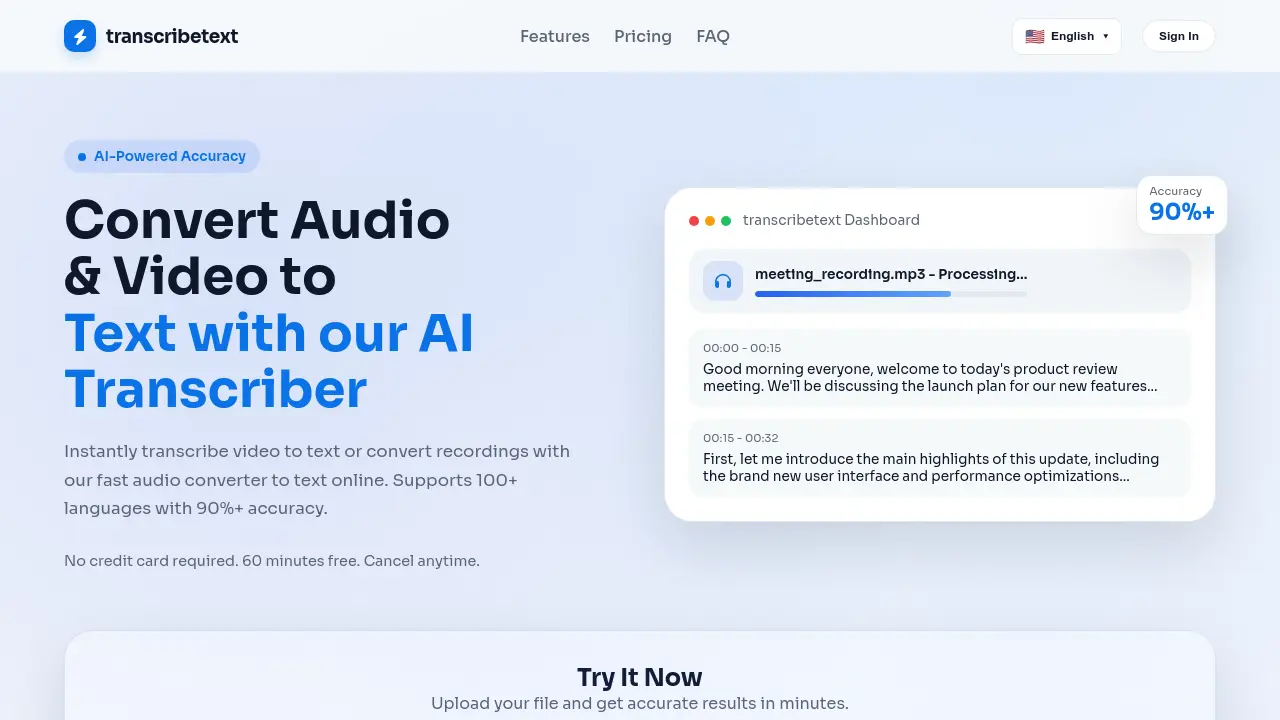
TranscribeText
Convert Audio & Video to Text with AI-Powered Accuracy
 Freemium
TranscribeText is an AI-powered transcription tool that converts audio and video files to text with over 90% accuracy, supporting 100+ languages and offering features like speaker diarization and subtitle translation.
Key Features:
- Smart Voice Recognition: Accurately recognizes accents, dialects, and technical terms even in noisy environments
- Lightning Fast Processing: GPU-accelerated processing handles one hour of content in minutes
- Speaker Diarization & Subtitle Translation: Built-in speaker separation with translated subtitle export in SRT/TXT formats
- Privacy & Security: Bank-level AES-256 encryption with automatic file deletion after processing
- Multi-Format Support: Processes MP3, MP4, WAV, M4A, WEBM, MOV and many other audio/video formats
Use Cases:
- Meeting transcription for business teams
- Podcast episode transcription and editing
- Academic research interview transcription
- Video content subtitle generation
- Media production workflow optimization
- Educational content accessibility creation
- Legal deposition documentation
- Journalistic interview analysis
-

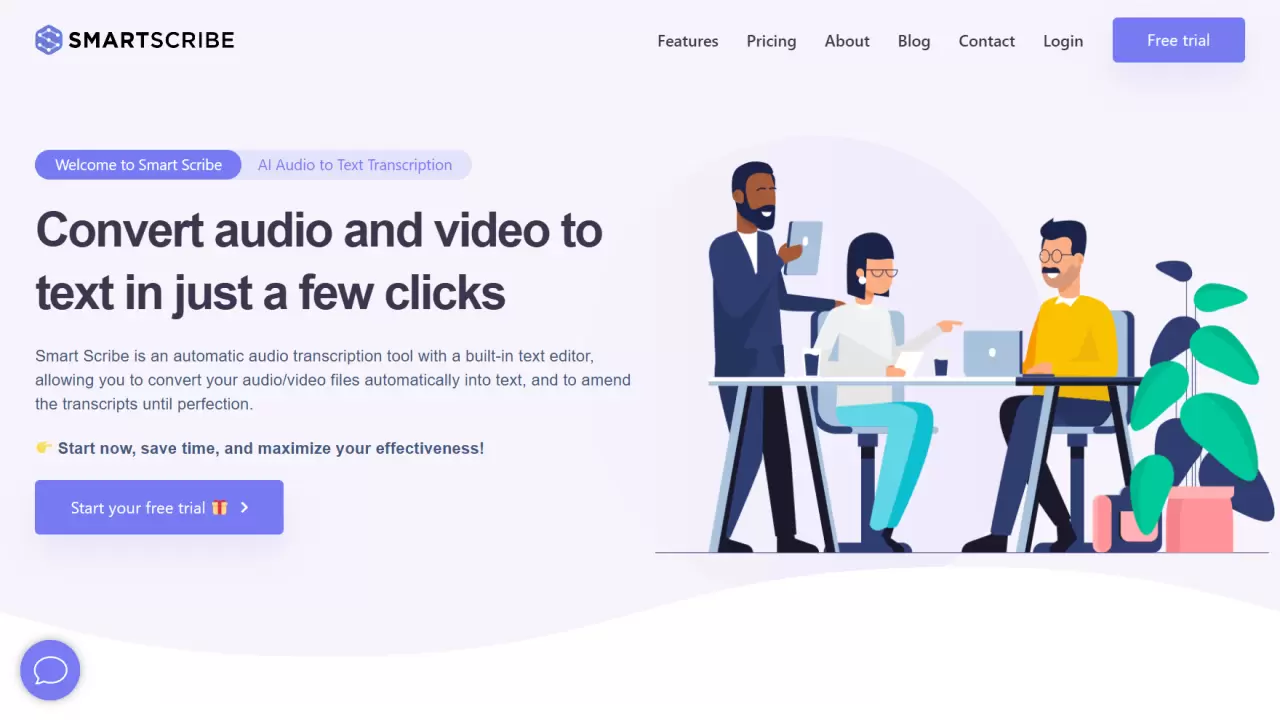
Smart Scribe
Convert audio and video to text in just a few clicks
 FreemiumStarting at $10/month
Smart Scribe is an AI-powered audio transcription tool that automatically converts audio and video files into text, featuring a built-in text editor for real-time editing and supporting over 30 languages.
Key Features:
- Quality & Accuracy: Near-perfect transcription with optimal recording quality
- Built-in Text Editor: Real-time editing and proofreading capabilities
- Export Options: Multiple format support including Word, PDF, TXT, and SRT subtitles
- Security & Privacy: Secure cloud storage with confidential data handling
- Language Support: Transcription available in 30+ languages
- Speaker Identification: Advanced audio synchronization with speaker tracking
Use Cases:
- Interview transcription
- Meeting documentation
- Podcast transcription
- Academic lecture transcription
- Conference recording conversion
- YouTube video subtitling
- Market research documentation
- Medical transcription
-

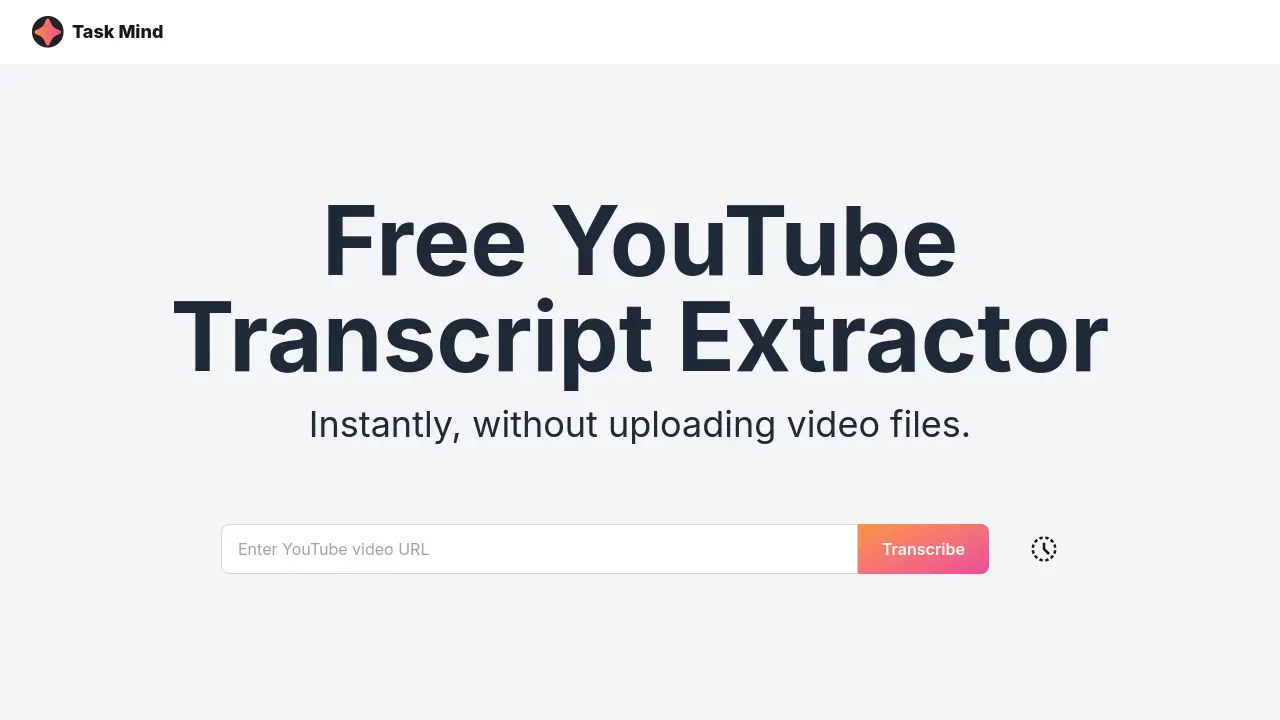
Task Mind
Free YouTube Transcript Extractor
 Free
FreeTask Mind provides a free YouTube transcript extractor that instantly converts YouTube subtitles to text. This tool allows users to easily download and export transcripts without uploading video files.
Key Features:
- Automatic YouTube Transcription: Generate transcriptions of YouTube videos automatically.
- YouTube Caption Extractor: Extract captions directly from YouTube videos.
- Multiple Export Formats: Download transcripts in various formats.
- Built-in Editing Capabilities: Edit the extracted transcripts within the tool.
- Free Service: Access the YouTube transcription service at no cost.
Use Cases:
- Creating text versions of video content for accessibility
- Generating searchable transcripts for video libraries
- Extracting subtitles for translation purposes
- Producing written records of online lectures or presentations
- Improving SEO by creating text-based content from videos
-

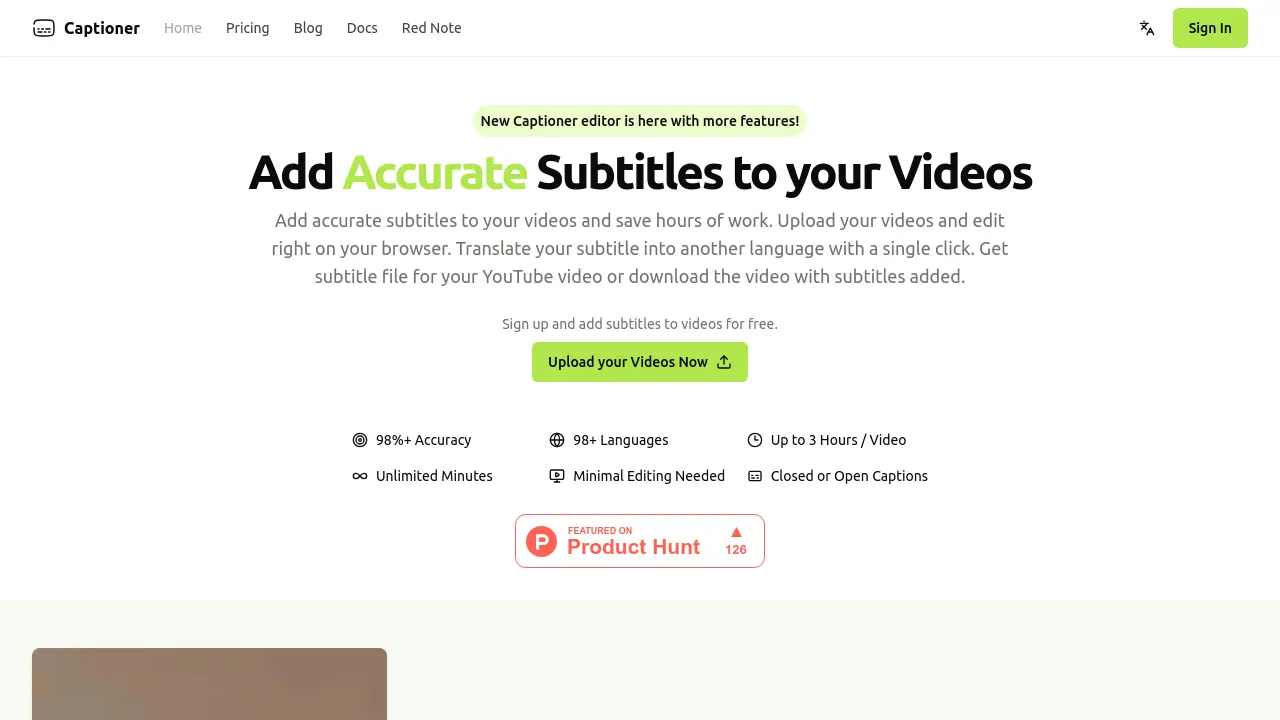
Captioner
Add Accurate Subtitles to your Videos
 FreemiumStarting at $5/month
Captioner is an AI-powered tool that automatically adds accurate subtitles to videos, saving content creators time and effort. It supports over 98 languages and offers features like subtitle translation and file export.
Key Features:
- Accuracy: Utilizes a high-quality AI model for accurate transcriptions.
- Precise Timestamps: Provides accurate timestamps, including word-level timestamps.
- Subtitle Editing: Offers a user-friendly interface for editing subtitles.
- Import Transcripts: Allows users to import and align existing transcripts.
- Subtitle File Export: Supports exporting subtitles in SBV, SRT, and VTT formats.
- Translation: Offers subtitle translation into other language with a single click.
- Multiple Language support: Converts speech to text in over 98 languages.
- Built-in Voice Extraction: Can transcribe speech even with background noise.
Use Cases:
- Adding subtitles to YouTube videos.
- Creating subtitles for social media content.
- Generating subtitles for online courses.
- Transcribing video content for accessibility.
- Translating video subtitles into different languages.
Related blogs
-
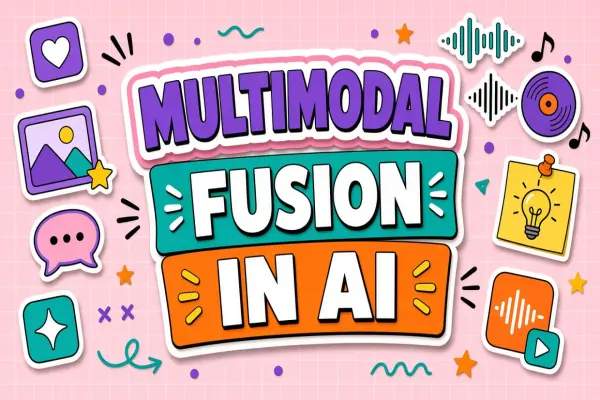
What Is Multimodal Fusion in AI? Combining Text, Image, and Audio
Fusion models ingest multiple input types in one pass. Learn architecture basics and evaluation questions for multimodal tools.
-
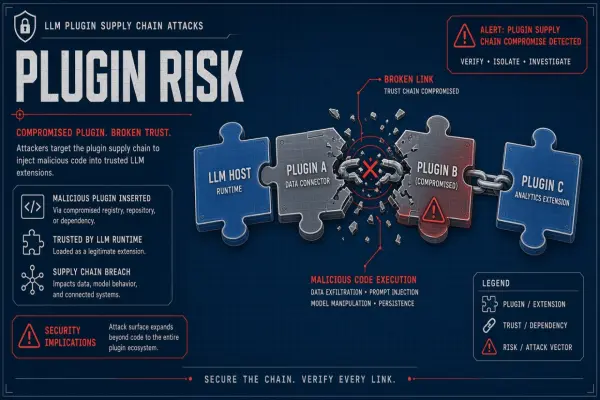
AI Supply Chain Attacks on LLM Plugins: 2026 Incident Trends
Attackers targeted LLM plugins and MCP connectors in 2026. Explain incident patterns, signing, and allowlisting best practices.
-
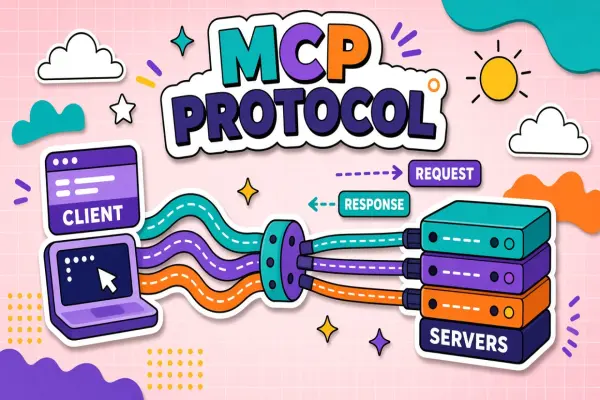
Most Popular MCP Servers (2026): What They Connect and How to Pick
The MCP servers people actually install: what they connect, what they can do, and how to choose safely. Includes developer, creative, and productivity picks.
-
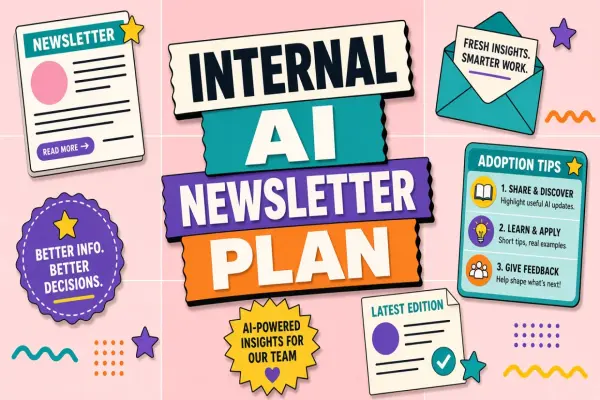
Internal Newsletter Content Plan for AI Adoption
Keep momentum with a monthly internal newsletter: tips, policy updates, and measured wins.
-
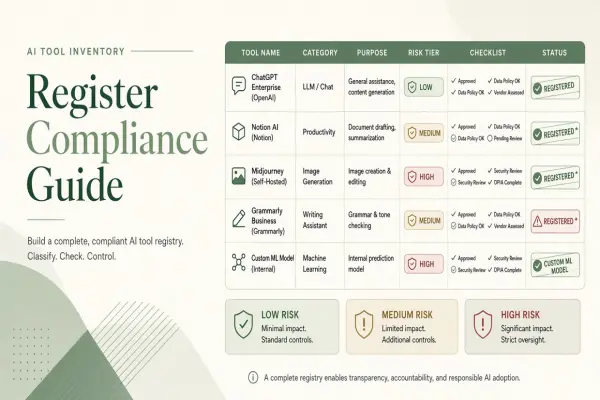
AI Tool Inventory Register: Fields Regulators Expect
Maintain a living register of AI tools with owners, data classes, and risk ratings for audits.
-
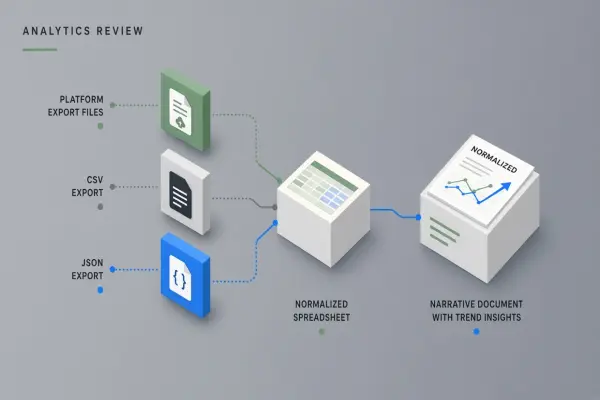
AI Workflow for Turning Creator Analytics into Actionable Narratives
Convert platform analytics exports into monthly narrative reviews with AI highlighting trends you validate before changing content strategy.
Didn't find tool you were looking for?