Arkyve favicon

Arkyve
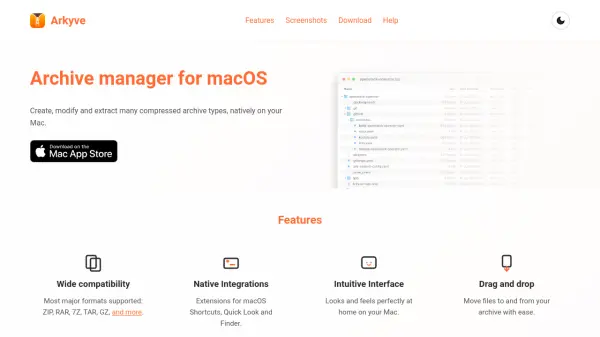
Archive manager for macOS

What is Arkyve?

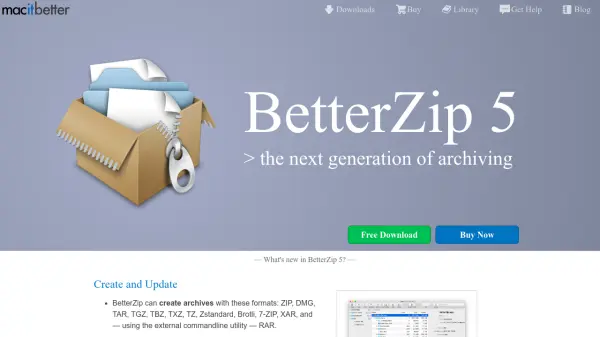
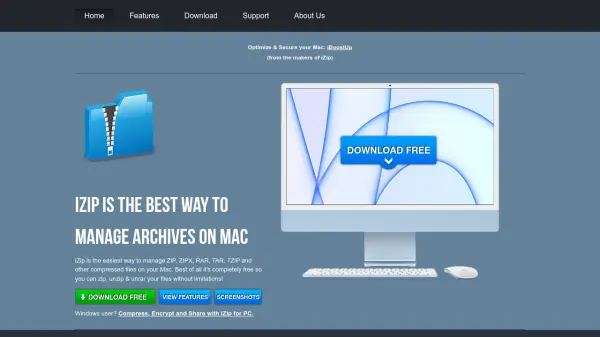
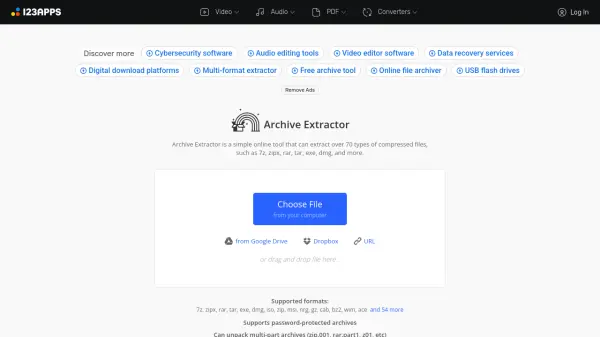
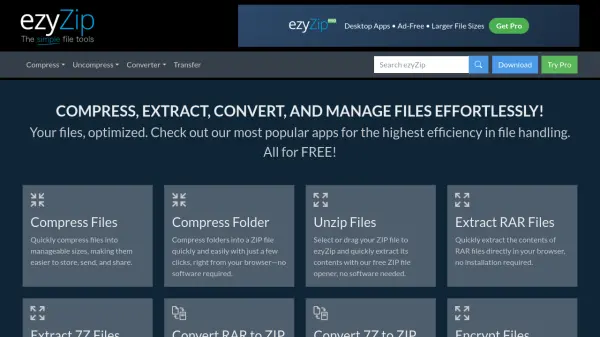
Arkyve is a dedicated archive management tool designed specifically for macOS, enabling users to handle compressed files seamlessly. It supports a wide range of major archive formats, including ZIP, RAR, 7Z, TAR, and GZ, ensuring compatibility with common file types.

The tool integrates natively with macOS features such as Shortcuts, Quick Look, and Finder, providing a cohesive user experience. Its intuitive interface and drag-and-drop capabilities simplify the process of moving files to and from archives, making it efficient for everyday use.

Features

  • Wide compatibility: Supports most major archive formats including ZIP, RAR, 7Z, TAR, GZ, and more
  • Native Integrations: Extensions for macOS Shortcuts, Quick Look, and Finder
  • Intuitive Interface: Designed to look and feel perfectly at home on macOS
  • Drag and drop: Enables easy movement of files to and from archives

Use Cases

  • Compressing files into various archive formats for storage or sharing
  • Extracting files from compressed archives on macOS
  • Managing archive files directly within macOS Finder with native integrations
  • Streamlining workflow using macOS Shortcuts with archive operations

Related Tools:

Blogs:

  • AI thumbnail maker tools

    AI thumbnail maker tools

    Automatically generate visually appealing and optimized thumbnails for various digital content, streamlining the design process and enhancing visual engagement

  • Boost Engagement in Ads with AI

    Boost Engagement in Ads with AI

    Discover how AI music and AI SDR agents are reshaping modern advertising. Learn how emotional resonance through AI-generated soundtracks combined with smart, automated sales outreach can turn viewers into loyal customers faster, cheaper, and more personally than ever before.

  • Top 6 AI note-taking tools for 2026: in-person, online, and hybrid use cases

    Top 6 AI note-taking tools for 2026: in-person, online, and hybrid use cases

    Most AI note-taking lists are really lists of meeting bots, which join your video call and transcribe it. That's useful, but it's half the picture. Decisions happen in hallway conversations, client dinners, on-site visits, and hybrid rooms where nobody is on a video link. This guide covers different parts of the note-taking workflow: hardware capture for in-person settings, platform-native tools for online calls, and AI layers for organizing and synthesizing what you've captured. It compares six tools by capture context, workflow fit, pricing, and limitations.

Didn't find tool you were looking for?

Be as detailed as possible for better results