
What is ALL Picture Finder?
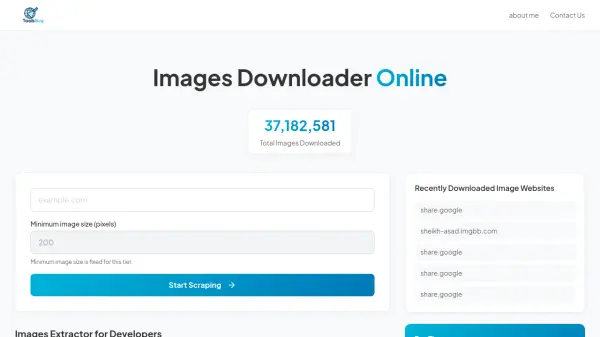
ALL Picture Finder is a batch image downloader designed to crawl websites and download all images from various directories. It supports a wide range of sites, including general websites and specialized platforms such as search engines (e.g., Baidu, Google), social media (e.g., Twitter, Instagram), e-commerce (e.g., Amazon, Taobao), and art galleries (e.g., DeviantArt, Pixiv). Users simply input a website address to retrieve and save all media files quickly, with immediate browser viewing of downloaded content.
The tool addresses common issues like slow website speeds, manual saving of individual images, and navigating through multiple pages. It offers high performance with low CPU usage, cross-platform compatibility for Windows and macOS, support for HTTPS and HTTP proxy connections, and features like automatic duplicate filtering, incremental updates, and resume capabilities. It is particularly useful for image collectors and digital content gatherers seeking efficient bulk downloads.
Features
- High Performance: Low CPU usage for efficient downloading
- Cross-Platform Support: Available for Windows and macOS operating systems
- HTTPS Support: Secure downloading from encrypted websites
- Site Login and Proxy Support: Allows access to restricted sites and HTTP proxy connections
- Automatic Organization: Creates folders based on webpage titles and sorts files by sequence
- Duplicate Filtering: Automatically removes repeated images to save space
- Incremental Updates and Resume: Supports partial downloads and continuation from interruptions
Use Cases
- Downloading all images from a website for personal collection or archiving
- Gathering digital media from social media platforms like Instagram or Twitter
- Collecting product images from e-commerce sites such as Amazon or Taobao
- Retrieving art or photography from galleries like DeviantArt or Pixiv
- Bulk downloading images from search engines like Baidu or Google for research or projects