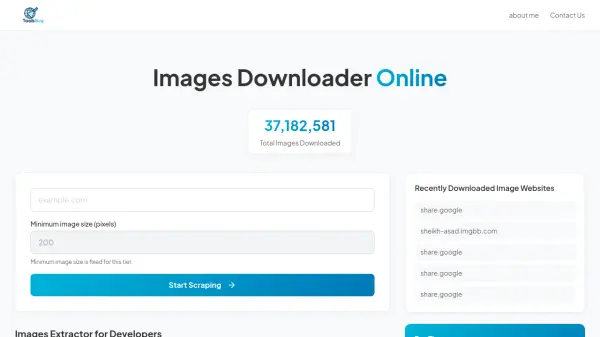
What is ToolsBug Images Downloader Online?
ToolsBug Images Downloader Online enables users to extract images from website content they own or have permission to use. The tool analyzes web pages to detect both regular and lazy-loaded images, preserving original filenames and organizing them into a single ZIP file for easy download.
It supports bulk image and URL extraction, making it useful for structured analysis, research, testing, or content review. This functionality is particularly beneficial for developers and website administrators who need to migrate media files between platforms or create backups without manual effort.
Features
- Image Extraction: Analyzes websites to detect and download regular and lazy-loaded images
- Bulk Download: Packages all extracted images into a single ZIP file for easy access
- Filename Preservation: Maintains original filenames during the extraction process
- URL Support: Accepts full URLs or domain names for accurate image collection
- Structured Analysis: Supports bulk image and URL extraction for research and testing
Use Cases
- Migrating websites between different content management systems
- Creating backups of photo albums or website media files
- Rebuilding websites after losing backend access
- Searching for specific images within owned websites or photo albums
- Researching or testing website content through structured image analysis
FAQs
-
What types of images does the tool extract from websites?
The tool extracts both regular and lazy-loaded images from websites, preserving their original filenames. -
How does the tool handle multiple images from a website?
It packages all extracted images into a single downloadable ZIP file for convenient access. -
What input format should be used for best results?
For accurate results, use the full page URL including https:// when pasting the link. -
Is this tool suitable for migrating websites between platforms?
Yes, it is designed to help migrate media files when moving between content management systems like WordPress. -
What are the primary use cases for this image downloader?
Primary use cases include website migration, photo album backups, rebuilding sites after hacking, and searching for specific images.