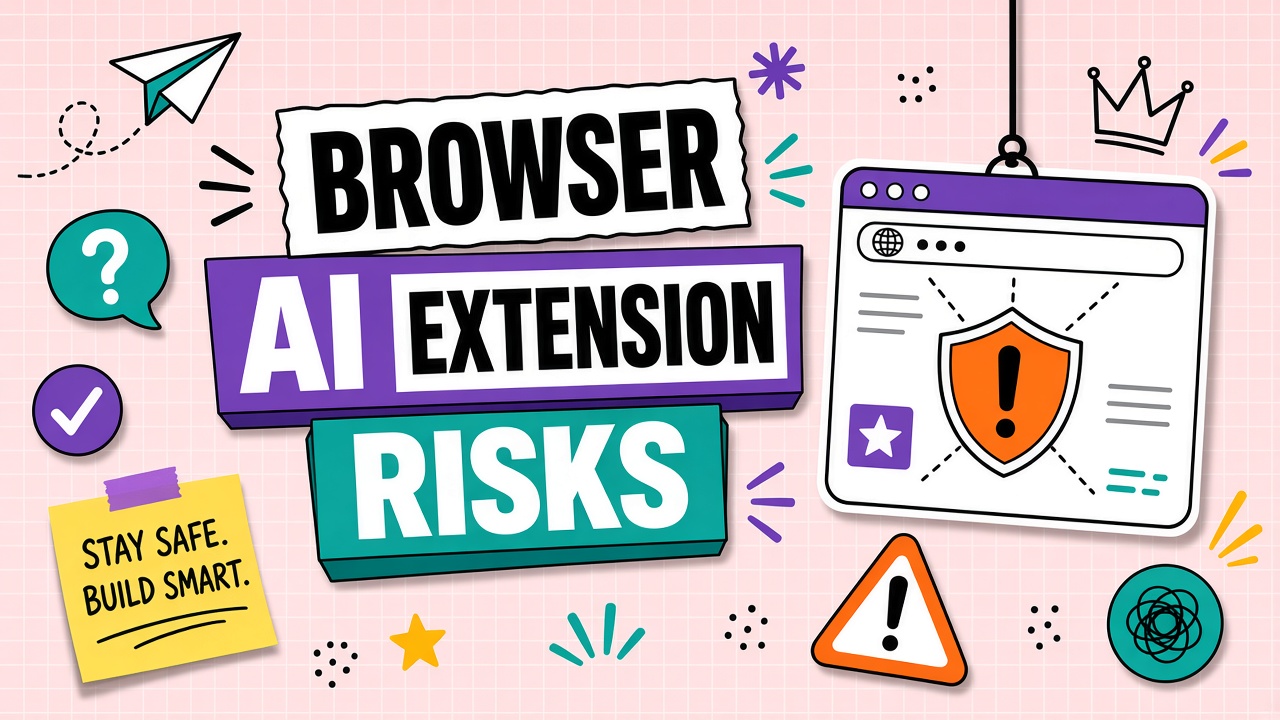
Summarize this page. Rewrite this email. Answer questions about what you are reading. Browser extensions make AI feel native to every tab, but they also sit between your employees and the entire web. Understanding AI browser extension privacy risks is essential because extensions often request broad permissions that exceed what a standalone AI productivity app would need.
This troubleshooting guide explains what extensions can access, common permission patterns, a corporate approval template, shadow extension discovery, and safer alternatives for sensitive browsing. Review it alongside policies for AI writing tools that employees install outside IT control.
What Browser Extensions Can Access
Browser extensions run with elevated privileges inside Chrome, Edge, Firefox, and other browsers. Depending on declared permissions, an AI extension may read:
- Full text of visible and hidden DOM content on active tabs
- Form fields, including passwords if combined with dangerous permissions (rare but possible in malicious extensions)
- Selected text and clipboard content when integrated
- Browsing history and tab URLs when granted history or tabs permission
- Cookies and session tokens on sites you visit, enabling account hijacking in worst cases
Data typically flows to the extension vendor's servers for inference, similar to cloud chatbots, but users rarely see an explicit upload step. The page content leaves the device silently when the extension triggers.
Permission Matrix by Extension Type
| Extension type | Typical permissions | Risk level |
|---|---|---|
| Sidebar summarizer | activeTab, scripting | Medium: reads current page on invoke |
| Always-on writing assistant | <all_urls>, storage | High: all sites, persistent context |
| Email plugin | Host access to mail domains | High: inbox content and metadata |
| Meeting notetaker | tabCapture, microphone | Critical: audio and screen content |
Corporate Policy Template for Extensions
IT approval for AI extensions should mirror SaaS procurement, not ad-hoc installs. Minimum policy elements:
- Allowlist only: Named extension IDs from named vendors on managed browsers.
- Permission review: Reject <all_urls> unless narrowly justified and DPA signed.
- Tier alignment: Extension must use business SSO tenant, not personal accounts.
- Data tiers: No extension use on admin consoles, HR systems, or customer PII pages.
- Annual re-certification: Permissions change in updates; pin versions where possible.
Document approved extensions in the same catalog as approved AI chrome extension security tools, with owner, review date, and permitted use cases.
Shadow Extension Discovery
Employees install extensions without telling IT. Detection signals include:
- Enterprise browser management reports (Chrome Enterprise, Edge management)
- DNS or proxy logs to known AI extension backend domains
- SSO anomaly: personal email logins to same vendor as corporate tenant
- Expense reports for consumer AI subscriptions tied to browser tools
- Security awareness surveys and helpdesk keyword trends ("summarize extension")
Block unapproved extension installs at the policy level rather than relying on policy documents alone. Pair blocks with approved alternatives so productivity does not stall.
Safer Alternatives for Sensitive Browsing
For intranet, CRM, and ticketing systems:
- Use vendor-approved web apps with SSO instead of page-scraping extensions
- Copy redacted excerpts manually into approved chatbots when summarization is required
- Deploy on-device or VPC-hosted models for code and document review without full-page exfiltration
- Disable extensions on dedicated admin browser profiles
Frequently Asked Questions
Can extensions read incognito mode?
Only if the user explicitly enables the extension for incognito and the browser allows it. Corporate policy should disable incognito or block extensions from incognito windows on managed devices.
How does enterprise browser management help?
Tools like Chrome Enterprise let you force-install approved extensions, block others, and audit installed IDs across the fleet. Combine with MDM for consistent policy on remote laptops.
Is the web app safer than the extension from the same vendor?
Often yes, because you choose what to paste or upload. Extensions may transmit entire pages automatically. Verify whether the extension adds permissions beyond the web app's data handling.
How do malicious AI extensions differ from legitimate ones?
Malicious extensions request excessive permissions, obfuscate code, or exfiltrate data to unknown domains. Stick to allowlisted publishers, review permission changes on every update, and monitor network egress.
What about BYOD remote workers?
BYOD complicates enforcement. Require managed browser profiles or VDI for regulated data access, and prohibit processing confidential tiers on personal browsers with unknown extensions installed.
The Bottom Line
Browser AI privacy risks are easy to underestimate because installs take seconds. Map permissions to data tiers, allowlist extensions with the same rigor as SaaS apps, and discover shadow installs before intranet content leaves via an unreviewed sidebar. Standardize on approved AI productivity and AI writing paths instead of silent page scraping.