MetaProducts Systems favicon

MetaProducts Systems
Identify. Collect. Preserve. Analyze. Present.

What is MetaProducts Systems?

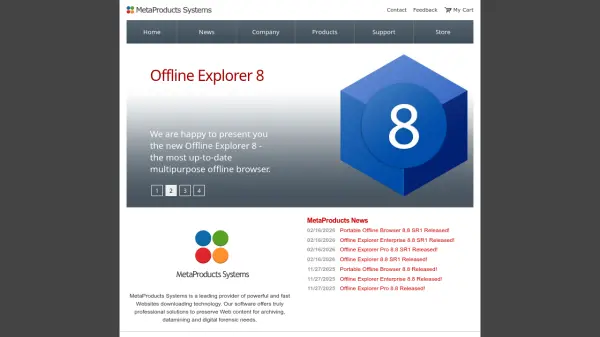
MetaProducts Systems specializes in developing advanced software tools for downloading and archiving web content. Their products, such as Offline Explorer and MetaProducts Revolver, allow users to collect, store, and preserve webpages or entire websites for various purposes including archiving, data mining, and digital forensics.

The software supports bulk downloading and smart extraction of relevant file types, making it suitable for professional use in legal, research, and business contexts. It offers features for offline browsing and evidence collection, ensuring reliable access to web data even when offline.

Features

  • Offline Browsing: Download and archive websites for offline access.
  • Bulk Downloading: Efficiently download massive websites or single webpages.
  • Data Mining: Extract relevant file types from web data for analysis.
  • Digital Forensics: Preserve web content as evidence for legal purposes.
  • Smart Extraction: Automatically identify and download specific file types.

Use Cases

  • Archiving websites for historical or research purposes.
  • Conducting data mining and analysis from web sources.
  • Performing digital forensics and evidence collection.
  • Creating offline backups of web content for accessibility.
  • Extracting specific file types like images or documents from websites.

Related Tools:

Blogs:

  • AI thumbnail maker tools

    AI thumbnail maker tools

    Automatically generate visually appealing and optimized thumbnails for various digital content, streamlining the design process and enhancing visual engagement

  • Top 6 AI note-taking tools for 2026: in-person, online, and hybrid use cases

    Top 6 AI note-taking tools for 2026: in-person, online, and hybrid use cases

    Most AI note-taking lists are really lists of meeting bots, which join your video call and transcribe it. That's useful, but it's half the picture. Decisions happen in hallway conversations, client dinners, on-site visits, and hybrid rooms where nobody is on a video link. This guide covers different parts of the note-taking workflow: hardware capture for in-person settings, platform-native tools for online calls, and AI layers for organizing and synthesizing what you've captured. It compares six tools by capture context, workflow fit, pricing, and limitations.

  • Best AI tools for Product Photography

    Best AI tools for Product Photography

    Explore top AI tools that can elevate your product photography, helping you enhance images, streamline workflows, and create professional visuals with ease.

Didn't find tool you were looking for?

Be as detailed as possible for better results