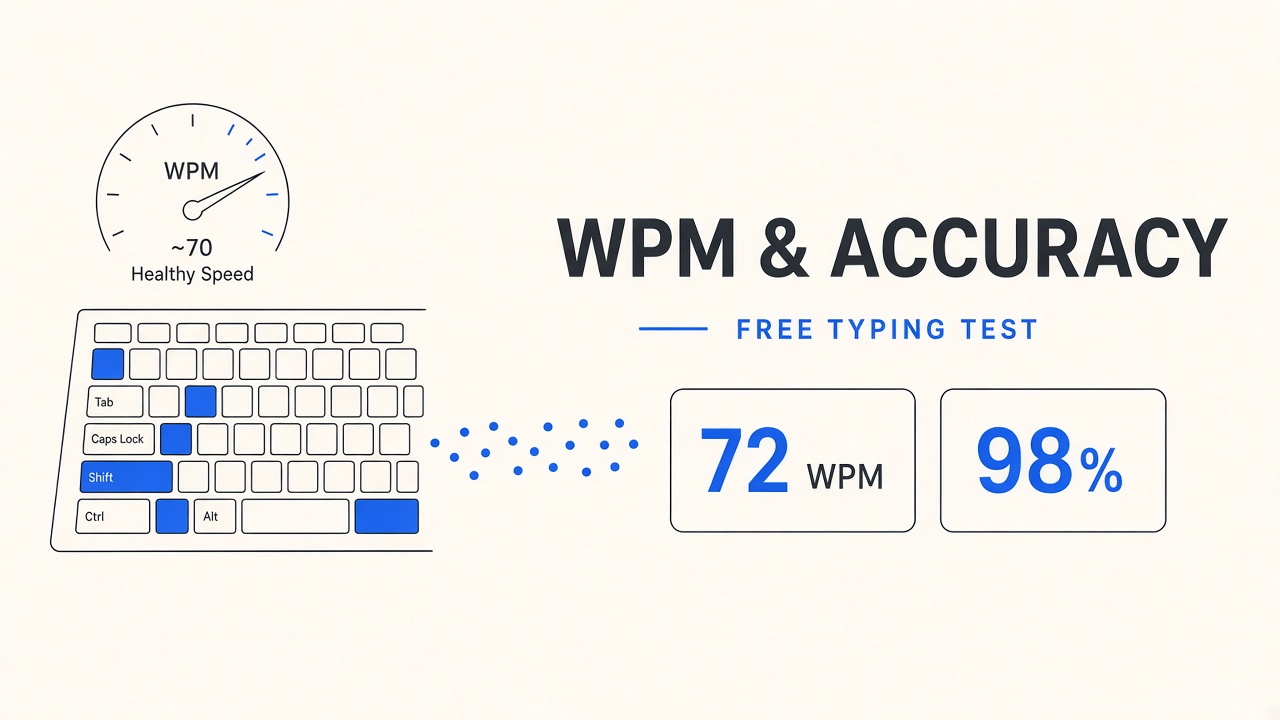
A free typing test measures how fast you type readable text and how often you correct mistakes. Whether you are preparing for a data entry interview, a remote support role, or school computer class, a one-minute online run gives you a baseline you can track over weeks. No paid certificate is required to learn your words-per-minute (WPM) score.
This guide defines good typing speed benchmarks, explains how tests calculate WPM and accuracy, compares popular free options including TypingClub and 10FastFingers, covers what employers expect on hiring tests, offers a short improvement plan, and answers common questions. For more practice apps, see the typing category on EliteAI.tools.
What Counts as a Good Typing Speed (WPM Benchmarks)
Most office jobs expect roughly 40 WPM with high accuracy; specialized roles may ask for 60 WPM or more. WPM is a standardized rate so tests from different sites can be compared loosely, though test length and error penalties still shift scores by a few points. Use the table as orientation, not a guarantee of hiring outcomes.
| Skill band | Typical WPM range | Common context |
|---|---|---|
| Beginner | 20–35 WPM | Learning home row, hunt-and-peck fading |
| Average adult | 35–45 WPM | Email, chat, light documentation |
| Proficient | 45–60 WPM | General office, customer support scripts |
| Advanced | 60–80 WPM | Transcription, live note-taking, coding prose |
| Competitive / specialist | 80+ WPM | Court reporting paths, speed contests, heavy data entry |
Accuracy usually matters as much as raw speed. Many employers set a floor near 95% accuracy on a five-minute passage. A flash score of 70 WPM with 88% accuracy is weaker than 55 WPM at 98% for roles that forbid costly typos in account numbers or medical notes.
Benchmark yourself under conditions similar to the real test: same keyboard (laptop versus external), sitting posture, and test duration. A one-minute sprint overstates stamina compared with a ten-minute employer module.
How Typing Tests Measure WPM and Accuracy
Standard English WPM counts five characters as one word, including spaces and punctuation. The formula is effectively: (total characters typed ÷ 5) ÷ minutes elapsed. Sites may round differently or apply error penalties, which is why your score can vary slightly between platforms at the same raw pace.
Accuracy is the percentage of characters that match the target text without substitution. Some tests count backspace corrections as errors; others forgive fixes if the final string is correct. Net WPM (or adjusted WPM) subtracts a penalty per mistake, often one word per error, so a fast but sloppy run drops sharply.
Why test length changes your score
Short tests favor burst speed. Longer passages introduce fatigue, complex punctuation, and numbers that slow touch typists who practice on prose alone. When comparing results week over week, stick to the same duration (for example always five minutes) on the same site.
Keyboard layout and language
QWERTY dominates English tests. AZERTY, QWERTZ, or regional layouts change finger paths; scores are not portable without practice on the target layout. Multilingual tests swap word frequency; diacritics and alt-gr sequences lower WPM until muscle memory adapts.
Best Free Typing Tests Compared
Free typing tests differ by pedagogy, gamification, and whether they teach versus only score. The table highlights two widely used free options linked on EliteAI.tools plus typical use cases. Try both and keep the one that matches your goal (course versus leaderboard).
| Option | Best for | Test style | Account needed |
|---|---|---|---|
| TypingClub | Structured lessons from home row through advanced | Guided drills, gradual words, school-friendly paths | Optional; progress sync with login |
| 10FastFingers | Quick WPM races and multilingual leaderboards | Timed word lists, competitive ranking | Optional for saving scores |
| Employer-style portals | Pre-employment screens (vendor-specific) | Fixed passages, proctoring, strict backspace rules | Invited by recruiter |
TypingClub suits learners who need habit formation: short daily levels build finger maps before speed tests matter. The curriculum reduces bad habits early, which pays off when a job test forbids looking at the keyboard.
10FastFingers suits intermediate typists who want a fast typing speed test without a lesson plan. One-minute English races are easy to repeat between meetings. Use them for benchmarking, not for learning home row from zero.
Additional free tools in the typing tag may offer niche layouts, code-specific drills, or minimal UI for low-distraction practice. Rotate sites monthly so boredom does not stall improvement.
Typing Tests for Jobs and Certifications
Hiring typing tests usually run three to ten minutes on plain business prose, numbers, or forms-style fields. Recruiters publish a minimum WPM and accuracy pair (for example 45 WPM at 95% accuracy). Medical transcription, legal intake, and billing roles may demand higher nets with punctuation-heavy samples.
Third-party assessment platforms (names vary by staffing vendor) often lock copy-paste, flag tab switches, and record errors even when you backspace. Practice on the employer's practice link when provided. If none exists, simulate strict mode: disable autocorrect, avoid paste, and type unfamiliar addresses and dollar amounts.
What recruiters care about beyond WPM
- Consistent accuracy on numbers, emails, and proper nouns
- Steady pace without long pauses mid-sentence
- Following formatting cues (caps, hyphens, line breaks)
- Finishing the passage instead of stopping when the timer ends mid-word
Certifications marketed online are rarely required for general office roles. Treat paid certificates as optional proof unless a job posting names a specific provider. Your repeatable free test log (date, WPM, accuracy, duration) is often enough for portfolio or interview talking points.
A 10-Minute Plan to Improve Typing Speed
Daily short practice beats occasional marathon sessions. Block ten minutes once or twice per day using this split. Adjust if you are still learning letters versus chasing speed.
- Minutes 1–2: Warm-up. Type a slow, accurate paragraph on TypingClub or a easy word list. Focus on posture and hitting the home row without looking.
- Minutes 3–6: Skill block. Drill a weakness: numbers row, punctuation, or common bigrams ("th," "in," "er"). Repeat the same drill daily until errors drop.
- Minutes 7–9: Timed test. Run a one- or two-minute 10FastFingers race or equivalent wpm test. Record WPM, accuracy, and layout.
- Minute 10: Log and reset. Note scores in a spreadsheet or notes app. Stop while focus is still sharp; tired practice encodes sloppiness.
Every two weeks, add five minutes once a week for a five-minute sustained test. Employers rarely care about your one-minute peak if you crumble at minute four. Stretch passages from news articles typed in a plain text editor with autocorrect off for realistic friction.
Keyboard and ergonomics
External keyboards with crisp key travel can raise comfort scores on laptops with shallow keys. Raise the screen to eye level, keep wrists neutral, and sit so elbows bend near 90 degrees. Pain slows typing more than any missing drill.
How to Choose the Right Free Typing Test for You
Match the tool to your stage. Absolute beginners should prioritize guided lessons (TypingClub) before chasing leaderboard WPM. Intermediate typists optimizing for job screens should alternate strict five-minute passages with quick 10FastFingers sprints to build burst and stamina. Explore the typing directory when you need layout-specific or programmer-oriented drills.
Log at least ten sessions before judging trend lines. Day-to-day noise from sleep, keyboard, or stress is normal. Look for four-week moving averages on accuracy first, then WPM.
Frequently Asked Questions
How long should a free typing test be?
One minute is fine for quick checks. Five minutes better mirrors hiring assessments. Align practice length with your target exam or employer instructions.
Do I need an account for a typing test online free?
Many sites, including 10FastFingers and guest modes on TypingClub, run tests without login. Accounts help save history and classroom assignments but are optional for personal benchmarking.
Can I take a typing speed test in languages other than English?
Yes. Multilingual word lists change difficulty because of diacritics and word length. Compare scores only within the same language and site settings.
Are mobile typing tests valid for job prep?
Phones teach thumb typing, not the ten-finger desktop skills most offices test. Use mobile apps for casual practice only; measure progress on the same physical keyboard you will use at work.
Do free typing tests issue official certificates?
Most free tiers show on-screen scores without accredited certificates. Employers usually run their own proctored module or trust in-house results. Keep a personal log instead of paying for decorative PDFs unless a job listing names a provider.
Should I slow down to improve accuracy?
Yes, temporarily. Drop speed until you sustain 97–98% accuracy, then increase pace in small steps. Net WPM rises when error penalties disappear.
Is 50 WPM enough for remote work?
For many chat, ticket, and documentation roles, 45–55 WPM at high accuracy is adequate. Roles with live transcription or dense data entry may expect higher sustained nets. Read the posting and practice at that bar.
The Bottom Line
A free typing test is the fastest way to turn vague "I type fine" confidence into a number you can improve. Learn the WPM bands, understand how errors adjust scores, practice on TypingClub for structure and 10FastFingers for quick races, and simulate job rules before assessment day. Browse more options under typing when you want fresh drills, and log results weekly so progress is visible without paying for hype certificates.