What is 7capture?
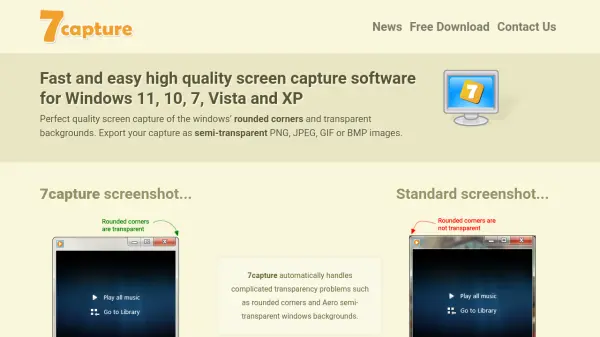
7capture is a screen capture software designed for Windows operating systems, including Windows 11, 10, 7, Vista, and XP. It specializes in capturing high-quality screenshots with features like rounded corners and transparent backgrounds, which are automatically handled by the software. Users can export captures in semi-transparent PNG, JPEG, GIF, or BMP formats, ensuring clean and professional-looking images without unattractive artifacts.
The software is completely free for both personal and commercial use, with no spyware, adware, or viruses included. It offers a simple and elegant user interface, making it accessible for various applications. 7capture supports full desktop and multi-monitor screenshots, and it can save captures to PDF files, enhancing its utility for documentation and presentation purposes.
Features
- Perfect Quality Screenshots: Automatically handles rounded corners and transparent backgrounds for clean images
- Multiple Export Formats: Supports semi-transparent PNG, JPEG, GIF, and BMP image exports
- Free Software: Completely free for personal and commercial use with no spyware, adware, or viruses
- Simple User Interface: Elegant and easy-to-use interface for quick screen captures
- PDF Export: Saves screen captures to PDF files for documentation purposes
- Multi-Monitor Support: Captures full desktop and multi-monitor screenshots
Use Cases
- Creating professional screenshots for software documentation
- Capturing transparent images for graphic design projects
- Generating clean screenshots for presentations and reports
- Documenting user interfaces for tutorials or guides
- Saving screen captures to PDF for easy sharing and archiving