What is CleanSnap?
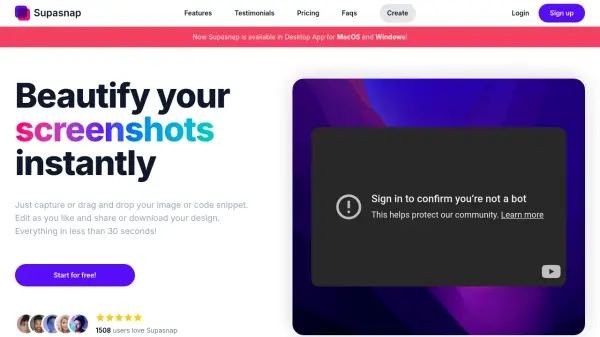
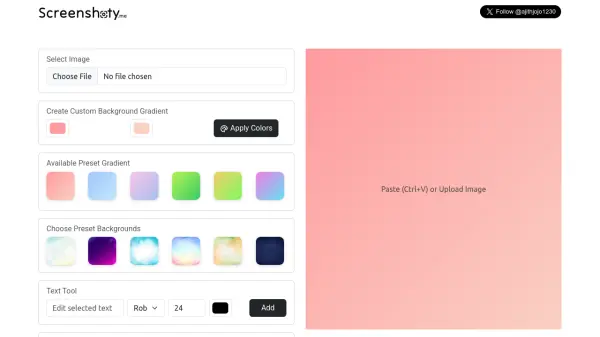
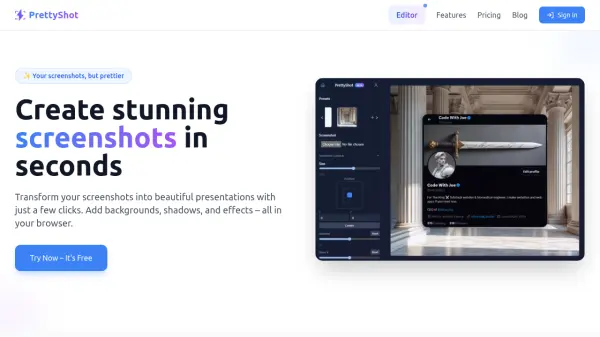
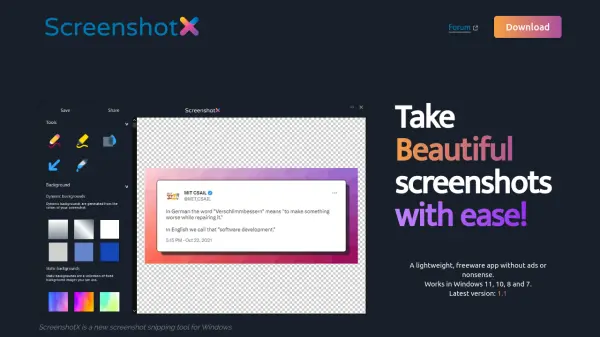
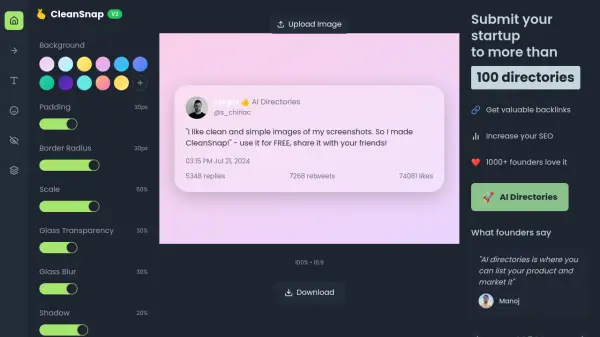
CleanSnap is a user-friendly tool designed to enhance the appearance of screenshots. It offers a variety of customization options, including background adjustments, padding, border-radius, scale, noise, glass transparency, and glass blur effects. This allows users to create visually appealing and professional-looking screenshot images.
Developed by Sergiu, CleanSnap provides an efficient means to refine screenshots for various purposes without any charges. The tool is completely free and users are encouraged to share it.
Features
- Background: Customize the background of the screenshot.
- Padding: Adjust padding around the screenshot.
- Border Radius: Modify the border radius of the screenshot.
- Scale: Scale the screenshot.
- Noise: Add noise to the screenshot.
- Glass Transparency: Enable a glass transparency effect.
- Glass Blur: Apply a glass blur effect.
Use Cases
- Creating clean visuals for presentations.
- Enhancing images for tutorials or documentation.
- Preparing screenshots for marketing materials.