What is Screenshoty?
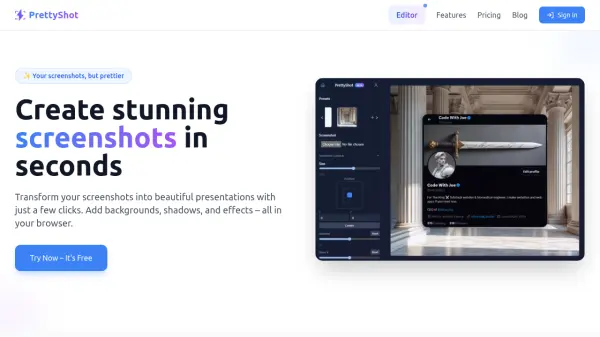
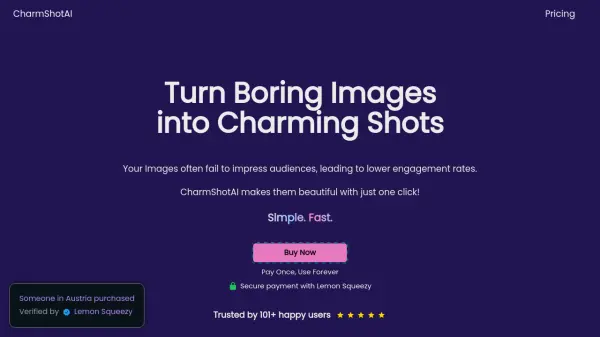
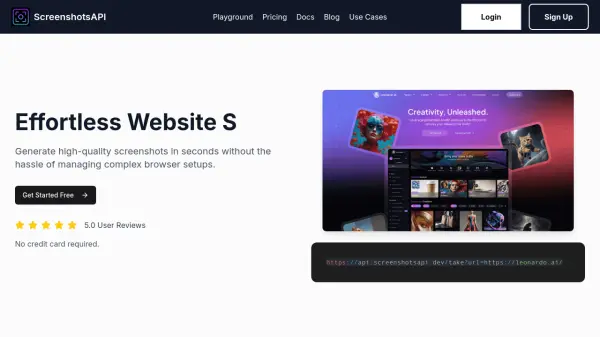
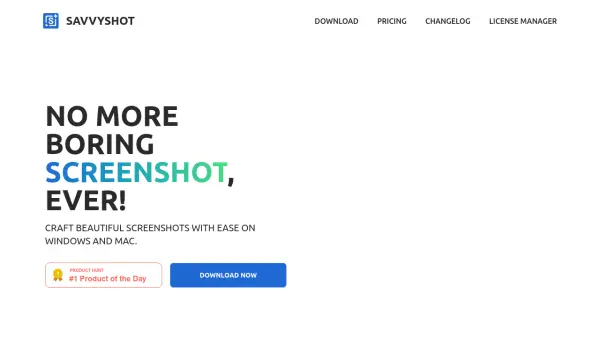
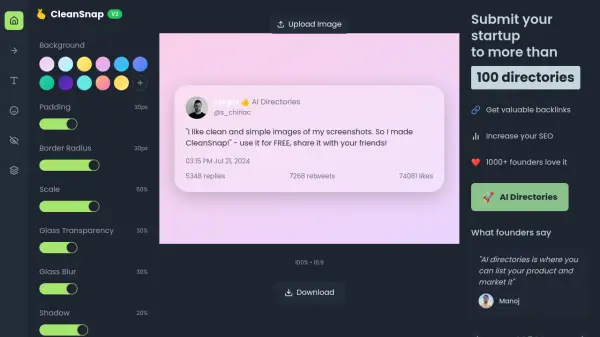
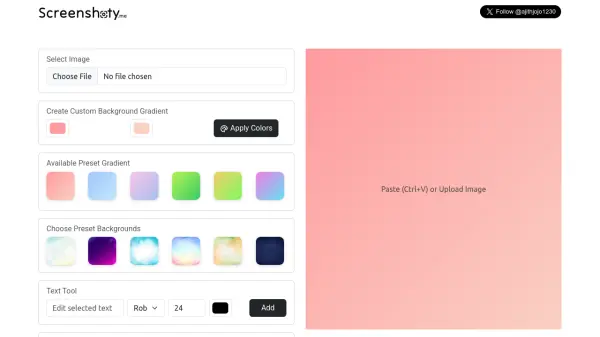
Screenshoty is an AI-powered application designed to streamline the process of creating beautiful screenshots. It allows users to quickly generate professional-looking images by pasting or uploading screenshots and applying various visual enhancements. The tool eliminates the need for time-consuming editing software, enabling users to produce polished results in seconds.
The application offers features such as custom background gradients, preset color options, text tools with multiple font choices, and adjustable canvas sizes. Users can easily download or copy their edited screenshots to the clipboard, making it ideal for presentations, social media, or documentation. Screenshoty focuses on simplicity and efficiency, providing an intuitive interface for rapid image enhancement.
Features
- Custom Background Gradient: Apply personalized gradient backgrounds to screenshots
- Preset Gradient Options: Choose from preset colors like Pink, Blue Sky, Violet, Green, and Lime
- Text Tool: Add text overlays with font options including Roboto, Arial, Georgia, Comic Sans, and Courier
- Canvas Size Selection: Adjust image dimensions with Square, Landscape, or Portrait options
- Quick Image Processing: Paste or upload images and download or copy edited results instantly
Use Cases
- Creating polished screenshots for presentations
- Enhancing images for social media posts
- Generating professional documentation visuals
- Designing quick mockups or prototypes
- Improving screenshot aesthetics for tutorials or guides