What is Wrap?
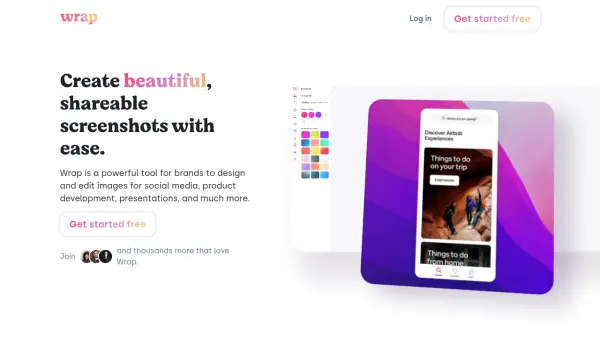
Wrap is a sophisticated screenshot and image editing platform that combines powerful capturing capabilities with professional design tools. The platform offers multiple capturing methods including full screen, portion selection, and target element capture, along with the ability to paste images directly from the clipboard.
Through its browser extension, Wrap provides users with instant access to capturing and editing tools, featuring carefully curated styles that ensure pixel-perfect designs. The platform specializes in optimizing images for various social media platforms, automatically adjusting aspect ratios for Twitter, LinkedIn, Slack, and Facebook.
Features
- Multiple Capture Options: Full screen, portion selection, and target element capture
- Browser Extension: Integrated tools accessible directly from the browser
- Social Media Optimization: Automatic aspect ratio adjustment for various platforms
- Curated Design Styles: Pre-selected professional design templates
- Clipboard Integration: Direct image paste functionality
- Unlimited Image Exports: No restrictions on export quantity
Use Cases
- Social media content creation
- Product development documentation
- Professional presentations
- Technical documentation
- Marketing materials
- Educational content creation
FAQs
-
What capture methods does Wrap support?
Wrap supports full screen capture, portion selection, target element capture, and direct clipboard paste functionality. -
Which social media platforms are supported for image optimization?
Wrap optimizes images for Twitter, LinkedIn, Slack, Facebook, and other major social media platforms with automatic aspect ratio adjustment. -
What is included in the subscription plan?
The subscription includes unlimited image exports and access to all editing tools.