The best AI customer support tool for most teams is the one that fits the helpdesk they already run. In 2026 the category has moved past the FAQ bot. The strongest products authenticate a customer, look up an order, issue a refund, update a subscription, and hand a difficult case to a person with the whole conversation attached. That makes the buying decision harder, because vendors now bill in units that look similar and behave very differently.
This guide compares ten AI customer support tools by deployment shape, billing unit, and fit. It covers an illustrative cost model at 2,000 AI resolutions per month, a comparison table, and a short profile of each tool. Every price was read from the vendor's own pricing page in November 2026. The popular search page for AI chatbots for customer support lists the wider market, and the customer support category covers tools outside this shortlist.
Disclosure: this is an editorial comparison. No vendor paid for placement, and no vendor reviewed the article before publication. Prices and packaging change often, so confirm the current numbers with each vendor before you sign. Last verified: November 2026.
Quick picks by need
Start with the constraint that matters most, then use the full comparison below. Every pick here assumes the tool has to work alongside human agents, not replace them.
| If you need | Start with | Why |
|---|---|---|
| An AI agent inside the helpdesk you already own | Fin AI Agent, Zendesk AI agents, Freshdesk Freddy AI | The AI inherits the platform's data, permissions, and reporting |
| To keep several helpdesks and add one AI layer | Forethought | 70+ connectors, quote-based pricing, no migration |
| The lowest entry price with AI included | Freshdesk Freddy AI | $19 per agent per month, 500 AI sessions included |
| Service data that already lives in a CRM | HubSpot Breeze Customer Agent | CRM context and $0.50 per resolved conversation |
| Ecommerce support with order actions | Gorgias AI Agent | Shopify-first helpdesk, order data inside the ticket |
| A small team that wants fast setup | Tidio Lyro | Free entry point, $24.17 Starter, live chat plus AI |
| A clean email-first shared inbox | Help Scout Envoy | Simple inbox, $0.75 per resolution, free for 5 users |
| Enterprise agents with governance | Salesforce Agentforce | CRM data model, Flow, voice, and org-level controls |
What AI customer support software does in 2026
AI customer support software answers questions, takes actions in business systems, and escalates the cases it should not handle. The useful distinction is not chatbot versus human. It is reply versus resolution.
A modern AI agent does three jobs:
- Resolve. It answers from approved knowledge, authenticates the customer, looks up the order or account, and completes the task. A refund, address change, cancellation, or booking can happen without a human.
- Assist. It drafts replies, summarizes long threads, tags tickets, detects sentiment, and suggests the next action for a human agent.
- Escalate. It recognizes a sensitive, high-value, ambiguous, or out-of-policy case and hands it to a person with context.
The action layer is what separates a 2026 AI agent from a 2023 FAQ bot. A bot can quote a returns policy. An agent can check whether the order is eligible, issue the refund, and close the ticket. That difference matters more than the size of the knowledge base.
It also changes the buying criteria. A tool that only answers questions can be judged on answer quality. A tool that acts needs system access, permission controls, audit logs, and a reliable handoff path. Ask each vendor how the agent authenticates a customer, what it can change, and what happens when an action fails.
Resolution rate is the headline metric, and it is not standardized. One vendor counts a conversation as resolved when the customer stops replying. Another requires a language model check before it charges. Another counts a lead qualification as a resolution. Treat every published figure as a vendor-reported average, not a forecast for your queue.
The four product shapes
Most buying mistakes start with comparing tools from different categories. Four shapes cover almost everything sold in 2026.
| Shape | Best for | Examples | Main trade-off |
|---|---|---|---|
| Helpdesk AI add-on | Teams that already work inside a ticketing platform and want AI in the same place | Fin, Zendesk AI agents, Freshdesk Freddy AI, HubSpot Breeze, Gorgias, Help Scout Envoy, Front Autopilot | Native data access, but tied to that platform's pricing and roadmap |
| AI front desk | Small teams that need website chat, WhatsApp, or social messaging without a full helpdesk | Tidio Lyro, standalone chatbots | Fast to launch, limited ticketing and system actions |
| Overlay agent | Teams that want to keep their helpdesk and add an action-capable layer across systems | Forethought, eesel | No migration and broad system access, but another vendor in the stack |
| Enterprise agent platform | Large support organizations with voice, compliance, and custom deployment needs | Salesforce Agentforce, Decagon, Sierra, Kustomer | Deep customization, long implementation, sales-led pricing |
Helpdesk AI add-on
A helpdesk AI add-on is sold on top of a ticketing platform. The AI resolves what it can and passes the rest to human agents as tickets. This is the simplest choice for a team that already lives in Zendesk, Intercom, Freshdesk, Gorgias, or HubSpot. The AI inherits the helpdesk's data, permissions, and reporting.
The trade-off is lock-in. You are buying the platform's AI roadmap, its pricing model, and its definition of a resolution. That is usually acceptable, because the alternative is a migration.
AI front desk
An AI front desk sits in front of customers on a website, WhatsApp, Instagram, or Messenger. It does not need a ticketing system. This is the right shape for a small business that wants to answer common questions and capture leads without hiring a support team.
The limitation is depth. A front desk can answer and route, but it usually cannot run a refund, change a subscription, or update a CRM record across multiple systems.
Overlay agent
An overlay agent connects to the helpdesk you already use and adds an AI layer on top. It can read tickets, act in external systems, and write the result back to the helpdesk.
Forethought is the overlay example in this guide. It lists 70+ helpdesks, knowledge sources, and connectors, including Zendesk, Intercom, Freshworks, Front, Gorgias, Help Scout, HubSpot, Salesforce, Dynamics 365, and Kustomer. The advantage is that you do not migrate your helpdesk to get AI. The trade-off is that you add a vendor, a contract, and a system to monitor.
Enterprise agent platform
An enterprise agent platform is a custom deployment across chat, email, voice, and sometimes Slack or Teams. It is sold through a sales process and priced by conversation, outcome, or contract.
This is the right shape for a large support organization with complex compliance, data residency, and integration requirements. The limitation is time. A custom agent can take months to deploy and needs a dedicated owner.
How AI support pricing actually works
AI support pricing has two layers: the platform fee and the AI usage fee. The platform fee is usually per seat or per ticket. The AI usage fee is metered in a unit that differs by vendor. Comparing the seat price without modeling the usage fee is the most common way to buy the wrong tool.
| Billing unit | What it usually means | Used by |
|---|---|---|
| Verified resolution | The AI resolved the request and a language model check confirmed it | Zendesk |
| Outcome | The customer confirms resolution, stops asking for help, or the agent completes the task | Fin, Forethought |
| Resolution | The AI fully resolves the request without escalation | Help Scout, Front |
| Session | A billing window that can include several messages | Freshdesk |
| Automated interaction | One request fully handled by AI or another automation feature | Gorgias |
| Conversation | A thread that may be charged at the highest outcome it reached | Tidio, Front, Salesforce |
| Credit | A prepaid unit with a vendor-specific value | HubSpot, Salesforce |
| Seat | A human agent license, often sold separately from AI usage | Most platforms |
How each vendor defines the billable event
The definition of a resolution is a contract term, not a marketing detail. Five definitions from vendor documentation show how far apart they are.
- Zendesk groups automated resolutions into three tiers. Assisted escalations and contained resolutions do not draw from the plan allowance. Only verified resolutions do, and the verification is a language model check at the end of the conversation.
- Fin counts an outcome when the customer confirms the issue is resolved, does not ask for more help after Fin responds, or Fin completes the task.
- Front charges a full resolution when no teammate replies within 24 hours on chat, SMS, WhatsApp, or custom channels, or within 72 hours on email and portal. Each conversation is charged once, at the highest level it reached.
- HubSpot counts a resolution when the agent answers from a content source or completes an action, unless the customer is handed to a person within 72 hours. A lead qualification also counts.
- Gorgias counts an automated interaction when the AI or another automation feature handles the request and the customer does not need a human within 72 hours. Each automated interaction also counts as a billable helpdesk ticket.
Those definitions change the bill. A vendor with a low per-resolution rate can cost more than a vendor with a higher rate if it counts more conversations as resolved. Ask for the billing definition in writing, then run your own monthly volume through it.
Illustrative cost model at 2,000 resolutions
This table applies public list prices to one scenario: 10 support agents, 2,000 AI-resolved conversations per month, annual billing, no negotiated discounts. It is not a quote. It is a way to compare the shape of each bill. Forethought and Salesforce are quote-only or platform-led, so they are not in the list-price model.
| Tool | Platform cost | AI usage cost | Monthly total | Assumption |
|---|---|---|---|---|
| Freshdesk Freddy AI | $190 | $735 | $925 | 500 sessions included, then $49 per 100 |
| Help Scout Envoy | $250 | $1,500 | $1,750 | $0.75 per resolution, no allowance |
| HubSpot Breeze | $900 | $970 | $1,870 | 3,000 credits included, 50 credits per resolution, plus $1,500 onboarding |
| Fin (Intercom Essential) | $290 | $1,980 | $2,270 | $0.99 per outcome, no allowance |
| Front Autopilot | $650 | $1,780 | $2,430 | Every conversation reaches full resolution at $0.89 |
| Zendesk AI agents | $550 | $3,900 | $4,450 | 50 resolutions included, then $2.00 pay-as-you-go |
At the same volume, the AI usage line alone ranges from $735 at Freshdesk to $3,900 at Zendesk. Monthly totals range from $925 to $4,450. The lesson is not that one vendor is always cheaper. It is that seat price is a poor proxy for total cost. A $19 seat can beat a $55 seat by thousands of dollars per month, and a lower per-resolution rate can still lose if the vendor counts more conversations as resolved.
Two rows deserve a closer look. HubSpot's monthly total excludes a $1,500 onboarding fee, a first-year cost. Front's row is the most expensive case for its model, because every conversation is assumed to reach a full resolution. A team that uses Autopilot only for triage pays $0.05 per conversation instead.
AI customer support tools compared
The table is grouped by deployment shape, not ranked. Entry prices are the cheapest paid tier on annual billing unless noted, and AI pricing is the vendor's published usage rate.
| Tool | Best for | Deployment | Entry price | AI pricing | Watch-out |
|---|---|---|---|---|---|
| Fin (Intercom) | AI-first SaaS helpdesk | Native, or on your current helpdesk | $29 per seat/month | $0.99 per outcome | Seat plus outcome cost at high volume |
| Zendesk AI agents | Zendesk-native teams | Native | $19 Support, $55 Suite Team | $1.50 committed, $2.00 pay-as-you-go | The included allowance is small at scale |
| Freshdesk Freddy AI | Budget helpdesk teams | Native | $19 per agent/month | 500 sessions included, then $49 per 100 | AI depth trails the enterprise suites |
| HubSpot Breeze Customer Agent | HubSpot CRM teams | Native plus CRM | $90 per seat/month Professional | $0.50 per resolved conversation | $1,500 onboarding and a small credit allowance |
| Gorgias AI Agent | Shopify and ecommerce | Native | $10/month for 50 tickets | $0.90 annual, $1.00 monthly per interaction | Ticket fee and AI fee both apply |
| Help Scout Envoy | Email-first small teams | Native | $25 per user/month | $0.75 per resolution | Lighter automation than enterprise suites |
| Front Autopilot | Shared-inbox teams | Native | $25 per seat/month | $0.05 triage, $0.39 handoff, $0.89 resolution | Starter caps seats and channel types |
| Tidio Lyro | Small chat-first teams | Front desk plus helpdesk | $24.17/month Starter | Lyro from $32.50/month for 50 conversations | Separate human and AI conversation pools |
| Forethought | Keep your helpdesk | Overlay | Custom quote | Platform fee plus outcome-based pricing | No public list price |
| Salesforce Agentforce | Salesforce enterprises | Enterprise platform | Free Foundations, $125 per user add-on | $2 per conversation or Flex Credits at $500 per 100,000 | Implementation cost and complexity |
How this comparison was researched
Every price and product detail in this guide was read from the vendor's own pricing page or help center in November 2026. The cost model applies those published list prices to a single scenario so the billing shape is comparable. No hands-on trial was run for this comparison, and every performance figure is labelled as vendor-reported.
The 10 tools in detail
Each profile covers fit, pricing, strengths, and one thing to check before signing. The order follows the deployment shapes above.
Fin (Intercom): the AI-first helpdesk
Best for: SaaS and product-led teams that want an AI agent inside the same platform as their inbox and messenger, or teams that want Fin on a helpdesk they already own.
Fin is the AI agent. Intercom is the helpdesk. The company behind both renamed itself Fin in May 2026, and Salesforce acquired it for about $3.6 billion. The deal was announced on 15 June 2026 and closed on 10 September 2026, after which Fin joined Salesforce's AI Labs. The company reports more than 30,000 customers.
Fin 4 arrived on 7 October 2026 with a more capable Customer Agent, Skills for ambiguous troubleshooting, Operator routines and connections, Human in the Loop, a second-generation Copilot, and the Apex 2.0 model family. The helpdesk side also gained the ability to hand a conversation to a person for approval or takeover.
Pricing has two parts. Intercom Essential is $29 per seat per month on annual billing, with an introductory $19 rate for new customers. Advanced is $85 and Expert is $132. Fin costs $0.99 per outcome, and the agent can also run on a helpdesk you already use, including Salesforce, with no Intercom seats required.
The strength is the product surface. Fin works across the messenger, email, chat, phone, WhatsApp, SMS, and Slack, and the platform ships simulations and regression tests so you can check changes before customers see them. Salesforce reports that Fin resolves 76% of queries on average, a vendor figure rather than a promise for your ticket mix.
Watch-out: the seat plus outcome model gets expensive at volume. At 10,000 outcomes a month the AI fee alone is $9,900, before seats. The Salesforce ownership is recent enough that packaging and roadmap may still move, so ask for a written roadmap commitment on a multi-year deal.
Zendesk AI agents: deep platform, metered resolutions
Best for: large or regulated teams that already run Zendesk and want AI inside the same routing, quality assurance, and reporting stack.
Zendesk is the deepest helpdesk in this comparison. Support Team is $19 per agent per month on annual billing, Suite Team is $55, and Suite Professional is $115. Monthly billing is $25, $69, and $149. AI agents are included in every Suite and Support plan with a monthly allowance: 5 automated resolutions per agent on Support Team and Suite Team, and 10 on Suite Professional, capped at 10,000 a year.
Additional resolutions cost $1.50 when committed or $2.00 pay-as-you-go. Overage is enabled by default, so the bill keeps moving past the allowance unless an administrator changes the setting.
The platform's advantage is operational depth: omnichannel routing, quality assurance, workforce management, voice, and a marketplace of more than 1,800 apps and integrations. The resolution tiers introduced on 18 May 2026 separate assisted escalations, contained resolutions, and verified resolutions, and only verified resolutions draw from the allowance. That is good for buyers, because a conversation the AI handled badly does not consume budget.
Watch-out: the included allowance is small relative to real volume. At 2,000 verified resolutions a month on 10 Suite Team agents, the overage is $3,900 and the seats are $550. A small team can also end up paying for capability it never configures.
Freshdesk Freddy AI: the budget helpdesk with AI included
Best for: small and mid-sized teams that want a real helpdesk with a usable AI allowance and no enterprise contract.
Freshdesk Growth is $19 per agent per month on annual billing, Pro is $55, and Enterprise is $89. Every paid plan includes 500 Freddy AI Agent sessions, and additional sessions cost $49 per 100. Freddy AI Copilot is a $29 per agent per month add-on on Pro and Enterprise. The platform covers ticketing, a shared inbox, knowledge base, customer portal, routing, SLAs, and reporting.
The appeal is the entry price plus the included sessions. A 10-agent team on Growth with 1,500 extra sessions lands around $925 per month in the model above, less than a quarter of the Zendesk scenario at the same volume. Freshdesk is also simpler to configure than Zendesk, which matters for a team without a dedicated support operations administrator.
Watch-out: Freddy is not as deep as Fin or Zendesk on autonomous, multi-step actions. The session definition also matters, so model your real volume before assuming 500 sessions is enough. A session is a billing window, not a resolution, and a long conversation can consume more than a short one.
HubSpot Breeze Customer Agent: CRM context, credit billing
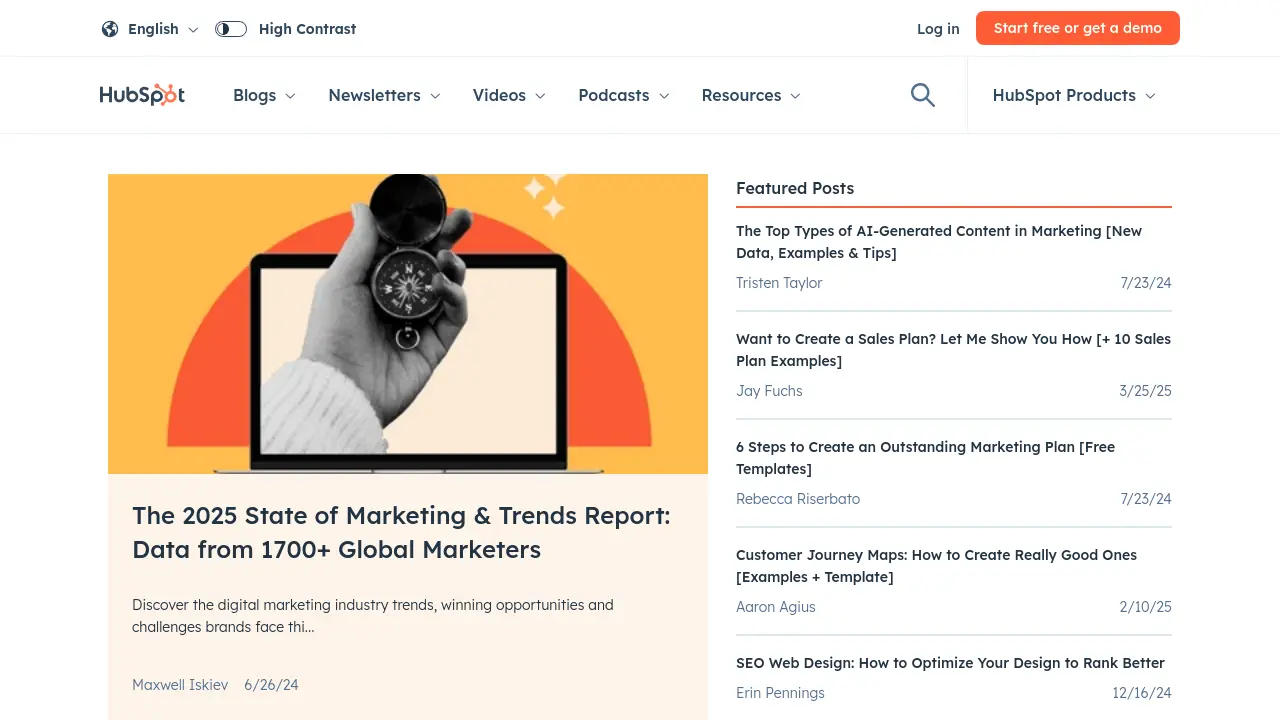
Best for: teams whose sales, marketing, and service data already live in HubSpot.
Service Hub Professional is $90 per seat per month on annual billing, or $100 on monthly billing, plus a required $1,500 onboarding fee. Enterprise is $150 per seat with $3,500 onboarding. Customer Agent costs $0.50 per resolved conversation and runs on HubSpot Credits at 50 credits per resolution. Voice is $0.50 per minute.
Professional includes 3,000 credits a month, which covers about 60 resolutions if nothing else draws on the pool. Enterprise includes 5,000 credits, or about 100 resolutions. Additional credits cost $0.010 each, sold in packs of 1,000 for $10. When the credits run out, the agent stops taking new conversations until the monthly reset.
The strength is context. Customer Agent can use CRM records, tickets, knowledge base content, and prior conversations, and it can take action in the CRM, Shopify, and other connected systems. For a team already running HubSpot, that context can produce better answers than a standalone bot. HubSpot reports a 70% average resolution rate across customer agent users, with top teams reaching 90%.
Watch-out: the allowance is tiny compared with real support volume. A team at 2,000 resolutions pays for 1,940 of them out of pocket, about $970 a month on top of $900 in seats and the onboarding fee. The 72-hour rule also means the reported spend lags the conversation, and a lead qualification can count as a resolution even when no support issue existed.
Gorgias AI Agent: ecommerce support with order actions
Best for: Shopify and ecommerce brands that want support, order data, and AI in one ticket.
Gorgias prices by tickets, not seats. Starter is $10 per month for 50 tickets on monthly billing, Basic is $50 for 300 tickets, Pro is $300 for 2,000 tickets on annual billing, and Advanced is $750 for 5,000 tickets. Higher tiers include more automated AI interactions: 30 on Starter and Basic, 190 on Pro, and 530 on Advanced.
AI Agent interactions cost $0.90 each on annual plans and $1.00 on monthly plans, with overage at $1.50. An automated interaction also counts as a helpdesk ticket, so a fully AI-resolved conversation consumes both pools.
The ecommerce focus is the differentiator. Gorgias connects to Shopify, BigCommerce, Magento, and WooCommerce, and the AI Agent can use order data to answer where-is-my-order questions, process returns, and update customers. For a Shopify brand, that is more useful than a generic chatbot with a knowledge base.
Watch-out: the ticket fee and the AI fee both apply, so a busy store can pay for tickets it never uses and interactions it cannot forecast. The AI Agent is also most valuable on Shopify. Other platforms get less depth from the same product.
Help Scout Envoy: simple inbox, pay-per-resolution AI
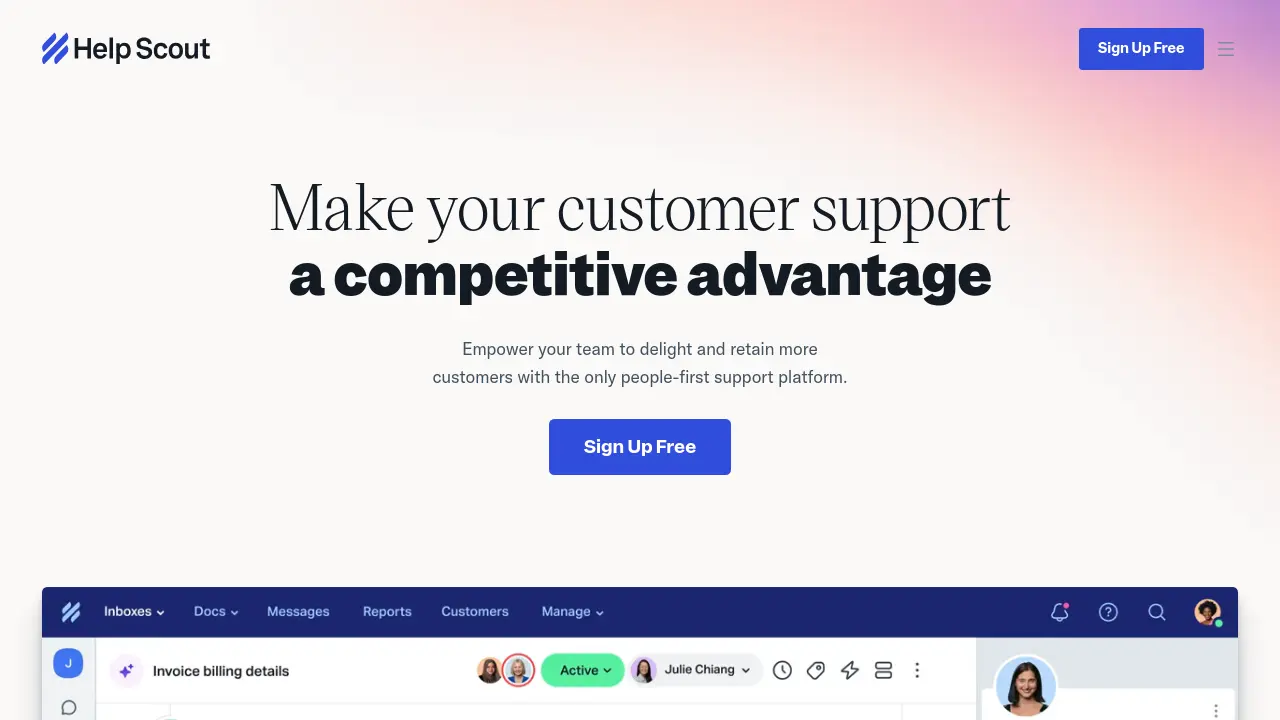
Best for: small email-first teams that want a clean shared inbox and a low-commitment AI add-on.
Help Scout Standard is $25 per user per month on annual billing, Plus is $45, and Pro is $75. The free plan covers 5 users, 1 inbox, and 1 Docs site. Envoy, the AI assistant, costs $0.75 per resolution with a three-month free trial. Help Scout reports an average resolution rate of 73% for Envoy.
The product is deliberately simple. It handles email, live chat, SMS, WhatsApp, Instagram, and Messenger without the complexity of a full enterprise suite. The inbox is readable, the reporting is clear, and the AI pricing is transparent.
Watch-out: Help Scout is lighter on automation, quality assurance, and workforce management than Zendesk or Freshdesk. Teams with complex SLAs or high ticket volume may outgrow it, and the migration cost then falls on the next platform choice.
Front Autopilot: shared inbox plus outcome-priced AI
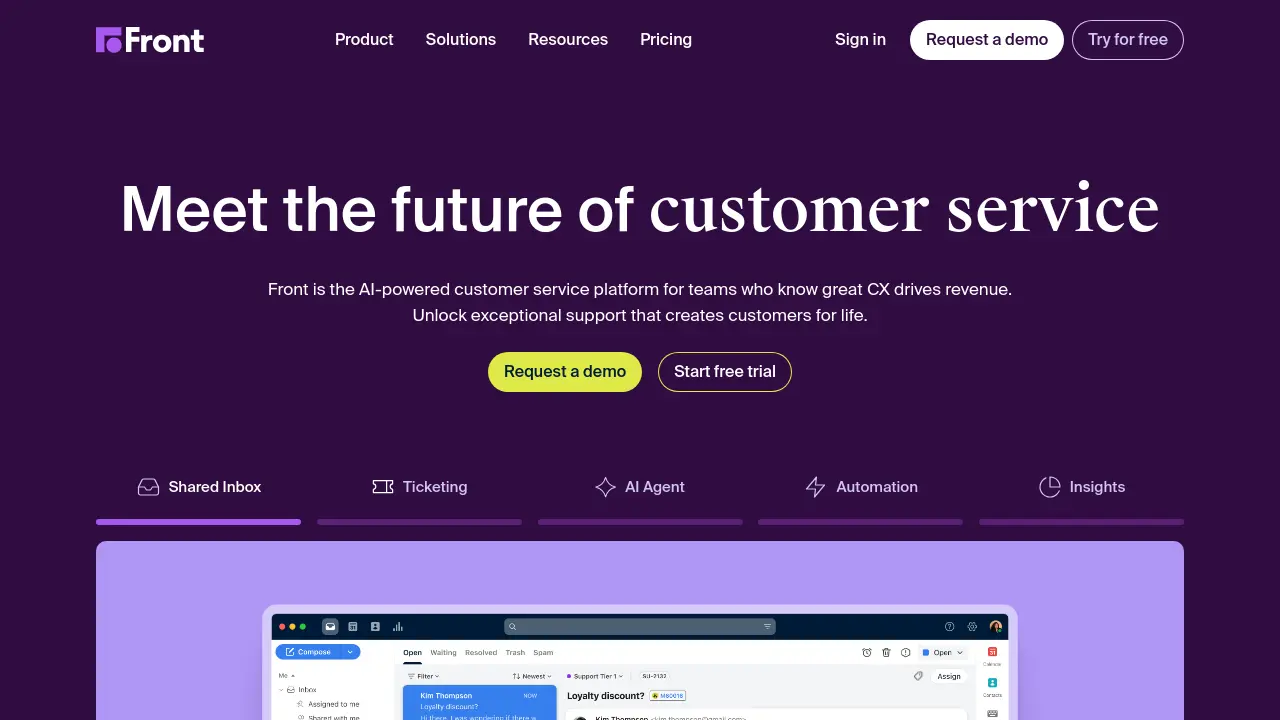
Best for: teams that collaborate in a shared inbox and want AI to triage, draft, and resolve without leaving it.
Front Starter is $25 per seat per month on annual billing with a 10-seat cap and a single channel type. Professional is $65 with up to 50 seats and multiple channels, and Enterprise is $105. Copilot is $20 per seat per month on Starter and Professional and included on Enterprise.
Autopilot charges by outcome: $0.05 for triage, $0.39 for a handoff, and $0.89 for a full resolution. Each conversation is charged once, at the highest level it reached, so triage plus resolution costs $0.89, not $0.94. A conversation counts as resolved when no teammate replies within 24 hours on chat, SMS, WhatsApp, or custom channels, or within 72 hours on email and portal.
The strength is collaboration. Teams can comment, assign, and route conversations without forwarding email, and Autopilot can tag, route, summarize, draft, and answer inside that workflow. Outcome-tiered pricing is more granular than a flat per-resolution rate, which suits teams that want to pay less for partial automation.
Watch-out: the resolution rule is based on teammate silence, so a conversation can be billed as resolved even if the customer simply gave up. Starter is also a single-channel plan, which makes Professional the realistic tier for omnichannel support.
Tidio Lyro: fast AI chat for small teams
Best for: small businesses that want live chat, basic ticketing, and an AI agent without a long implementation.
Tidio Starter is $24.17 per month on annual billing for 100 billable conversations plus 50 one-off Lyro conversations. Growth starts at $49.17 for 250 billable conversations, and Plus adds lower usage rates with a $300 monthly platform fee. Lyro is also sold as a standalone agent from $32.50 per month for 50 conversations, which lets you attach it to Zendesk, Salesforce, or another helpdesk.
The platform covers live chat, email, Messenger, Instagram, WhatsApp, and a shared inbox. Tidio reports that customers average a 75% resolution rate with Lyro. Setup is fast, the interface is approachable, and there is a free entry point for a small team to test.
Watch-out: human conversations and Lyro conversations have separate allowances, so the bill can be hard to predict. Tidio does not offer native phone support. It is a front desk with a helpdesk attached, not a deep enterprise suite.
Forethought: the overlay agent for teams that keep their helpdesk
Best for: teams that already run Zendesk, Intercom, Freshworks, Front, Gorgias, Help Scout, HubSpot, Salesforce, or Kustomer and want an AI agent without migrating.
Forethought is an AI support platform that runs independently of the helpdesk. It lists 70+ helpdesks, knowledge sources, and connectors, and its pricing page lists three tiers. Team covers AI agents for chat and mobile, Autoflows, custom actions, CSAT collection, ticket triage models, multilingual support, and AI QA with one rubric. Professional adds email, voice, and Slack agents, AI-surfaced insights, multi-brand management, custom handoff models, and five QA rubrics. Enterprise adds the Solve API, knowledge gap detection, article and Autoflow generation, an analytics API, and enterprise security controls.
Pricing combines a platform access fee with outcome-based pricing and optional add-ons. There is no public list price, so ask for the outcome definition, the included volume, and the overage terms. There is also no self-serve trial, which means the evaluation runs through sales.
Watch-out: the sales-led process takes time, and a quote-only model is harder to compare. Zendesk documents a Forethought offering of its own, and that documentation says the platform can operate independently of Zendesk and serve teams that do not use it. Confirm the commercial terms anyway, because packaging is the part that changes.
Salesforce Agentforce: enterprise agents inside the CRM
Best for: large enterprises whose service data, workflows, and permissions already live in Salesforce.
Agentforce is priced at $2 per conversation, or through Flex Credits at $500 per 100,000. An Agentforce action draws 20 Flex Credits, and a voice action draws 30. The Agentforce add-on for Sales, Service, and Field Service is $125 per user per month for unmetered employee agent usage, and Salesforce Foundations includes Agentforce Builder and Prompt Builder for free.
The advantage is depth of context. An Agentforce agent can use CRM records, service history, entitlements, and custom objects, and the governance model covers permissions, audit trails, and org-level controls.
Watch-out: Agentforce is a platform, not a turnkey helpdesk. Implementation needs Salesforce expertise and a clear data model, and the per-conversation price is one line in a budget that will also include integration, consulting, and change management.
How to choose by stack and volume
The fastest way to narrow the list is to start with the system you already use, then check the volume at which the pricing model stops making sense.
| Your situation | Start with | Why |
|---|---|---|
| You run Zendesk and want native AI | Zendesk AI agents | Native routing, QA, and reporting |
| You run Zendesk but want an overlay that acts across systems | Forethought | No migration and 70+ connectors |
| You run Intercom or want Fin on another helpdesk | Fin AI Agent | Native inside Intercom, or seat-free on your current helpdesk |
| You run Freshdesk and need budget AI | Freshdesk Freddy AI | Included sessions and a low seat price |
| You run HubSpot | HubSpot Breeze Customer Agent | CRM context and credit pricing |
| You sell on Shopify | Gorgias AI Agent or Tidio Lyro | Order actions and ecommerce workflows |
| You run a small email-first team | Help Scout Envoy | Simple inbox at $0.75 per resolution |
| You run a shared inbox and need collaboration | Front Autopilot | Strong inbox workflow and tiered AI pricing |
| You run Salesforce and need enterprise agents | Salesforce Agentforce | CRM data and enterprise governance |
| You handle 10,000+ AI conversations a month | Model every unit, then negotiate | List prices are not the real price at scale |
Volume changes the answer. At 500 conversations a month, a low seat price and a simple AI allowance matter most. At 5,000 conversations a month, the per-resolution rate dominates. At 20,000, negotiate a committed volume and model the difference between a contained resolution and a verified one.
For background on the support workflows these tools plug into, the guide to macros and knowledge base maintenance for support leads covers the content side, and integrating AI tools with Zendesk support covers the wiring.
Implementation checklist
A good pilot is more useful than a long demo. Work through this list before you sign an annual contract.
- Define what counts as a resolution. Write the definition in your own words and compare it with the vendor's contract language.
- Connect the data the agent needs. Help center, policies, order system, CRM, billing, and internal procedures. An agent without system access is a chatbot.
- Set guardrails before launch. Refund limits, identity verification, tone, banned actions, and escalation rules.
- Start with high-volume, low-risk intents. Order status, password resets, returns policy, appointment changes, and subscription questions.
- Run a two-week pilot on real tickets. Use your last 200 tickets, not the vendor's demo questions.
- Measure five numbers. Containment rate, verified resolution rate, CSAT, human handoff rate, and cost per resolution.
- Review the handoff path. A customer should never repeat the same information after escalation, and the agent should pass the full context, not a summary.
- Check security and data handling. PII retention, model training, subprocessors, data processing agreement, SOC 2 or ISO 27001 evidence, and audit logs.
- Model the bill at 1x, 3x, and 10x volume. Ask what happens when the allowance runs out and whether overage pauses the agent or keeps billing.
- Get the exit terms in writing. Data export, contract termination, and what happens to the AI's learned configuration.
Common mistakes
- Buying on seat price. The AI usage fee is often larger than the seat fee, and it scales with outcomes rather than headcount.
- Comparing different units. A verified resolution, an outcome, a session, an automated interaction, and a conversation are not the same event.
- Assuming the AI can act. Ask for a live demonstration of the action, not a slide.
- Skipping knowledge base cleanup. Bad source content produces confident wrong answers, and no model fixes that.
- Ignoring the handoff. The escalation path is part of the product, not an edge case.
- Trusting the headline resolution rate. Vendor averages rarely match a specific ticket mix, industry, or knowledge base.
- Forgetting onboarding and implementation. HubSpot charges $1,500 on Professional, and enterprise platforms can cost far more in services.
- Signing an annual contract before a pilot. AI performance is workload-specific. Test on your own queue first.
Frequently Asked Questions
What is the best AI customer support tool in 2026?
It depends on your helpdesk. For an AI-first platform, Fin and Zendesk lead the shortlist. For budget, Freshdesk. For Shopify, Gorgias. For Salesforce enterprises, Agentforce. For teams that want to keep their current helpdesk and add an AI layer, Forethought is the overlay option.
How much does AI customer support software cost?
Most tools charge a platform fee plus an AI usage fee. Platform fees in this comparison range from about $10 to $105 per agent or ticket block per month. AI usage ranges from about $0.50 to $2.00 per resolution, depending on the vendor and the billing unit. Some vendors meter sessions, interactions, conversations, or credits instead, so model your monthly volume before comparing list prices.
What is the difference between an AI chatbot and an AI agent?
A chatbot answers questions from a knowledge base. An AI agent can also take actions, such as looking up an order, issuing a refund, changing a subscription, or updating a CRM record. The action layer needs system access, permissions, and audit controls, which is why it changes the buying criteria.
Can AI customer support work with my existing helpdesk?
Yes. Native add-ons work inside Zendesk, Intercom, Freshdesk, Gorgias, HubSpot, Help Scout, and Front. Overlay agents such as Forethought work across multiple helpdesks and can act in external systems without a migration. Fin can also run on a helpdesk you already own, without Intercom seats.
How do vendors define a resolution?
Definitions vary. Zendesk requires an LLM verification before a resolution is billable. Fin counts an outcome when the customer confirms, stops asking, or the task completes. Front counts teammate silence after 24 or 72 hours. HubSpot counts an answer from a content source or a completed action, and a lead qualification also counts. Ask for the exact definition and model your volume against it before signing.
Are vendor resolution rates reliable?
Treat them as directional. Vendor averages come from a mix of industries, ticket types, and knowledge base quality. A team with messy documentation should expect a lower rate. Run a pilot on your own tickets and measure verified resolutions, not just containment.
What is the best AI customer support tool for small businesses?
Tidio Lyro and Help Scout Envoy are strong starting points. Tidio is better for chat and social messaging, and Help Scout is better for email-first support. Freshdesk is the strongest budget helpdesk if you need ticketing and AI in one platform.
What is the best AI customer support tool for Shopify?
Gorgias is the most ecommerce-native option. It connects to Shopify, BigCommerce, Magento, and WooCommerce, and its AI Agent can use order data to answer questions and process returns. Tidio is a lower-cost alternative for smaller stores.
Is AI customer support secure?
It can be, but security depends on the vendor and the deployment. Ask about data retention, model training, subprocessors, access controls, audit logs, and certifications such as SOC 2 and ISO 27001. Do not send customer PII to a tool that cannot explain how it handles that data.
The takeaway
The best AI customer support tool is not the one with the lowest seat price or the highest published resolution rate. It is the one that fits your helpdesk, your channels, your data, and your definition of a resolution.
Start with the system you already run. A native add-on is simpler and inherits permissions and reporting. An overlay such as Forethought avoids a migration and can act across several systems, at the cost of another vendor. A platform such as Agentforce makes sense when your service data already lives in the CRM and governance matters more than speed.
Whichever tool you choose, run a pilot on real tickets. The vendor's average is not your average, and the only resolution rate that matters is the one you measure in your own queue. Browse the full AI customer support category, compare helpdesk tools, or start from the AI chatbots for customer support search page to see the wider market.