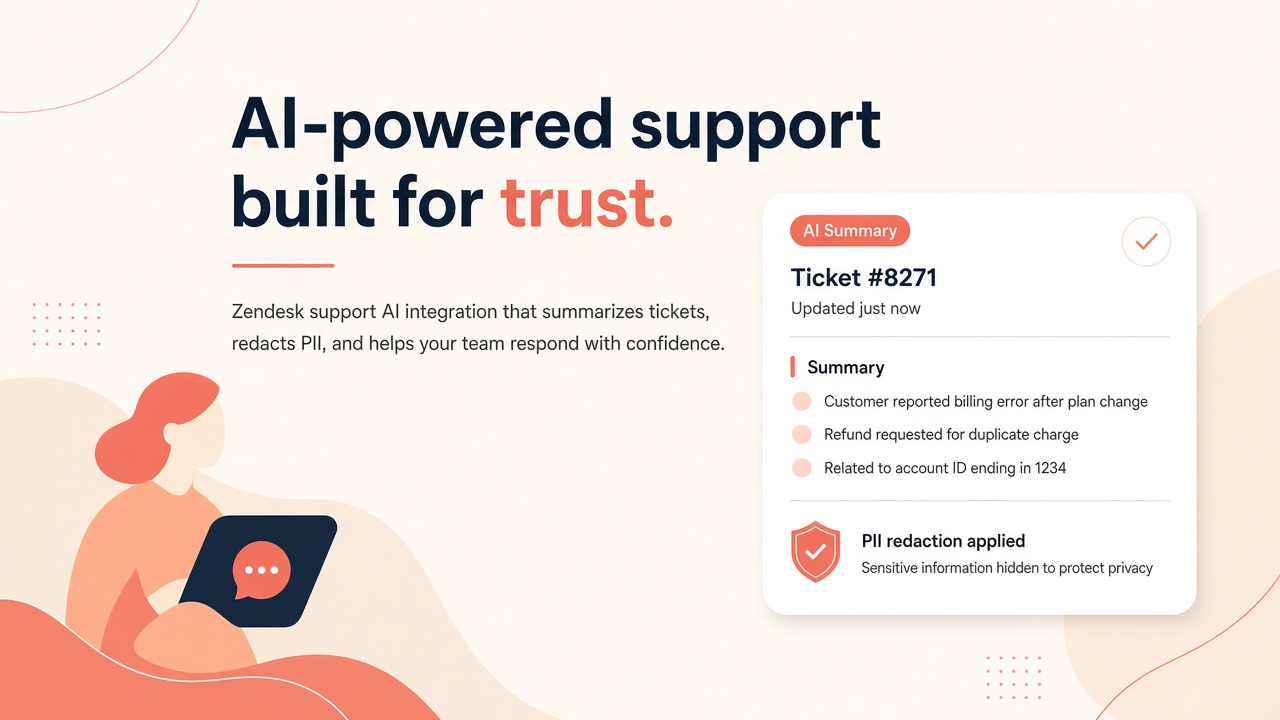
Support leaders adopt AI to summarize long ticket threads, suggest replies, and route issues faster. Without integration architecture, those tools send raw customer PII to external models, auto-send unreviewed responses, and inflate handle time when agents fight bad suggestions.
Integrating AI tools with Zendesk Support requires webhook authentication, deliberate choices between sidebar apps and background automation, Advanced Data Protection and Privacy (ADPP) PII redaction, and mandatory agent approval for customer-facing drafts. Native AI summaries on Professional plans and above provide a baseline; third-party AI image generator and AI design tools may attach visuals to tickets through the same integration layer. This guide covers support operations and platform owners shipping AI without compliance surprises.
Integration Goals and Support Threat Model
Define what the Zendesk AI integration may read, generate, and send before selecting apps or API credentials. Common goals include thread summarization, suggested replies, sentiment tags, and knowledge article recommendations. Threats include credit card numbers in ticket bodies reaching external LLMs, bots replying without human review, and sidebar apps with excessive OAuth scopes across all brands.
- Data classes: billing tickets versus public FAQ threads.
- Retention: vendor storage of ticket text and attachment excerpts.
- Identity: mapping Zendesk agent IDs for approval attribution.
- Outbound actions: public replies, internal notes, or field updates only.
Webhook and API Authentication
Authenticate Zendesk webhooks with signing secrets and API tokens scoped to the minimum roles; rotate credentials when agents leave or vendors change. Zendesk supports API tokens for server-to-server calls and OAuth for marketplace apps. Background automations should use a dedicated service account, not an individual admin token tied to one person.
- Create a custom role with read ticket, add comment, and update ticket only where needed.
- Store API tokens in a secrets manager; never embed in client-side sidebar JavaScript.
- Verify webhook signatures on every inbound event before enqueueing AI jobs.
- Use idempotency keys keyed to ticket ID and comment ID to prevent duplicate summaries.
- Separate sandbox and production Zendesk subdomains with distinct credentials.
| Auth method | Typical AI use | Risk if misconfigured |
|---|---|---|
| API token (service user) | Background summarization on ticket.created webhooks | Over-privileged admin token exposes all brands |
| OAuth marketplace app | Sidebar assistant with per-agent consent | Broad install scopes across unrelated groups |
| Webhook signing secret | Trigger external AI pipeline on ticket events | Forged events if secret leaks |
| Sunshine Conversations API | Messaging channel bots with handoff to agents | Cross-channel PII without unified redaction |
Ticket Normalization Before AI
Normalize ticket JSON into a consistent schema before model calls: strip HTML signatures, collapse quoted reply chains, and label public versus internal comments. Raw Zendesk payloads include macros, CSAT blocks, and nested email threads that confuse summarization. A normalization layer improves accuracy and reduces tokens sent to the model provider.
Sidebar App vs Background Automation
Sidebar apps suit agent-initiated summarization and draft replies; background webhooks suit tagging, routing, and analytics without blocking the agent UI. Mixing both without clear ownership creates duplicate summaries and conflicting suggested replies on the same ticket.
| Pattern | Best for | Limitations |
|---|---|---|
| Zendesk sidebar app | On-demand summaries, reply drafts, KB search | Requires agent to open ticket; iframe performance |
| Background webhook worker | Auto-tags, queue routing, SLA risk alerts | Harder for agents to see why a tag appeared |
| Native Zendesk AI (Professional+) | Built-in summaries and generative replies | Less customization than external LLM choice |
| Trigger + webhook | Simple handoff to external orchestration | Limited error handling in Zendesk alone |
Agent Approval for Suggested Replies
Never post AI-generated customer replies without explicit agent approval; render drafts in the sidebar with edit, accept, and discard actions. Auto-send flows violate brand tone policies and create liability when the model invents refund amounts. Log which agent accepted each draft for quality review.
PII Redaction Before Model Calls
Apply Zendesk Advanced Data Protection and Privacy (ADPP) rules and custom redaction regex before ticket text leaves your boundary for external model inference. Email addresses, phone numbers, government IDs, and payment data routinely appear in support tickets. Redaction should run in your middleware, not rely on the model to ignore sensitive spans.
- Enable ADPP on Enterprise plans and map redaction categories to your data classification policy.
- Replace redacted spans with stable tokens (for example, [EMAIL_1]) if the model must reference count without values.
- Scan attachments for text layers before OCR pipelines send content upstream.
- Block tickets tagged legal_hold or pci_scope from external AI entirely.
- Rehydrate redacted placeholders only inside Zendesk after the agent approves a reply, never in vendor logs.
Multibrand and Locale Considerations
Configure separate redaction rule sets per brand when subsidiaries operate under different privacy regimes. EU tickets may need stricter masking than US retail tickets. Document which brands may use external LLMs versus native Zendesk AI only.
Measuring Handle Time Impact
Track first reply time, full resolution time, and agent edit distance on AI drafts before and after rollout; handle time should improve or stay flat with higher CSAT, not regress. Vanity metrics like summaries generated per day hide quality problems. Sample tickets weekly for human QA scoring.
- Baseline median handle time by tier and channel for four weeks pre-pilot.
- Measure percent of AI drafts accepted without major edits.
- Correlate AI usage with reopen rate and one-touch resolution.
- Survey agents on trust and time saved; low trust predicts shadow copy-paste from ChatGPT.
- Compare cost per ticket including LLM API fees against labor savings.
Attachments and Rich Content
When tickets include screenshots or AI-generated images, decide whether vision models process them or agents describe visuals manually. Large attachments increase latency and cost. Set size limits and file type allowlists on the ingestion path.
Design Assets in Tickets
Teams using AI design tools may attach mockups to tickets; ensure those files do not contain embedded customer data in layer metadata. Strip EXIF and embedded comments before upload to Zendesk when policies require.
Ticket Data Flow Architecture
Document a ticket data flow from Zendesk event to redaction layer, normalization, model call, and response write-back so security reviewers see every hop. The diagram should label which components run in your VPC versus vendor SaaS. Include retry behavior when Zendesk returns 429 rate limits during peak support hours.
Idempotent workers keyed to ticket_id and latest_comment_id prevent duplicate summaries when Zendesk retries webhooks. Store processing state in a small database table agents never see. Expose a support-facing status page when the AI sidebar shows degraded mode instead of silent failures.
Native AI Summaries on Professional and Above
Zendesk ships AI ticket summaries on Professional plans and higher as part of the native suite; compare accuracy and data residency before purchasing overlapping third-party summarization. Native summaries respect Zendesk hosting boundaries. External LLMs may offer custom prompts and cross-tool workflows Zendesk alone cannot provide. Run a blind evaluation on 50 historical tickets before committing to dual tooling costs.
Quality Assurance Sampling
Sample ten tickets per week per brand where agents used AI summaries and score factual accuracy, completeness, and tone on a rubric. Feed scores back to vendor solutions engineers and internal prompt owners. Declining scores should trigger scope reduction until root cause is fixed, not unlimited prompt tweaking in production.
Rollout and Agent Training
Pilot with one support group and measure handle time before expanding to all brands. Train agents on when to trust summaries versus reading the full thread. Publish examples of approved edits to AI drafts so tone stays on brand.
Include a one-page agent quick reference: how to open the sidebar app, when summaries refresh, how to report a bad suggestion, and the policy on pasting customer data into external chat tools. Shadow IT usage of consumer LLMs drops when the approved Zendesk integration is faster than copy-paste into another tab.
Escalation and Supervisor Review
Supervisors should review a sample of AI-assisted tickets weekly, focusing on escalations where the customer disputed the AI-influenced reply. Feed patterns back to prompt owners and Zendesk macro maintainers. Repeated errors on the same product area may indicate knowledge base gaps, not model failure alone.
Frequently Asked Questions
How do AI tools handle multilingual Zendesk tickets?
Detect ticket locale from requester language, brand, or explicit custom field before selecting model and prompt template. Summaries should match the language agents work in, not always English. Verify translation quality on Tier 1 languages during pilot; fallback to human-only for unsupported locales.
Can AI read ticket attachments automatically?
PDF and image attachments require separate OCR or vision pipelines with their own retention policies; default integrations often ignore attachments unless configured. Set explicit limits on attachment count and megabytes per job. Malware scanning should precede any OCR step.
What native AI ships on Zendesk Professional and above?
Zendesk AI summaries and generative reply features on Professional+ plans provide baseline capabilities without external vendors. Compare native features to third-party tools on accuracy, model choice, and data residency. Many enterprises use native AI for standard tiers and external LLMs for escalations only.
How does Zendesk ADPP interact with external AI?
ADPP redacts PII inside Zendesk; your middleware must apply equivalent redaction before payloads reach external model APIs because ADPP does not automatically proxy third-party calls. Configure ADPP categories to match your data classification policy. Test with synthetic tickets containing fake credit card numbers before production enablement.
When should we choose sidebar apps over background webhooks?
Choose sidebar apps when agents need on-demand control and approval UX; choose background webhooks when routing, tagging, or analytics must run on every ticket without agent action. Running both on the same ticket type requires deduplication logic or agents see duplicate summaries. Document ownership per use case in your support operations handbook.
Which metrics prove AI reduced handle time?
Track median full resolution time, first reply time, reopen rate, and edit distance on accepted AI drafts compared to a matched control group without AI. Vanity metrics like summaries per day hide quality regressions. CSAT should stay flat or improve; declining CSAT with faster handle time suggests rushed wrong answers.
Is auto-send ever acceptable for AI replies?
Auto-send is appropriate only for narrow, low-risk intents with deterministic templates and no PII, such as password reset acknowledgments. Even then, maintain kill switches and monitor CSAT closely. Default to agent approval for all generative prose.
Vendor Due Diligence and DPA
Collect vendor SOC 2 reports, data processing agreements, and subprocessors lists before enabling production ticket flows to external models. Re-review when vendors change default model providers or hosting regions. Zendesk ADPP complements but does not replace vendor due diligence for sidebar apps that send ticket bodies outside Zendesk infrastructure.
Normalized Tickets, Redacted PII, Approved Replies
Zendesk AI integrations succeed when webhooks authenticate reliably, sidebar and background paths have clear roles, ADPP and custom redaction run before model calls, and agents approve every customer-facing draft. Measure handle time with rigor; native Professional+ summaries may be enough until external tools prove incremental value.