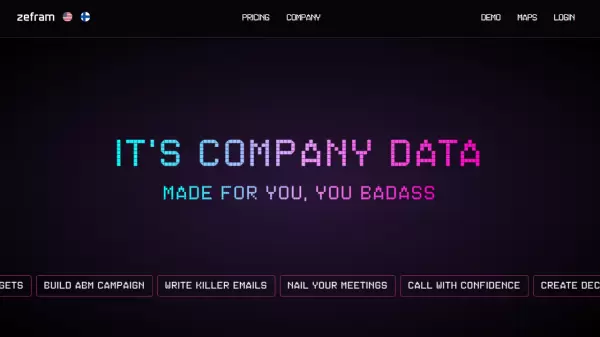


What is Zefram?
Zefram revolutionizes B2B operations by delivering precise company data intelligence combined with practical AI capabilities. The platform empowers professionals to identify potential leads, develop targeted campaigns, and create impactful business communications with data-driven insights.
Since 2020, the platform has evolved to perfect smart business communication through AI, offering comprehensive tools for financial analysis, real-time event tracking, and decision-maker identification. The system integrates seamlessly with popular CRM platforms and provides advanced features like automated campaigns, AI message tools, and similarity sorting.
Features
- AI Tools: One-click company data analysis with AI integration
- Financial Analytics: Revenue, profit, and staff trend analysis
- Event Tracking: Real-time company activity monitoring
- Scheduling System: Integrated calendar management for Google and Outlook
- CRM Integration: Compatible with Pipedrive, HubSpot, and MS Dynamics
- Decision Maker Detection: Identification of key company stakeholders
- Business Intelligence: AI-optimized company descriptions and insights
- Custom Lists: Advanced filtering and company targeting capabilities
Use Cases
- Lead Generation and Targeting
- Account-Based Marketing Campaigns
- Sales Email Optimization
- Meeting Preparation and Management
- Sales Call Enhancement
- Pitch Deck Creation
- CRM Data Automation
FAQs
-
What CRM platforms does Zefram integrate with?
Zefram integrates with Pipedrive, HubSpot, MS Dynamics, and supports webhook connections and data exports. -
How many exported rows are allowed per month?
The platform allows up to 300,000 exported rows per month.