
What is yFi?
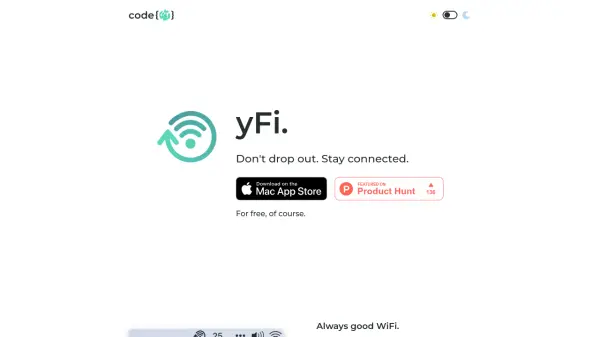
yFi is a menu bar application designed to help users stay connected during online meetings by monitoring and managing WiFi connectivity. The tool ensures users never drop out of platforms like Zoom, Slack, or Teams by providing immediate notifications and options for automatic reconnection or alerts when network performance declines.
With customizable configuration from the menu bar, users can easily adjust settings, select their preferred notification styles, and set actions to be performed when connection quality dips. This ensures a seamless online experience with minimal disruption, making it ideal for anyone relying on stable internet connections for work or communication.
Features
- Menu Bar Integration: Provides real-time connectivity information directly from the system’s menu bar.
- Automatic Notifications: Alerts users immediately when connection quality worsens.
- Customizable Actions: Choose between notifications, automatic reconnections, or ignoring drops in unstable environments.
- Easy Configuration: Adjust preferences and styles via a simple popover menu.
- Minimal Interface: Choose between minimal display, detailed information, or a combination for best visibility.
Use Cases
- Preventing disconnection during important online meetings on platforms like Zoom, Slack, or Teams.
- Monitoring WiFi quality for remote workers.
- Managing connectivity in shared office or home environments.
- Quickly responding to unstable network conditions.