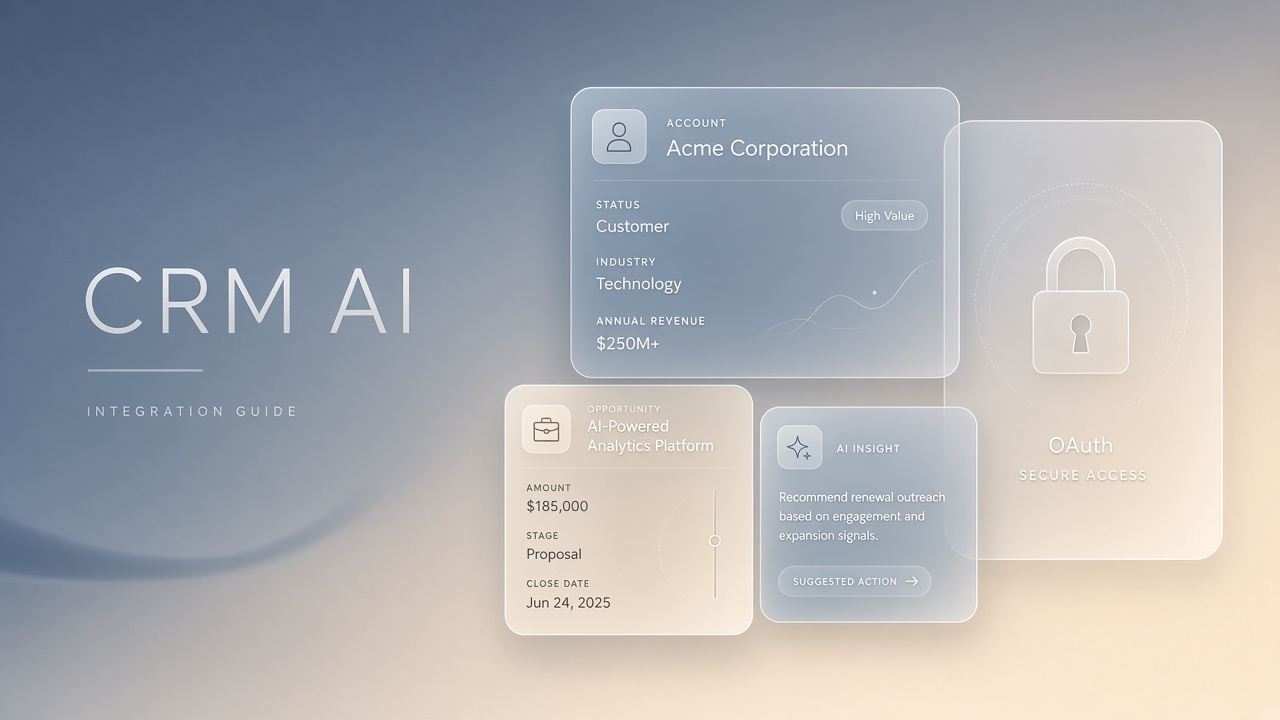
Sales teams want AI to draft emails, summarize accounts, and update CRM fields without leaving Salesforce. Without integration architecture, those assistants inherit broad object access, bypass field-level security, and leave no audit trail when a model writes incorrect pipeline data.
Integrating AI tools with Salesforce CRM requires External Client Apps (ECAs), OAuth client credentials for the Agent API, field-level security on dedicated permission sets, and logging through the Einstein Trust Layer. This guide covers platform owners deploying third-party AI writing assistants and AI marketing automation alongside native Einstein features. The goal is useful AI in Salesforce without silent data exposure or compliance gaps.
Integration Goals and CRM Threat Model
Define what the Salesforce AI integration may read, write, and retain before selecting OAuth flows or vendors. Common goals include account summarization, opportunity scoring narratives, case routing, and automated field updates from call transcripts. Threats include over-scoped integration users, models writing to fields agents cannot see, and PHI or financial data sent to external model providers without redaction.
- Data classes: standard objects versus custom objects with regulated fields.
- Retention: whether prompts and responses are stored by the vendor and for how long.
- Identity: mapping Salesforce user IDs to corporate directory accounts for attribution.
- Outbound actions: can the integration create records, update amounts, or send emails?
Connected App and OAuth Setup
Salesforce is replacing Connected Apps with External Client Apps (ECAs) starting Spring 2026; new AI integrations should register ECAs and use OAuth client credentials for server-to-server Agent API calls. Legacy Connected Apps remain supported during the transition, but greenfield projects should follow the ECA model to avoid rework when Salesforce deprecates the older pattern.
- Create an External Client App in Setup with a descriptive name tied to the AI vendor or internal service.
- Enable OAuth client credentials flow for headless Agent API access without user browser redirects.
- Assign a dedicated integration user with a minimal permission set, not a System Administrator profile.
- Store client secrets in a secrets manager; rotate on a schedule and after personnel changes.
- Separate sandbox and production ECAs with distinct credentials and callback URLs if using authorization code flows for user-context actions.
| OAuth pattern | Typical AI use | Risk if misconfigured |
|---|---|---|
| Client credentials (ECA) | Agent API batch enrichment, scheduled summaries | Broad object access if permission set is too wide |
| Authorization code with PKCE | User-context drafting inside Lightning components | Token leakage if redirect URIs are not locked down |
| JWT bearer flow | Enterprise middleware calling Salesforce REST APIs | Certificate compromise grants persistent API access |
| Named credentials | Outbound calls from Flow or Apex to external AI endpoints | Secrets visible to developers with metadata access |
ECA Migration Checklist
Inventory existing Connected Apps used by AI vendors and plan ECA equivalents before the Spring 2026 enforcement window. Document which integrations use client credentials versus user-delegated flows. Test ECA authentication in a full sandbox copy before cutting over production traffic.
Field-Level Security for AI Writes
AI integrations must respect field-level security (FLS) and object permissions through dedicated agent permission sets; never run write operations under profiles that bypass FLS. A model that updates Amount on Opportunity but cannot read Competitor Notes creates inconsistent records. Worse, an integration user with View All Data exposes fields human reps should not see in AI-generated summaries.
- Create an Agent Integration permission set group with read access to summary fields and write access only to AI-owned custom fields when possible.
- Use custom fields prefixed for AI drafts (for example, AI_Summary__c) that reps promote to canonical fields after review.
- Enforce sharing rules: integration users should not receive View All on Account or Contact unless legal approves.
- Test with a rep-level user impersonation to confirm the AI output matches visible field values.
- Document which objects are in scope: Lead, Contact, Account, Opportunity, Case, and custom service objects.
Permission Set Design Patterns
Split read permission sets from write permission sets so security can disable AI writes without disabling read-only summarization. This pattern supports incident response when a model starts hallucinating pipeline values. Apply muting permission sets to remove dangerous field access without redeploying the entire integration package.
Flow vs Apex Integration Patterns
Use Salesforce Flow for declarative AI handoffs and Apex when you need complex parsing, bulk operations, or strict USER_MODE enforcement for sharing-aware DML. Both paths can call external AI APIs through Named Credentials or HTTP callouts. The choice depends on team skills, governor limits, and whether admins need to adjust logic without deployments.
| Pattern | Best for | Limitations |
|---|---|---|
| Record-triggered Flow | Post-save enrichment, case classification handoff | Callout limits; harder to unit test complex logic |
| Autolaunched Flow from Apex | Hybrid: Apex prepares payload, Flow handles approvals | Debugging across two layers |
| Apex with USER_MODE | Writes that must respect running user sharing and FLS | Requires disciplined test coverage and code review |
| Platform Events | Async AI processing decoupled from UI latency | Event replay and monitoring overhead |
When Apex performs DML on behalf of a logged-in rep, use Database.insert(records, AccessLevel.USER_MODE)
so sharing rules apply. Headless Agent API jobs run as the integration user and need explicit permission set
design instead of USER_MODE. Never mix the two models in one code path without documentation.
Einstein Trust Layer and Native AI
Salesforce Einstein features route prompts through the Einstein Trust Layer with masking, audit events, and zero-data-retention options for select models; third-party integrations must replicate equivalent controls or remain read-only. Compare vendor DPAs against your Health Cloud or Financial Services Cloud requirements before enabling write-back. Native Einstein may satisfy regulators where external APIs do not.
Audit Fields and Rollback
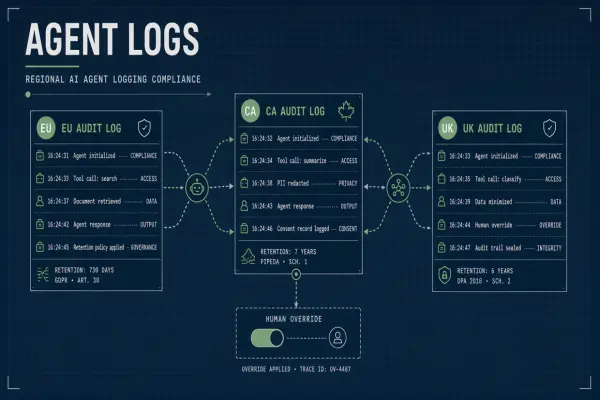
Log every AI-initiated field change with source system, model version, prompt hash, and integration user ID; design rollback paths before enabling automated writes. Standard Salesforce field history tracking helps for watched fields. Custom audit objects capture AI metadata field history does not store.
- Enable field history on Amount, Stage, Close Date, and custom AI draft fields.
- Write AI_Audit__c records with JSON payloads redacted of PII before long-term storage.
- Stream audit events to your SIEM via Event Monitoring or external webhooks.
- Build a Lightning action to revert AI draft fields to last human-edited values.
- Schedule weekly reconciliation reports comparing AI writes to rep corrections.
Einstein Trust Layer Audit Events
For orgs using Einstein GPT and Agentforce, review Trust Layer audit logs in Setup to see prompt categories, masked entities, and policy violations. Align internal audit schema with Trust Layer event names so compliance teams have one vocabulary. Export samples during sandbox pilots to train security analysts.
Rollback and Data Quality
Treat AI-written CRM data as provisional until a human confirms or a rules engine validates against thresholds. Opportunity amount changes above a dollar limit should require manager approval via Flow. Case status changes from AI should not close tickets without agent confirmation.
Agent API and Headless Enrichment
The Salesforce Agent API supports headless enrichment jobs that read CRM context and return structured suggestions without a Lightning UI session. OAuth client credentials on External Client Apps authenticate these jobs. Design payloads so the agent receives only fields the integration user may read, not full record exports with hidden columns stripped at the UI but present in API responses.
Batch enrichment during nightly windows reduces contention with interactive users. Queue jobs by object type and respect Bulk API thresholds when updating thousands of leads after a webinar import. Log agent session IDs alongside model version strings for support escalations when a rep disputes an AI-generated account plan.
CRM AI Connector Vendor Selection
Evaluate third-party CRM AI connectors on ECA support, field mapping UI, and whether writes land in custom draft fields versus standard Amount and Stage columns. Vendors promising instant full-record sync often request View All Data. Push back and require field-level mapping workshops with sales operations before contract signature. Request a reference customer in Financial Services Cloud if you operate under similar controls.
Monitoring API Consumption
Dashboard Daily API Requests, Concurrent Long Running Requests, and Agent API-specific quotas in Setup during the first 90 days of production. Spike alerts should page platform owners, not only sales ops. Correlate spikes with marketing campaign imports or misconfigured Flow loops calling AI on every record save.
Sandbox Promotion and Governance
Promote AI integration packages from Developer Sandbox through Full Sandbox UAT before production; never test OAuth secrets or model endpoints only in production. Refresh sandboxes with masked data when testing summarization on realistic record shapes. Include security and revenue operations in UAT sign-off.
Connecting AI Writing and Marketing Workflows
AI writing tools often draft outbound emails that sync to Salesforce Activity Timeline; AI marketing platforms may push campaign member status updates. Map each inbound field to a Salesforce object and confirm CAN-SPAM and GDPR consent fields are never overwritten by model output. Marketing ops should own the field mapping spreadsheet.
Frequently Asked Questions
How should we test AI Salesforce integrations in sandboxes?
Use a Full or Partial Copy sandbox with refreshed OAuth ECAs pointed at vendor staging endpoints. Validate FLS with real profile combinations, not only System Administrator. Run load tests on bulk enrichment jobs to observe API limit consumption before production schedules go live.
Are AI writes allowed in Health Cloud or HIPAA-regulated orgs?
HIPAA-aligned Salesforce orgs require Business Associate Agreements with both Salesforce and any external model vendor; many teams keep AI read-only on clinical objects. Einstein offerings with Trust Layer controls may qualify where third-party APIs do not. Involve compliance before enabling write-back on Patient or Care Plan objects.
Can AI safely write standard Salesforce fields?
AI should write standard fields only after field-level security tests and often only through intermediary custom draft fields reps promote manually. Direct writes to Amount, Stage, or Close Date create pipeline corruption when models hallucinate. Sales operations should define which objects allow automated writes and which require human confirmation through Flow approval steps.
When should Apex use USER_MODE for AI writes?
Use USER_MODE when the triggering user is a logged-in rep and the AI suggestion becomes a record update in the same session. Headless Agent API jobs run as the integration user and cannot rely on USER_MODE for sharing; those jobs need explicit permission set design. Mixing both patterns in one Apex class without documentation causes security review failures.
What limits apply to the Salesforce Agent API?
Agent API calls count against org API limits and may have separate per-agent quotas depending on edition and add-ons. Batch enrichment should use Bulk API or Platform Events for large volumes instead of synchronous REST per record. Monitor Daily API Requests in Setup during pilot weeks.
When must we migrate from Connected Apps to ECAs?
Salesforce announced ECAs as the successor to Connected Apps with enforcement beginning Spring 2026 for new integrations. Existing Connected Apps receive a transition period, but platform teams should migrate during 2026 planning cycles to avoid emergency cutovers.
Incident Response for CRM AI
Document how to revoke ECA credentials, disable Flow triggers calling AI, and purge vendor-side caches if regulated data reaches the wrong model endpoint. Tabletop exercises should include Salesforce admin, security, and sales ops. Speed matters when pipeline data leaks externally.
Scoped OAuth, Visible Writes, Auditable AI
Salesforce AI integrations succeed when External Client Apps replace ad hoc Connected Apps, permission sets enforce field-level security on every write, Flow and Apex patterns respect USER_MODE where appropriate, and Einstein Trust Layer plus custom audit objects capture what models changed. Admins own OAuth governance; revenue operations owns data quality rollback.