What is Network Analyzer?
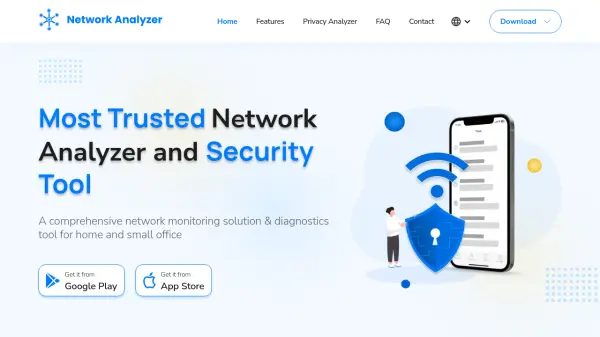
Network Analyzer is an advanced network tool designed to provide comprehensive monitoring and diagnostics for home and small office networks. It functions as a WiFi analyzer, network scanner, speed tester, and port scanner to troubleshoot connectivity issues, improve network security, and enhance performance. The tool allows users to check network connections, view online device details, assess performance and security, ping devices to fix network problems, traceroute hosts for diagnosis, perform Wake on LAN, protect WiFi from intrusion, secure servers by finding open ports, and identify vendors by MAC address.
The application features a user-friendly interface and is available for download from app stores. Users can start analyzing their network with just a few taps, making it accessible for both beginners and professionals. It helps monitor and manage networks efficiently, providing tools to detect online devices and troubleshoot network issues with ease.
Features
- WiFi Analyzer: Scan and analyze WiFi networks for connectivity and security
- Network Scanner: Detect online devices and monitor network activity
- Speed Test: Perform WiFi and internet speed tests to assess performance
- Port Scanner: Identify open ports to secure servers and prevent intrusions
- Ping and Traceroute: Troubleshoot network issues by pinging devices and tracing routes
- Wake on LAN: Enable remote device activation over the network
- MAC Address Lookup: Identify vendors by MAC address for device management
- Security Tools: Protect WiFi from intrusion and enhance network security
Use Cases
- Troubleshooting home network connectivity issues
- Monitoring online devices in a small office network
- Improving WiFi security by scanning for intrusions
- Testing internet and WiFi speed for performance optimization
- Diagnosing network problems using ping and traceroute tools
- Securing servers by identifying and closing open ports
- Managing network devices with Wake on LAN and MAC address lookup