What is Whapi.Cloud?
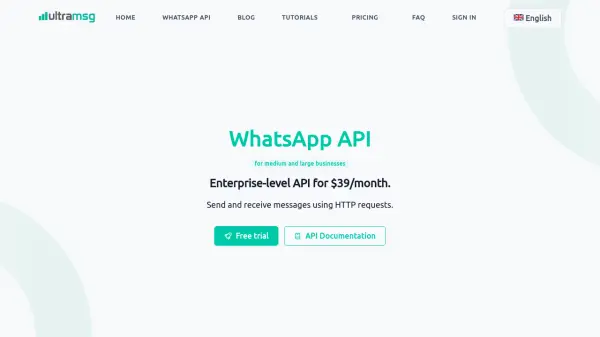
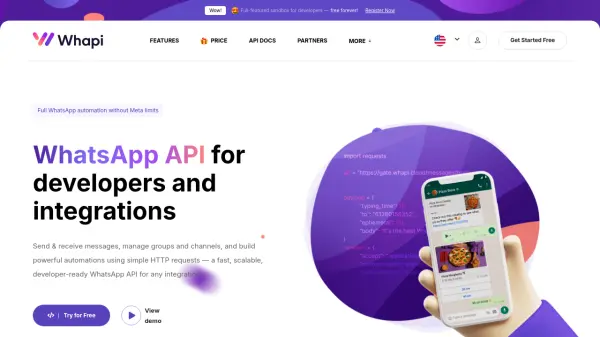
Whapi.Cloud provides a comprehensive WhatsApp API solution designed specifically for developers and integrations. This platform allows users to send and receive messages, manage groups and channels, and build powerful automations through straightforward HTTP requests. It offers a fast, scalable infrastructure that processes millions of API requests monthly with high stability.
The service includes a free sandbox environment for testing, ready-to-use code examples in multiple programming languages, and real-time webhooks for all WhatsApp events. Developers can integrate WhatsApp into existing systems without requiring Meta approvals or message templates, enabling instant messaging capabilities and advanced workflow automation.
Features
- Free Sandbox Environment: Test sending and receiving messages, media, groups, and interactive features in a safe, isolated environment free forever
- Ready-made Code Examples: Use ready-made samples in Python, Node.js, PHP, and cURL for quick integration
- Webhooks for All WhatsApp Events: Receive real-time webhooks for incoming messages, delivery events, reactions, group updates, and channel activity
- No Templates or Approvals: Send WhatsApp messages instantly and build automations without external approval flows or template requirements
- All Media & Message Types: Send and receive images, videos, documents, locations, audio, stickers, and more without limitations
Use Cases
- Building WhatsApp bots for customer support
- Integrating WhatsApp messaging into CRM systems
- Creating automated order notifications and updates
- Developing bulk messaging tools for marketing campaigns
- Managing WhatsApp groups and channels programmatically
- Implementing WhatsApp-based authentication and OTP systems
- Automating product updates and support messages
FAQs
-
How many WhatsApp numbers can I connect per plan?
One channel can have one WhatsApp number connected at a time. If you need multiple numbers, you connect multiple channels, with discounts available for multiple channels. -
What payment methods are supported?
Payments are available via Stripe and crypto payments. Business invoices can be downloaded from billing history, with VAT invoices issued based on provided details. -
Is there a risk of my WhatsApp number being blocked when using the API?
Any automation carries a risk of WhatsApp restrictions if behavior appears spammy. Risk depends on sending patterns, number reputation, recipient feedback, and message quality, with best-practice guidance provided. -
How do I keep my WhatsApp session active when using the API?
To keep the session active, use WhatsApp on your phone at least once every 14 days. WhatsApp may reset linked sessions requiring re-authorization in some cases. -
What happens if I exceed the usage limits in the free sandbox?
The free sandbox has monthly/daily quotas (e.g., 5 active conversations per month, 150 messages per day). Exceeding these limits may require upgrading to a paid plan for continued use.