What is kwiqreply?
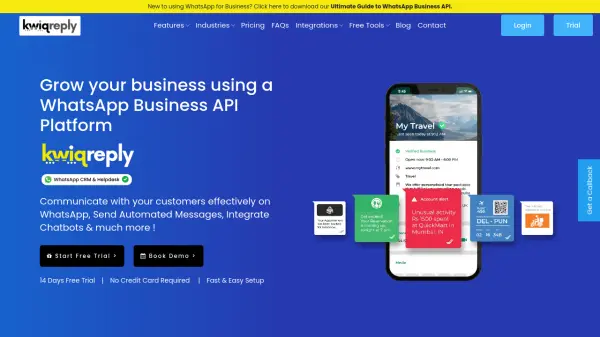
kwiqreply is an all-in-one WhatsApp Business API Platform designed to help businesses enhance their customer communication. The platform offers a range of features, including a shared inbox, automated messaging, chatbot integration, and contact management tools.
kwiqreply allows businesses to send rich media content, manage contacts efficiently, and broadcast promotional messages. It provides a centralized console to monitor WhatsApp Business Accounts, analyze key performance indicators, and optimize overall WhatsApp communication strategy.
Features
- Verified WhatsApp Business Profile: Obtain a WhatsApp green tick verified account for well-known companies.
- WhatsApp Shared Inbox: Access all chats in one WhatsApp Business Dashboard.
- Broadcast Promotional Messages: Send bulk promotional messages to customers on WhatsApp.
- Easy WhatsApp API Integration: Automate WhatsApp messaging through API integration.
- Media Rich Messaging: Send images, videos, and documents to customers.
- Easily Manage Contacts: Manage and segment WhatsApp contacts.
Use Cases
- WhatsApp Management Console
- Shared Inbox with Live Chat
- Interactive Templates, Quick Replies & Multimedia Messages
- WhatsApp Contacts Management
- Broadcast WhatsApp Messages