What is WedPicsQR?
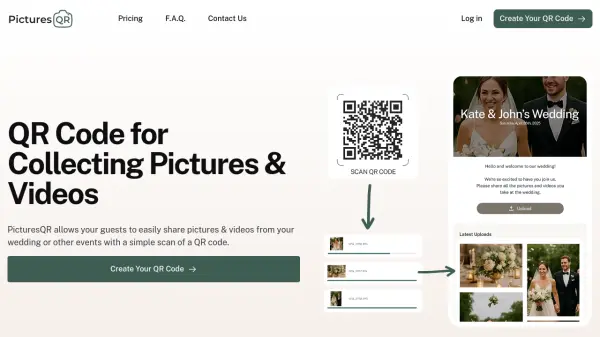
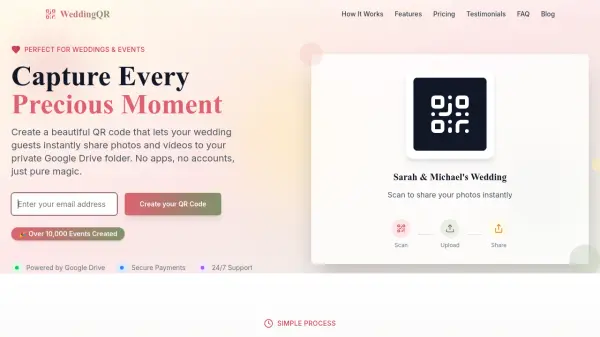
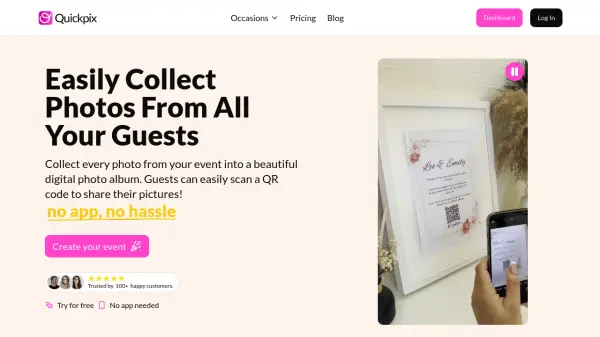
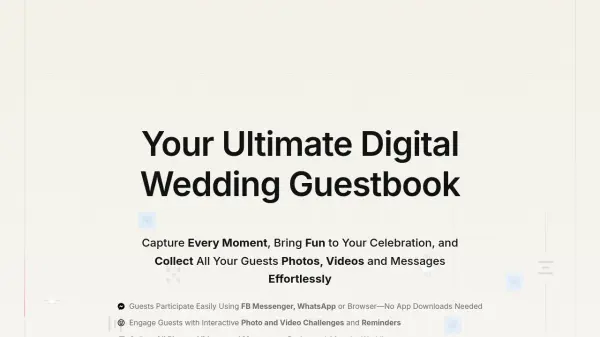
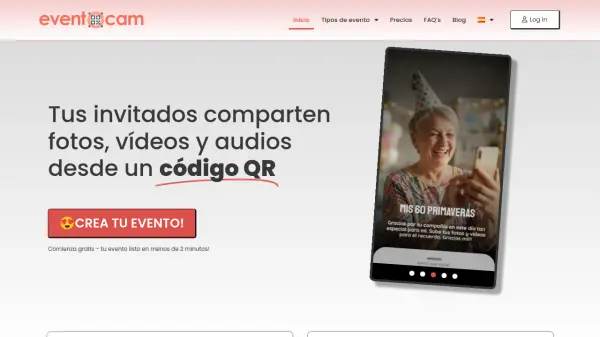
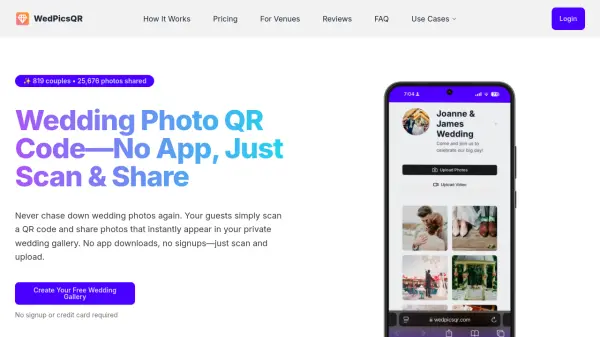
WedPicsQR provides a streamlined solution for collecting wedding photos from guests through a QR code system. Couples create a personalized photo page that guests can access by scanning a QR code or using a short link, eliminating the need for app installations or account creation. Photos upload in real-time to a private gallery where the couple can view, organize, and download memories.
The platform offers various storage options and photo limits depending on the chosen plan, with features like high-quality uploads and easy sharing. It ensures privacy by default and allows management of the photo collection, including removal of unwanted images. This tool helps preserve precious wedding moments that might otherwise be lost across different platforms.
Features
- No App Needed: Guests scan a QR code to upload photos without downloading any applications
- Instant Access: View photos in real-time as guests upload them during the event
- Easy Sharing: Share the complete event album with family and friends using a single link
- Complete Control: Manage the photo collection by removing unwanted or duplicate photos
- Privacy Protection: Photos are private by default with optional password protection for enhanced security
Use Cases
- Collecting wedding photos from guests without hassle
- Creating a live photo album during wedding events
- Sharing wedding memories with family and friends easily
- Organizing and storing wedding photos in one centralized location
- Preserving candid moments captured by wedding attendees
FAQs
-
How long are the images stored?
For the free plan, photos are stored for 3 months. With paid plans, photos and videos are securely stored for 12 months from the event date. -
What does my purchase include?
You receive a personalized photo album page where guests can easily upload their images. -
How do guests upload their photos?
Guests upload photos by scanning a unique QR code or using a URL linked to your event's photo album page, with no app download or account creation required. -
Can I purchase the service months before my wedding?
Yes, you can purchase WedPicsQR months before your wedding date. Set your correct wedding date when creating your album to determine the storage period start. -
Are my photos private?
Yes, photos are private by default. Only you and invited guests can view and upload to your event album, with optional password protection in premium plans.