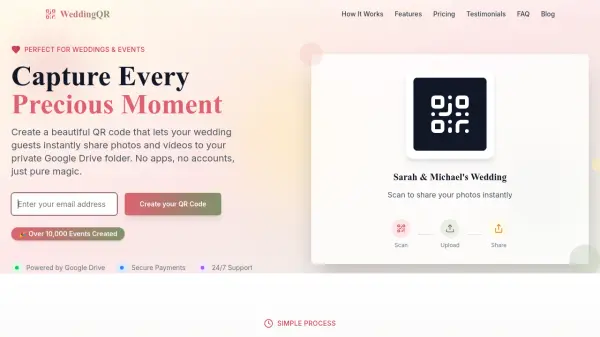
What is WeddingQR?
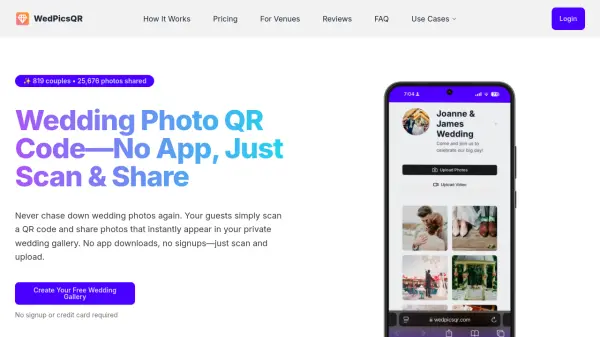
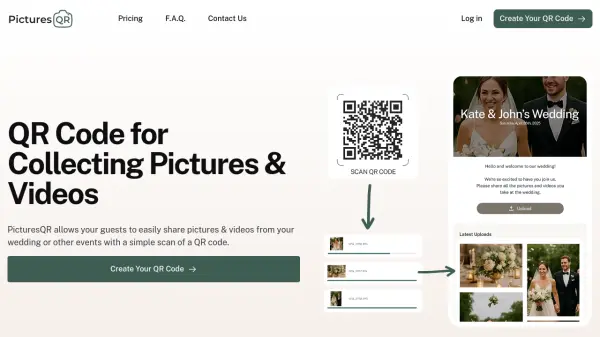
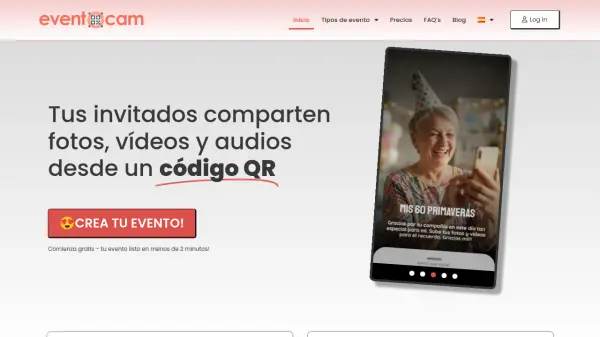
WeddingQR is a simple and elegant tool designed to help couples capture every precious moment of their special day. By generating a custom QR code, guests can instantly share photos and videos directly to a private Google Drive folder—no app downloads, logins, or accounts required.
With features like automatic Google Drive folder creation, unlimited uploads, and mobile-optimized interfaces, WeddingQR ensures a seamless experience for both hosts and guests. The one-time payment model makes it an affordable, hassle-free alternative to disposable cameras or shared albums. Trusted by thousands of couples, WeddingQR promises a lifetime of memories with zero subscriptions.
Features
- Google Drive Integration: Automatic folder creation with unlimited storage through your Google Drive account.
- Mobile Optimized: Perfect experience on any device; guests upload directly from their phones without app installs or logins.
- Private & Secure: Photos stay private in your Google Drive; only you control access.
- Instant Upload: Photos appear in your Drive folder immediately with no delays.
- Unlimited Guests: No limits on how many guests can share photos; everyone can participate.
- Easy Download: Download all photos at once or share folder access with friends and family.
Use Cases
- Wedding photo collection from guests
- Event photography sharing for parties and celebrations
- Corporate event photo gathering
- Family reunion memory capture
- Conference or workshop photo sharing
FAQs
-
How does the Google Drive integration work?
When you create an event, WeddingQR automatically sets up a private folder in your Google Drive. Guests scan your custom QR code to directly upload photos and videos into that folder. You retain full control and access via your Google Drive account. -
Do my guests need to download an app?
No. Guests simply scan the QR code with their phone camera, then snap or choose photos and upload. No app download, login, or account creation is required. -
Is there a limit on the number of photos?
No. WeddingQR supports unlimited photo and video uploads per event, as long as your Google Drive has available storage. There are no guest limits either. -
How long does setup take?
Setup takes about 2 minutes. You create your event, and WeddingQR generates the QR code and Google Drive folder instantly. -
What if the venue has no Wi-Fi?
Guests can upload photos using their mobile data (cellular connection). Since no app is needed, it works over any internet connection.