What is Virtual Keyboard Online?
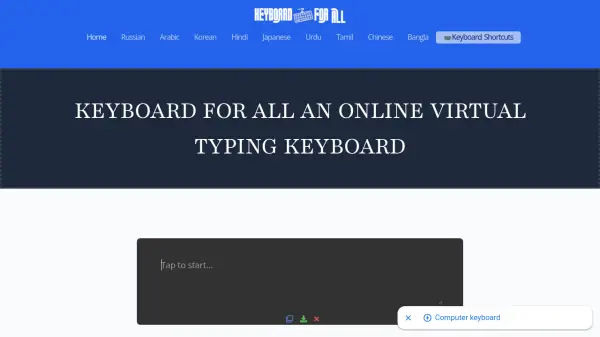
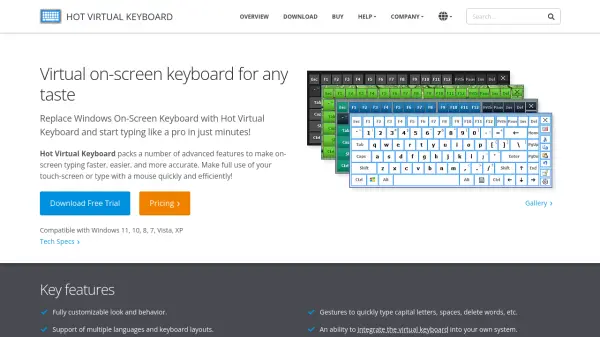
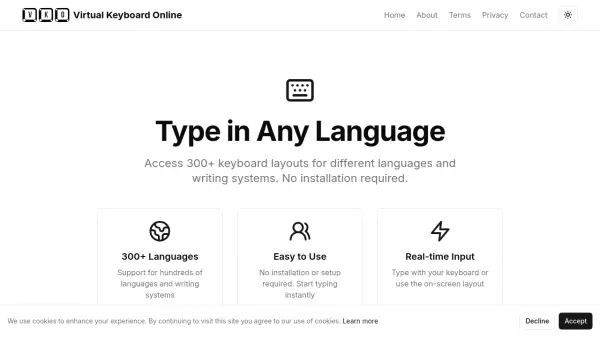
Virtual Keyboard Online is a free web-based tool that allows users to type in over 300 languages and writing systems without any installation. It provides an on-screen virtual keyboard that works with your physical keyboard or mouse clicks. Designed for ease of use, it operates on all devices and offers real-time input for a seamless typing experience. Whether you need to type in a language not supported by your operating system or simply prefer a virtual interface, this tool makes multilingual typing accessible to everyone.
Features
- 300+ Languages: Supports hundreds of languages and writing systems, including Latin, Cyrillic, Arabic, and more.
- No Installation Required: Instant access from any browser without downloading or configuring software.
- Real-time Input: Type using your physical keyboard or click the on-screen keys for immediate text entry.
- Device Compatible: Works on desktop, tablet, and mobile devices.
Use Cases
- Typing in a language not supported by your operating system.
- Multilingual communication for personal or professional purposes.
- Learning or practicing typing in a new language.
- Providing accessibility for users who need an on-screen keyboard.
FAQs
-
What devices can I use Virtual Keyboard Online on?
Virtual Keyboard Online works on all devices, including desktops, tablets, and mobile phones. -
Do I need to install any software to use this tool?
No, no installation is required. The virtual keyboard works directly in your web browser. -
How many languages are supported?
Virtual Keyboard Online supports over 300 keyboard layouts for different languages and writing systems.