What is Speech Typing?
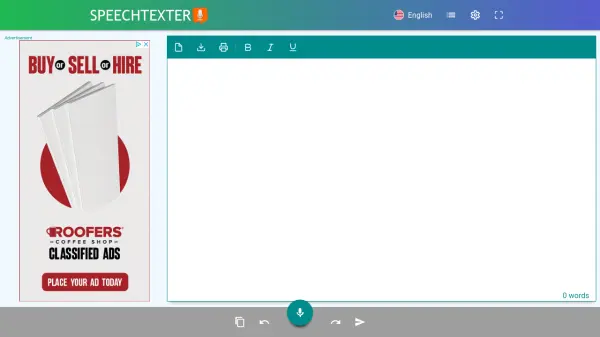
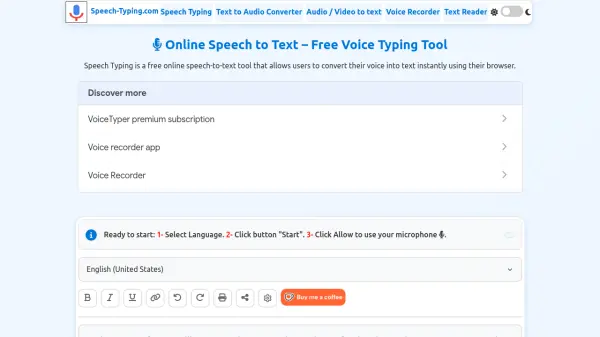
Speech Typing is a free online speech-to-text tool that allows users to convert their voice into text instantly using their browser. Powered by AI and built-in speech recognition from Microsoft Edge and Google Chrome, it provides accurate real-time transcription without any downloads or registration.
The tool supports over 100 languages and accents, making it accessible to a global audience. Users can dictate text hands-free, add punctuation with voice commands, and easily copy, save, or download transcriptions as .TXT or .DOC files. It also features dark mode, smart capitalization, and works on desktop, tablet, and mobile devices.
Features
- Real-Time Transcription: Converts speech to text instantly as you speak.
- 100+ Languages: Supports a wide range of languages and accents.
- Voice Commands: Add punctuation and formatting by saying "period", "comma", etc.
- No Sign-Up Required: Start dictating immediately without registration.
- Download Options: Save transcriptions as .TXT or .DOC files.
Use Cases
- Taking notes during lectures or meetings
- Drafting emails and documents hands-free
- Creating content for blogs or social media
- Assisting individuals with dysgraphia or dyslexia
- Transcribing audio for accessibility purposes
FAQs
-
How do I enable Speech to Text?
Click the 'Start' button, allow microphone access, and begin speaking. For best results, use Microsoft Edge or Google Chrome. -
Which browsers are supported?
Microsoft Edge and Google Chrome on desktop and many Android browsers. Other browsers may have limited support. -
Can I save or share my transcription?
Yes. You can copy the text, download it as .TXT or .DOC, print it, or share it using the toolbar options.