What is BlabbyAI?
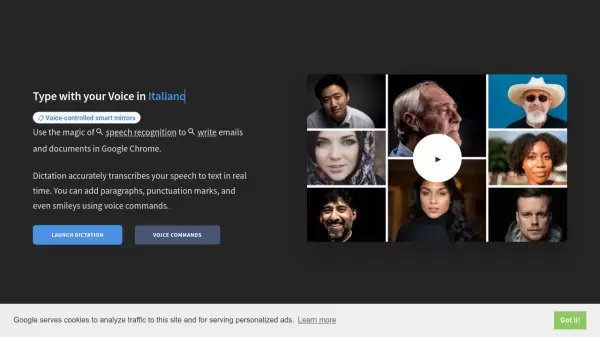
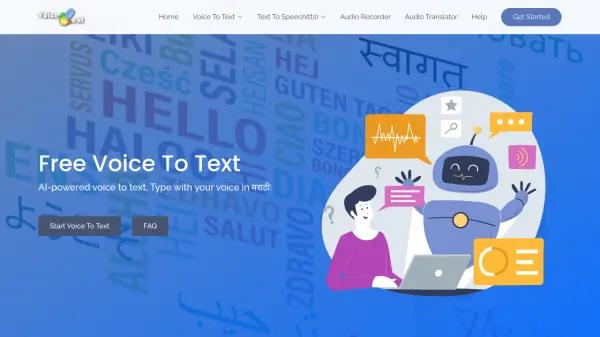
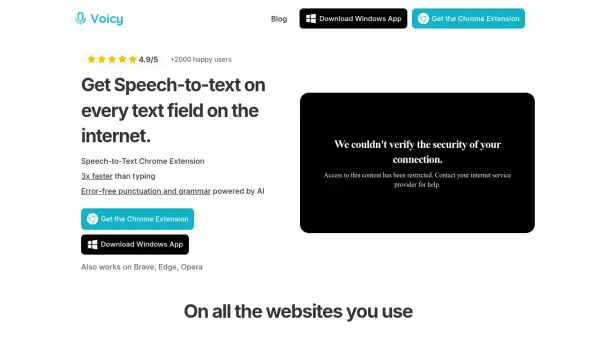
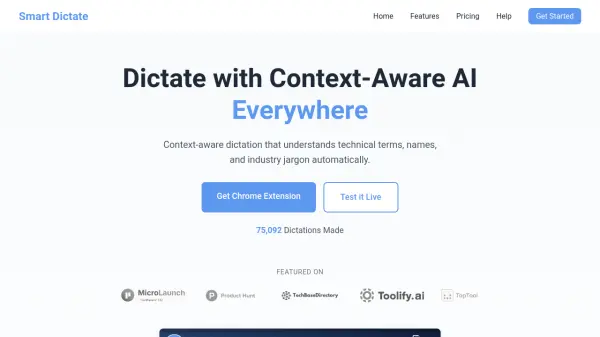
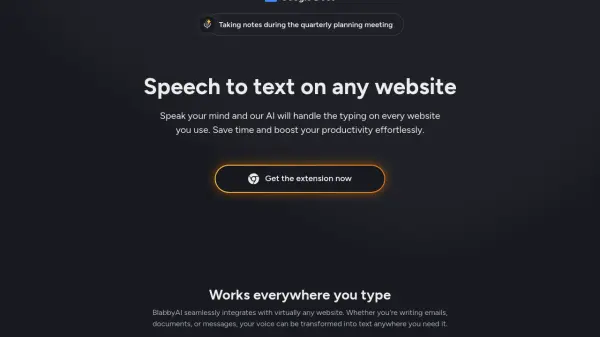
BlabbyAI enables seamless speech-to-text conversion on virtually any website using advanced AI technology. This browser extension allows users to dictate emails, documents, or messages, and have their speech accurately transcribed in real-time, eliminating the need for manual typing. The tool utilizes sophisticated language models for high-accuracy voice recognition and supports multiple languages and accents, making it suitable for diverse users.
With BlabbyAI, users can customize transcription outputs through unique modes that automate punctuation, adjust writing styles, and tailor formatting for different tasks. The platform ensures user privacy by processing voice data securely and not storing it after transcription. BlabbyAI offers both a free tier with limited transcription time and premium plans for extended usage and additional features.
Features
- Universal Integration: Seamlessly works on any website where you can type
- Real-Time Transcription: Instantly converts speech into written text
- Multi-Language Support: Accurately transcribes various languages and accents
- Custom Modes: Personalize transcription style, formatting, and punctuation
- Secure Data Handling: Voice data is processed securely and not stored
- Punctuation Automation: Automatically adds punctuation to dictated text
- LLM Processing: Refines transcribed text with large language models
Use Cases
- Dictate emails on Gmail, Outlook, and other webmail services
- Transcribe spoken notes and text in Google Docs or word processors
- Compose messages on social media platforms via voice input
- Fill out online forms and applications efficiently by speaking
- Write blog posts or reports by dictating content
- Assist users with accessibility needs in typing across the web
FAQs
-
How does BlabbyAI work?
BlabbyAI uses advanced AI to transcribe your speech in real-time. Simply click the microphone button and speak naturally; the extension will display your words as text on the screen across various websites. -
Is BlabbyAI free to use?
BlabbyAI offers a free tier with one hour of transcription time. Additional transcription time and advanced features require a premium subscription. -
Is BlabbyAI available in multiple languages?
Yes, BlabbyAI supports transcription in multiple languages and accurately recognizes various accents. -
Is my data secure?
All voice data with BlabbyAI is processed securely and is not stored after transcription. Communications are encrypted to ensure privacy. -
Can I customize the transcription output?
BlabbyAI provides custom modes so you can format text, automate punctuation, and adjust writing style to suit different uses like emails, documents, or casual messages.